
Website speed is critical. It affects user experience, SEO, and sales. Today, people expect pages to load instantly. To meet this demand, hosting technology has evolved quickly.
Old hard drives and standard SSDs are no longer the fastest option. That is why NVMe hosting is gaining attention. What is NVMe hosting? It is a new standard for storage.
To understand the nvme hosting meaning, think about speed. NVMe connects directly to the computer’s processor. It uses high-speed lanes to transfer data. This reduces delays and loads files much faster than older drives.
In this article, we will explore if this technology lives up to the hype. We will help you decide if it is the right investment for your website’s future.
What Is NVMe Hosting?
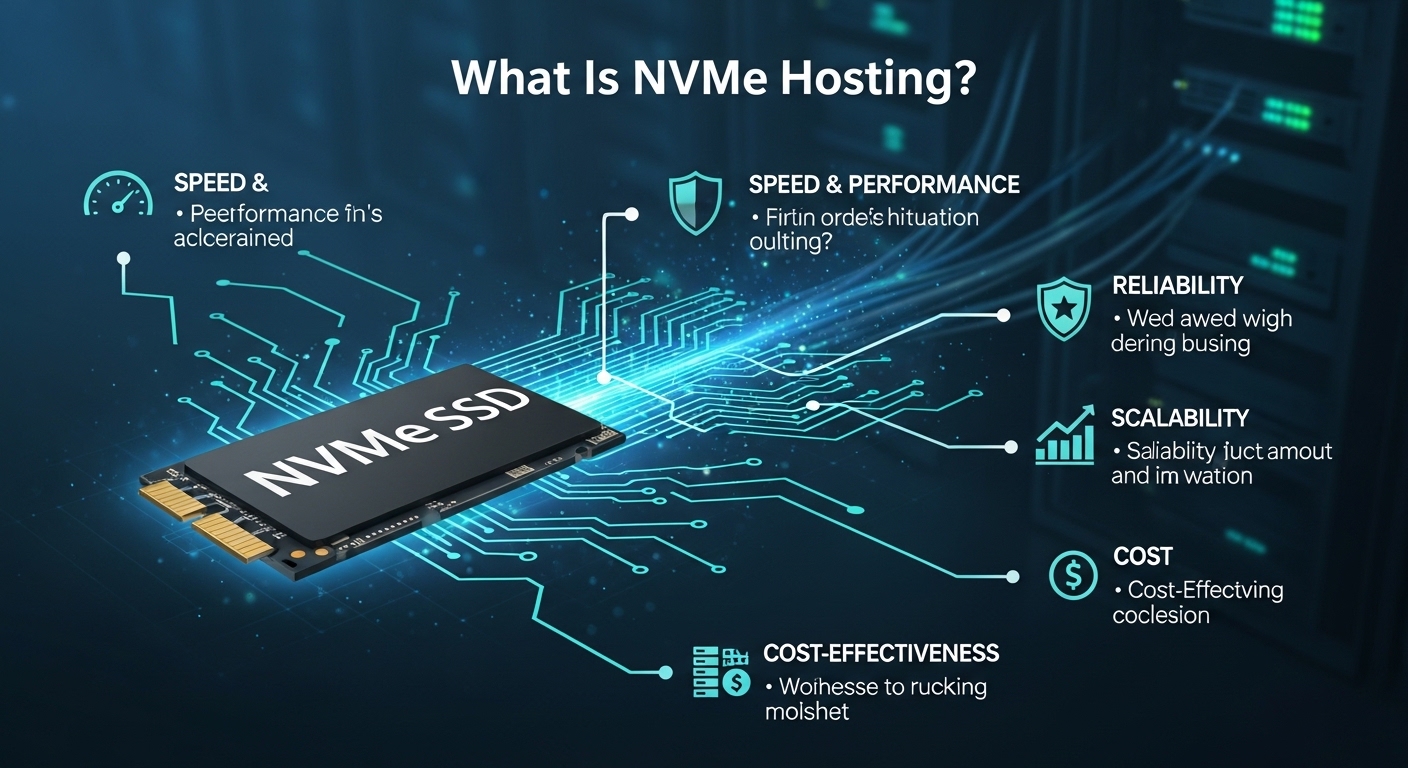
What is NVMe hosting? Simply put, it is a faster way to store and access website data.
NVMe stands for Non-Volatile Memory Express. It is a protocol built for modern SSDs. Unlike older tech, NVMe connects directly to the computer’s CPU. This removes bottlenecks. The result is less waiting and faster performance.
To understand NVMe vs SSD hosting, look at speed. Older SATA SSDs use an interface designed for hard drives. It is like putting a race car engine in an old truck. NVMe vs SATA SSD shows a clear gap. SATA SSDs handle about 500 MB per second. NVMe drives reach 3,000 to 7,000 MB per second.
Think of it this way. A SATA drive is like asking a librarian to find a book. NVMe lets you grab it yourself. No lines. No waiting.
So, is NVMe worth it? For most sites, yes. NVMe hosting benefits include faster database queries and quicker WordPress admin access. It handles traffic spikes better. It also helps with Core Web Vitals and SEO.
NVMe WordPress hosting makes your dashboard feel instant. NVMe for ecommerce hosting means faster checkouts and happier customers.
Whether you choose NVMe VPS hosting or an NVMe dedicated server, speed is the main gain. It is simply the fastest hosting option available today.
Why hosting companies are upgrading to NVMe:
Modern websites demand speed—visitors expect pages to load in under 2 seconds. NVMe hosting delivers:
- Faster database queries for dynamic sites
- Quicker WordPress admin loading
- Improved performance during traffic spikes
- Better user experience and higher SEO rankings
- Competitive advantage over slower hosts
NVMe isn’t just faster—it’s the new standard for performance-focused hosting.
NVMe vs SSD vs HDD – What’s the Difference?
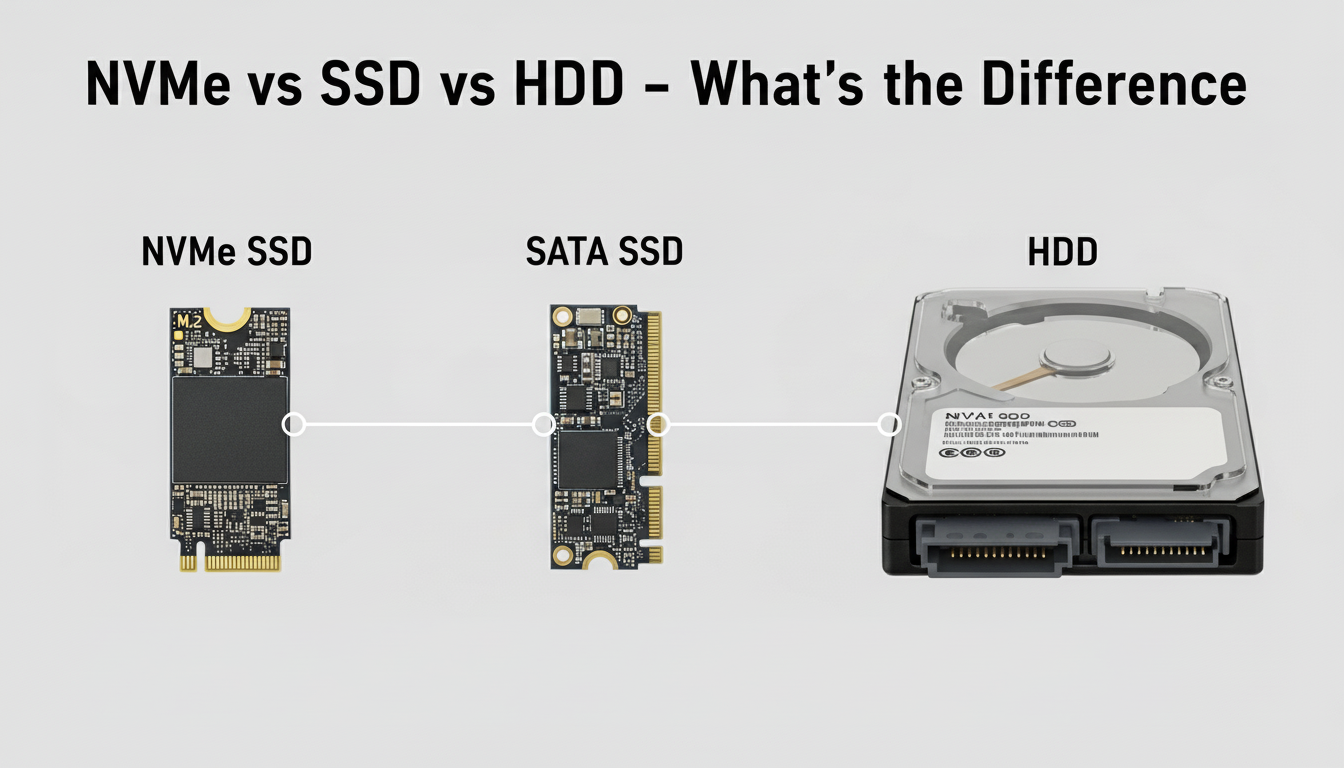
Not all storage is the same. The type you choose affects your site’s speed. Knowing the difference helps you pick the right hosting.
Feature Comparison:
| Feature | HDD | SATA SSD | NVMe SSD |
| Speed | Slow (80-160 MB/s) | Fast (500-550 MB/s) | Extremely Fast (2,000-7,000 MB/s) |
| Connection | SATA | SATA | PCIe (direct to motherboard) |
| Latency | High (5-15ms) | Low (0.1-0.5ms) | Ultra-Low (0.02-0.08ms) |
| Best For | Archival, backup storage | Standard websites, blogs | High-performance sites, e-commerce, databases |
Real-world speed comparison:
Let’s look at loading a WordPress site. An HDD takes 5 to 7 seconds. A SATA SSD cuts that down to 2 or 3 seconds. NVMe? It delivers pages in under 1 second. That is nearly instant.
For database-driven sites, the gap gets even wider. NVMe handles many requests at once. It does not slow down when traffic spikes. Older drives struggle with the load.
Why PCIe connection matters:
Old SATA connections were built for hard drives. They hold faster storage back. PCIe fixes this problem. It connects straight to the motherboard. No bottlenecks. No delays.
Think of it this way. SATA is a single-lane road. PCIe is a multi-lane highway. More lanes mean more data moving at once. NVMe with PCIe handles thousands of requests simultaneously.
Key Benefits of NVMe Hosting
NVMe hosting is not just a buzzword. It brings real improvements to your website. Speed gets better. Users stay happier.
Faster website loading times
NVMe drives read and write data up to 10 times faster than older SSDs. Pages load almost instantly. Images pop up. Scripts run quickly. Database queries finish in a blink. Studies show a 1-second delay can hurt sales by 7%. Staying fast matters.
Better server response time
Time to First Byte, or TTFB, drops with NVMe. When someone visits your site, the server answers right away. No waiting. This helps dynamic sites the most. Content that builds on the fly loads faster.
Improved multitasking performance
NVMe handles many jobs at once. One visitor loads a page. Another submits a form. Someone else searches your site. NVMe processes it all without slowing down. Older drives get overwhelmed.
Better handling of traffic spikes
Flash sale going on? Post going viral? NVMe shines here. It stays fast even under heavy load. No crashes. No slowdowns. Your site works when it matters most.
Ideal for ecommerce & dynamic websites
Online stores love NVMe hosting. Product searches are fast. Cart updates happen instantly. Checkouts feel smooth. Every millisecond counts when customers are ready to buy.
NVMe hosting transforms performance. For growing sites, speed equals revenue.
Who Should Use NVMe Hosting?
Is NVMe Hosting Really Worth the Extra Cost?

NVMe hosting costs more. Not by a huge margin, but it adds up. Plans usually run 20% to 50% higher than SATA SSD options.
A shared hosting plan might be $5 per month. The NVMe version? Around $7 or $8. For VPS and dedicated servers, expect $10 to $30 extra each month. The price depends on your resources.
Performance vs price ratio
Here is where it gets interesting. NVMe vs SSD shows a clear gap. You get 3 to 5 times faster speeds. You pay about 1.5 times the price. That is a good trade-off.
For speed-critical sites, the math works. You get more speed per dollar.
When it’s worth upgrading
Go with NVMe hosting if any of these fit you:
Your site makes money. Ecommerce or membership sites count.
You get over 5,000 visitors each month.
Speed affects your sales and conversions.
You run WordPress with many plugins.
Multiple people use your site at the same time.
You expect growth and traffic spikes.
When standard SSD hosting is enough
Skip the upgrade if this sounds like you:
A simple brochure site with few pages.
A personal blog with under 1,000 visitors.
A static HTML site with minimal database use.
A tight budget where every dollar counts.
You are okay with 2 to 3 second load times.
For most serious websites, NVMe hosting pays off. Faster visitors. Better SEO. Room to grow.
Real-World Performance Impact
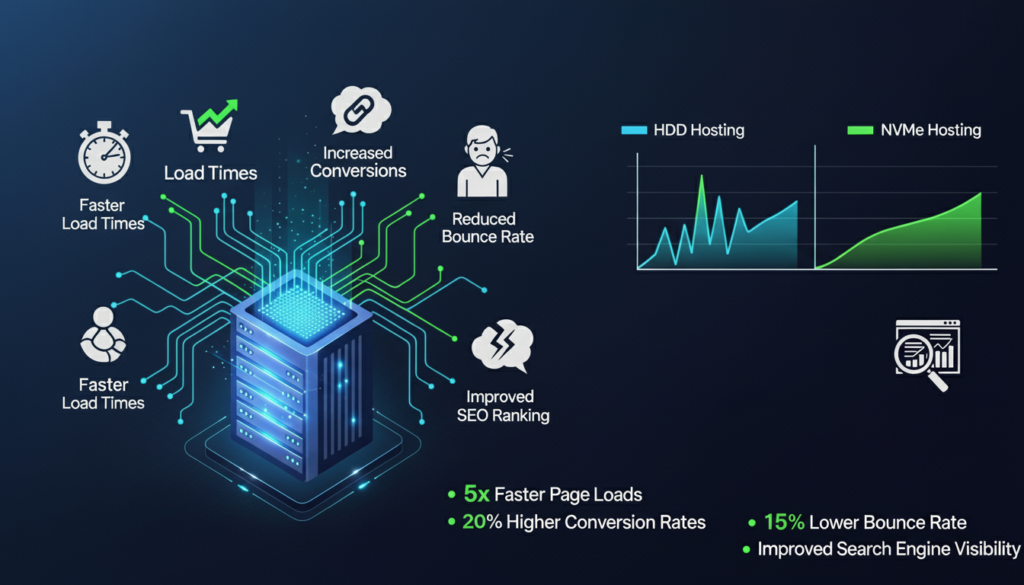
Example: Page load improvement comparison
Let’s compare an e-commerce site loading product pages.
HDD hosting takes 4.8 seconds. Visitors leave before they see anything.
SATA SSD hosting takes 2.9 seconds. Acceptable, but still slow.
NVMe hosting takes just 1.6 seconds. Fast. Engaging. It keeps customers around.
For WordPress admin, the difference shows up too. Saving a post with multiple plugins takes 3 to 4 seconds on SATA SSD. On NVMe, it is under 1.5 seconds. Database backups finish 60% faster. Those seconds add up daily.
Impact on SEO rankings
Google cares about speed. Core Web Vitals measure loading performance. Largest Contentful Paint, or LCP, should stay under 2.5 seconds. NVMe hosting hits that target easily. Slower storage often fails.
Better Core Web Vitals mean higher rankings. Higher rankings mean more visitors. Sites loading in 1 second rank better than those at 3 seconds.
Impact on user experience and conversions
Every 100 milliseconds of improvement lifts conversions by 1% to 2%. A 1-second delay? That can drop sales by 7%.
For a $10,000 monthly store, NVMe hosting could bring in $700 more each month. That pays for the upgrade many times over.
Faster sites keep visitors longer. They view more pages. They come back more often.
NVMe hosting boosts rankings. It makes visitors happy. It grows revenue. For businesses that count on every visitor, the speed pays for itself.
Are There Any Downsides?
NVMe hosting costs more. It usually runs 20% to 50% higher than SATA SSD plans.
For beginners or hobby sites, this extra cost may not make sense. Saving $3 to $5 each month adds up over time. Ask yourself if you really need the speed.
Not always necessary for small static websites
A simple 5-page brochure site? Low traffic? Standard SSD works fine. Static HTML sites load quickly even on basic hosting.
NVMe hosting would be overkill. Think of it like buying a Ferrari just to get groceries. Match your hosting to what you actually need.
Hosting provider quality still matters
Here is something people overlook. NVMe storage is only one piece of the puzzle. A bad host ruins everything.
Even with premium storage, you can have slow performance if the host has:
Limited CPU
Not enough RAM
Network congestion
Poor server setup
Oversold resources
NVMe hosting shines for performance-critical sites. But it is not magic. Pick a reputable host. Look at their full setup, not just storage.
How to Choose the Right NVMe Hosting Provider

NVMe hosting alone is not enough. You need a solid setup around it. Here is what to look for.
Check CPU and RAM specs
Fast storage needs power to work. Look for modern processors like AMD EPYC or Intel Xeon. Check RAM too. For shared hosting, aim for at least 2GB. For VPS, go with 4GB or more. Weak servers waste NVMe’s potential.
Look for LiteSpeed, Apache, or Nginx stack
Server software matters. LiteSpeed and Nginx handle busy sites better than old setups. LiteSpeed also has built-in caching. It makes WordPress run even faster on NVMe.
Data center location
Distance creates delay. Pick a host with servers near your visitors. Some offer CDN integration. That helps NVMe speed reach a global audience.
Backup and security features
Speed does not matter if you lose data. Look for:
Daily backups stored off-server
Free SSL certificates
Malware scanning
DDoS protection
Strong firewalls
Support quality
Problems happen. Good support fixes them fast. Test response times before you buy. Find hosts who know how to tune NVMe for top performance.
Remember: The best NVMe hosting combines fast storage with solid infrastructure, strong security, and helpful support.

Leave a Comment