
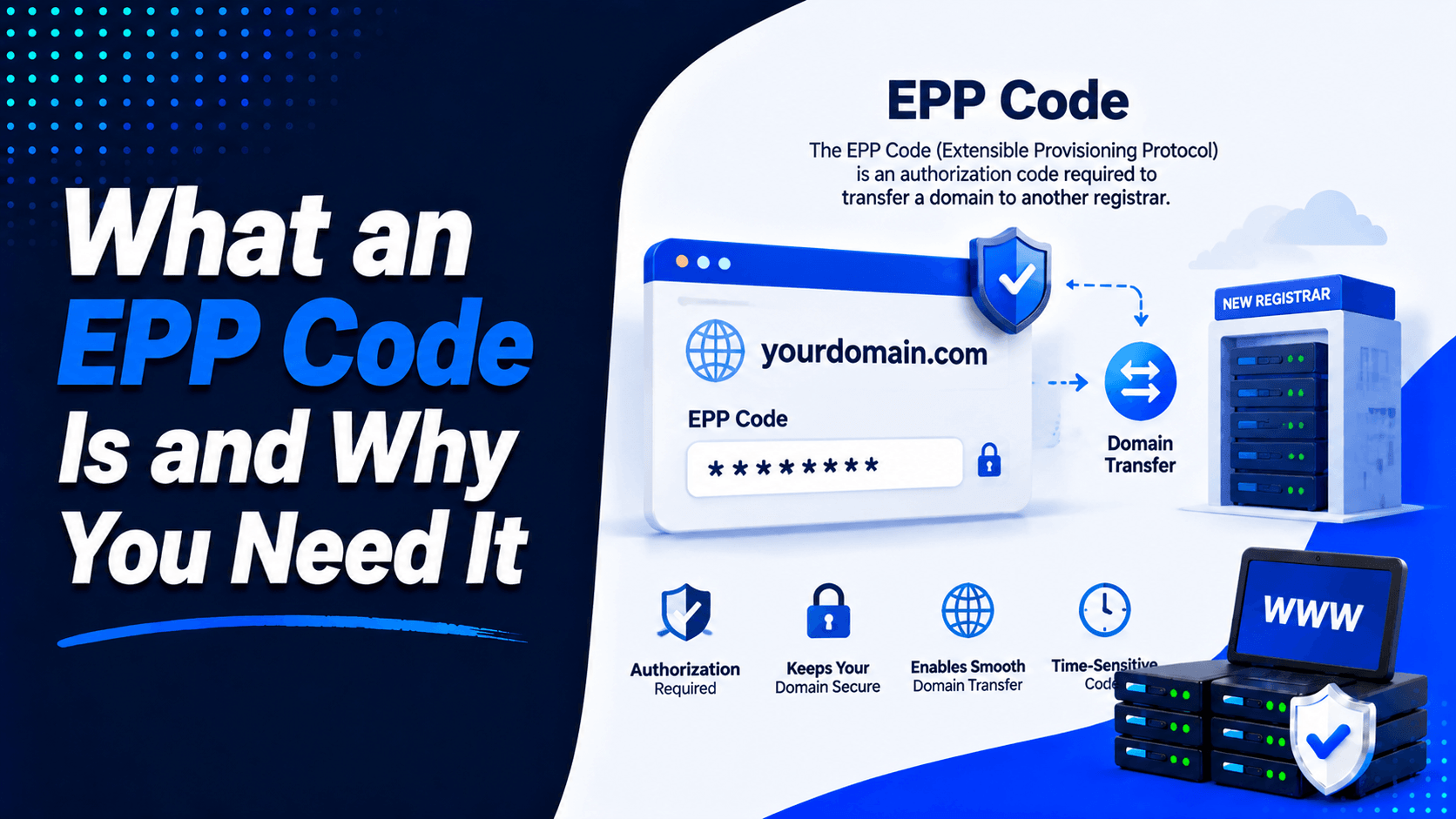
Want to move your domain to a new registrar? You will need an EPP code. It is also called an Auth-Code. Understanding what an EPP code is can help you see why this code is required. It verifies that the domain owner has authorised the transfer.
A domain is more than just a web address. It connects to your website. It connects to your email. It connects to your customers. It is part of your brand identity. Protecting it during a transfer is essential.
Knowing what is an EPP code? helps domain owners understand security measures. These measures prevent unauthorised transfers. They ensure the domain moves safely to the new registrar.
What Is an EPP Code?
An EPP code is a unique security code. You use it when transferring a domain between registrars. EPP stands for Extensible Provisioning Protocol. ICANN explains that this code helps identify the domain holder. It does this during the transfer process.
You may see the same code called by different names. Common names include:
- Authorization Code
- Auth Code
- Auth-Info Code
- Transfer Code
- Domain Transfer Code
These terms all refer to the same thing. ICANN lists several of these names on its guidance pages.
How the Code Works
You start a transfer with a new registrar. That registrar will ask for the domain transfer authorization code. Is the code correct? Does the domain meet the transfer rules? If both are true, the move can continue. Is the code wrong? Is it missing? Is it blocked by another rule? The transfer may then fail.
Why Do You Need an EPP Code?
Verifies Domain Ownership
The auth code for domain transfer has one main job. It confirms that the person requesting the move has the right to do it. ICANN says the code helps identify the domain name holder. It also helps prevent unauthorized transfers.
Protects Domain Security
A transfer should not happen without the owner’s approval. The EPP code adds a layer of protection. ICANN also explains that the domain status clientTransferProhibited blocks transfer requests. This helps prevent hijacking or fraud. Together, the lock status and the transfer code keep the domain safe.
Required for Many Domain Transfers
Namecheap states that an Auth/EPP code is needed for many common extensions. These include .com, .net, .org, .us, .biz, .info, .me, .co, .io, .ca, and many newer gTLDs. That is why the domain transfer code is a normal part of many registrar-to-registrar moves.
When Do You Need an EPP Code?
You usually need an authorization code for domain transfer in one specific situation. You want to move a domain from one registrar to another. Common examples include:
- Moving a domain to a new registrar
- Combining several domains under one registrar account
- Changing domain management providers when the registrar also changes
- Moving control of the registration itself, not just the website files
It is important not to confuse a registrar transfer with a hosting change. ICANN notes that you may be able to change web-hosting providers differently. You can update nameservers or the hosting IP address instead. This means you do not need to transfer the domain registration itself.
How to Get an EPP Code
From Namecheap
If you need an EPP code Namecheap users can get it through the account dashboard. Namecheap says the process is:
-
Sign in to your account
-
Open Domain List
-
Click Manage next to the domain
-
Open the Sharing & Transfer tab
-
In the Transfer Out section, unlock the domain
-
Request the Auth Code
Namecheap also says the code is sent to the Registrant email address. This address may be different from your account login email.
From other registrars
The exact steps may look different at other companies, but the usual process is similar:
- log in to your registrar account
- find the domain management area
- unlock the domain if needed
- request the code
- check your domain contact email for the code or approval message
ICANN says some registrars let users create or manage their own Auth-Code. They can do this through a control panel. If not, the registrar must provide it within five calendar days. This time limit starts from the request date.
How to Use an EPP Code During a Domain Transfer
The domain transfer process usually follows these steps:
- Unlock your domain
- Get the EPP code
- Start the transfer with the new registrar
- Enter the code
- Approve transfer emails if required
- Wait for the transfer to finish
ICANN says the gaining registrar may ask you to confirm the transfer. The current registrar may also verify your intent. If required approval is not completed, the transfer request will not be processed.
For domains transferred out of Namecheap, the company says it has 5 days to release the domain. This release happens after the transfer is initiated at the registry level.
Common Reasons an EPP Code May Not Work
Even if you have the code, the transfer can still stop. Here are common reasons:
Incorrect code
A small typing mistake can cause the request to fail. Copying and pasting the code can help avoid errors.
Domain is still locked
ICANN says a registrar may deny a transfer if the domain is in Lock status.
60-day transfer rule
ICANN says a registrar may deny a transfer. This happens if the domain is within 60 days of initial registration. It also happens within 60 days of a previous transfer. There may also be a 60-day Change of Registrant lock. This applies after certain contact changes.
Approval email not completed
A transfer can fail if the owner does not respond. The owner must complete the needed approval steps. ICANN says that if you do not respond, the transfer request will not be processed. This applies to required forms or confirmations.
Registrar or registry restrictions
ICANN lists other valid reasons for denial. These include fraud concerns. They include identity disputes. They include unpaid fees from a prior registration period. They include legal proceedings. They also include transfer-blocking statuses like clientTransferProhibited and serverTransferProhibited.
Domain Transfer Requirements Beyond the EPP Code
The transfer domain to new registrar process usually needs more than just the code.
Domain must be unlocked
A locked domain may block the transfer until the lock is removed.
Registrant email must be valid
The registrant email matters. The code or transfer approvals may be sent there. Namecheap clearly says the code is sent to the registrant email address.
60-day lock rules may apply
ICANN says the domain may be blocked from transfer. This happens if it is newly registered. It also happens if it is recently transferred. It can also happen under a 60-day Change of Registrant lock.
Registration must still be active enough to move
ICANN says an expired domain can still be transferred. This applies in some situations. But not if it has already moved into Redemption Grace Period. In that case, it must first be restored.
Tips for a Smooth Domain Transfer
If you want fewer delays, do these things before you begin:
- make sure your contact email is correct
- request the domain transfer authorization code early
- unlock the domain before starting
- watch for transfer confirmation emails
- avoid contact changes right before the move
- check whether your extension has special rules
This last point matters. Namecheap says some country-code domains, such as .UK, .IS, .ES, .CH, .LI, .DE, .FR, and .TO, can follow different transfer rules.
Frequently Asked Questions
Is an EPP code the same as a transfer code?
Yes. In most cases, these terms mean the same thing. ICANN uses names such as Auth-Code, Authorization Code, AuthInfo Code, and transfer code. They all refer to the same transfer credential.
How long is an EPP code valid?
The sources reviewed here do not give one fixed validity period. This varies for every registrar. Some registrars let users generate the code through a control panel. Others issue it on request. If a code does not work, request a new one. ICANN says the registrar must provide the code within five calendar days. This applies if self-service is not available.
Can I transfer a domain without an EPP code?
For many standard registrar-to-registrar transfers, the answer is no. ICANN says the Auth-Code is required. You need it to transfer a domain name from one registrar to another. Some domain extensions may have different transfer procedures. This applies especially to certain country-code domains.
Is it safe to share an EPP code?
It is safe to share it only with the registrar or service handling your real transfer. The code is meant to protect the transfer. It also helps confirm the rightful owner.
How long does a domain transfer take?
The exact timing depends on the registrar. It also depends on the domain type. Namecheap says it has 5 days to release the domain. This applies after the transfer is initiated. It also applies after the correct auth code is provided.
Conclusion
So, what is an EPP code? It is the security key that helps protect domain transfers. It helps verify ownership. It reduces the risk of unauthorized movement. It is required for many transfers between registrars.
If you plan to move your domain, do not wait until the last minute. Check the registrant email. Unlock the domain. Get the code. Complete the approval steps on time. A safe transfer is usually a simple one. This happens when you prepare first.

Leave a Comment