
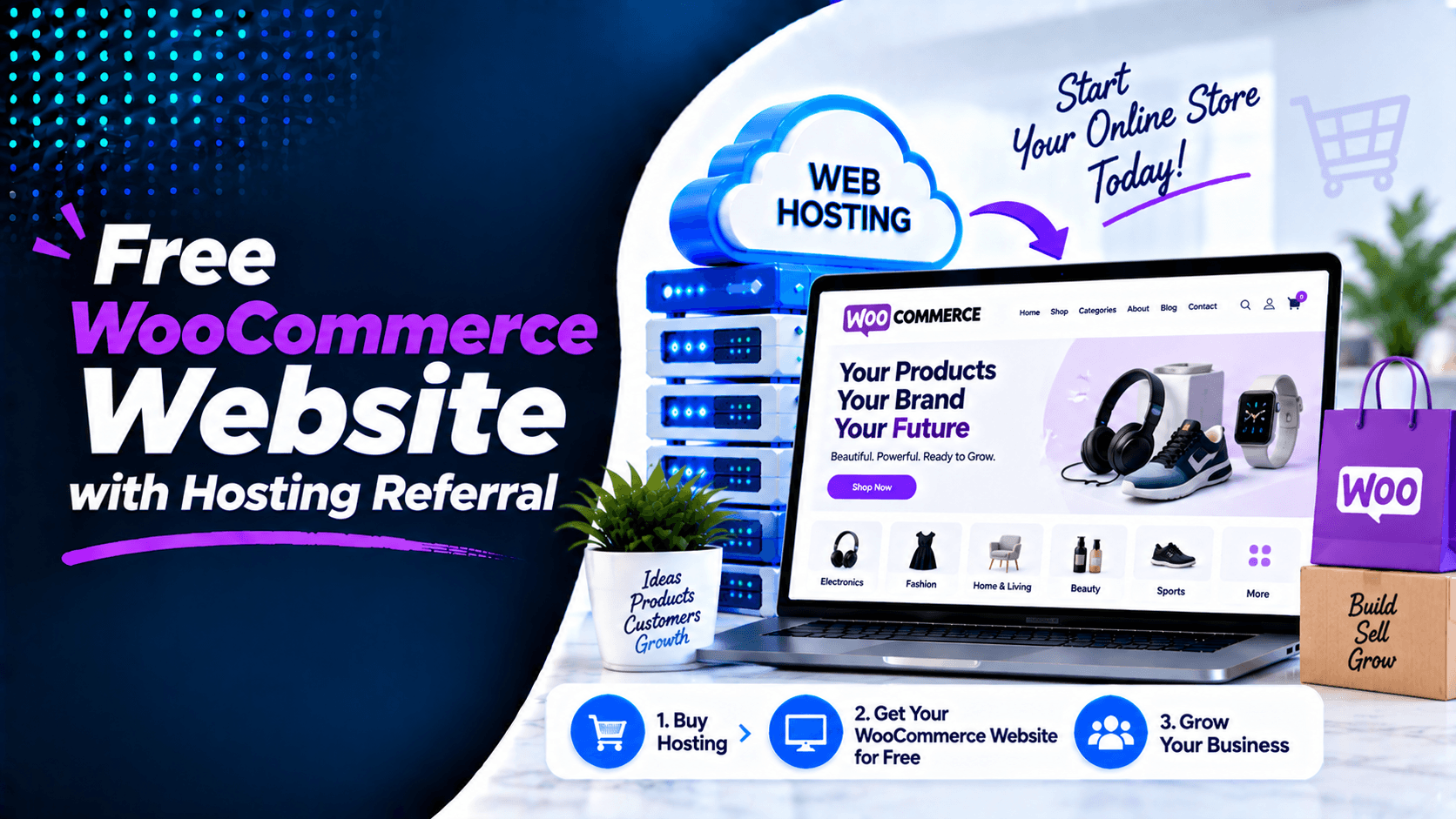
Starting an online business costs money. Website development fees can be high. But there is good news. You can now get a Free WooCommerce Website with Hosting Referral. This offer helps you launch your online store. You don’t need to pay expensive development fees.
Are you selling clothes? Electronics? Handmade products? Beauty items? Groceries? Our hosting referral offer works for all. You receive a professionally designed WooCommerce website. The website development cost is zero for you.
This guide explains everything. We will show you how the offer works. We will list what’s included. We will explain why this is a smart choice. You will see why many new business owners choose this path.
What Is a WooCommerce Website?
WooCommerce is a free plugin for WordPress. It is open-source. It turns a basic WordPress site into a full online store. You get the main tools you need. These tools help you show products. They help you take orders. They also handle payments and manage your business.
A WooCommerce website can include features such as:
- Product listings and categories
- Shopping cart
- Secure checkout
- Order management
- Inventory tracking
- Payment processing
- Shipping and delivery options
- Customer account management
WooCommerce is built just for WordPress. That gives you flexibility. You can customize it easily. There are also thousands of plugins you can add.
Get a Free WooCommerce Website with Our Hosting Referral
Our program makes it easy to start your online store. It also saves you money. You get a free WooCommerce website when you buy hosting through our link. No need to pay for design and development separately.
Just pick an eligible hosting plan. Use our referral link to purchase it. After that, our team steps in. We set up your WooCommerce store for you.
What’s Included?
After your hosting purchase, we will:
- Install WordPress
- Install WooCommerce
- Configure the basic online store
- Build your website
- Set up essential store pages
- Prepare the website for product uploads
This saves you hundreds or even thousands of dollars. You avoid the high costs of building a store from scratch.
Our Free WooCommerce Website with Hosting Referral works best for:
- New businesses
- Startup brands
- Local retailers
- Home-based businesses
- Small businesses
- Entrepreneurs launching their first online store
What’s Included in the Free WooCommerce Website?
Your free WooCommerce website comes with all the key features. You get everything you need to start selling right away. Here is what is included:
- Professional Homepage – A modern design that highlights your business. It also shows your featured products.
- Shop Page – A dedicated page for browsing. Customers can view all your products in one place.
- Product Categories – Products are grouped neatly. This makes navigation simple and fast.
- Product Detail Pages – Each product gets its own page. It includes images, descriptions, prices, and buy options.
- Shopping Cart – Customers can review items. They can also update quantities before checkout.
- Secure Checkout – A smooth and safe process. It works with multiple payment gateways.
- Customer Account Area – Customers can view orders. They can track purchases and manage addresses. They can also update their account info.
- Contact Page – Displays your phone number and email. It includes a contact form and your business location.
- Mobile-Friendly Design – The site works well on all devices. It looks great on desktops, tablets, and smartphones.
Add and Showcase Your Products
A good presentation turns visitors into buyers. A bad one makes them leave. Here is how to get it right:
Product Images
Great images are a must. Online shoppers cannot touch or see your items in person. So your photos need to sell for you. Use clear pictures on clean backgrounds. Show different angles. Add zoom so customers can see details. You can add up to 10 images per product. This lets shoppers see every angle.
Product Descriptions
Write descriptions that sell. Focus on benefits, not just features. Show how your product solves a problem. Keep paragraphs short. Make them easy to scan.
Pricing
Show your prices clearly. Put sale prices next to original prices. This highlights the savings. For products with options like size or color, show a price range. You can also show each variant’s price.
Product Variations
Some products have options. These include size, color, or material. Set these up in WooCommerce. Customers can pick their choices from dropdown menus. The price updates automatically.
Categories & Tags
Organize your products well. This helps customers find what they need fast. Create clear categories like “Shirts” or “Accessories.” Use tags for specific traits like “cotton” or “sale.” You can add up to five tags per product.
Featured & Related Products
Highlight your bestsellers. Show new arrivals too. Use featured tags for these. Also show related products on product pages. This encourages upsells and cross-sells. It is a proven way to boost your average order value.
WooCommerce Features for Your Online Store
Your free WooCommerce website comes with powerful tools. They help you sell products and manage inventory. Here is what you get:
Product Management: Add products with ease. This includes physical, digital, or virtual items. Set prices and stock levels. Pick product categories. Add images, descriptions, and attributes like size or color. Product pages are fully customizable. You can match them to your brand.
Inventory Management: Track stock levels in real time. Get alerts when stock runs low. Set backorder options. Manage product variations like different sizes or colors. Do it all from one dashboard.
Order Management: View and process orders from one screen. Fulfill orders quickly. Update order statuses. Choose from pending, processing, completed, or refunded. Print packing slips and invoices directly.
Customer Management: Build a customer database. See order history for each buyer. Send targeted emails for abandoned carts. Offer special deals too. Create customer accounts. This makes checkout faster and encourages repeat buys.
Coupons and Discounts: Create promotions easily. Offer percentage discounts or fixed amount reductions. Set up free shipping too. Control usage limits and expiry dates. You can also set minimum order requirements.
Shipping Options: Set up flat-rate shipping. Offer free shipping or real-time carrier rates. Enable local pickup. Configure different shipping zones for Luxembourg and EU customers.
Payment Gateway Integration: Accept payments through PayPal and Stripe. Take credit and debit cards. Offer bank transfers too. Luxembourg customers can pay securely in EUR. All major gateways are supported.
These features come with your free WooCommerce website. They are included through our hosting referral.
How the Hosting Referral Offer Works
Getting your free WooCommerce website is quick and simple. Just follow these 5 easy steps:
Step 1: Choose Your Hosting Plan
Pick a hosting plan that fits your business. Choose one through our trusted partner. Look for reliable performance and strong security. Make sure it has SSL support. Check that it has enough resources for a WooCommerce store.
Step 2: Purchase Hosting Through Our Referral Link
Click our referral link to buy your hosting. This qualifies you for the free website setup. It also supports our service. You get premium hosting with a free domain. An SSL certificate is included too. You receive all the essentials to run an online store.
Step 3: Share Your Business Information
After completing your purchase, send us the information we need to create your store. This may include:
- Store or business name
- Product information
- Logo
- Brand colors
- Product images
- Contact information
- Design preferences
- Social media or business links
The more details you provide, the better we can tailor your website to your brand.
Step 4: We Set Up Your WordPress + WooCommerce Store
Our team installs WordPress and WooCommerce on your hosting. We configure the essential settings. This includes your store currency and shipping options. We set up product categories and responsive design. We handle other basic eCommerce features too.
Step 5: Add Products and Prepare for Launch
Once setup is done, you can add your products. Use high-quality images and clear descriptions. Set prices and manage inventory. Organize products into categories. Review your store carefully. Publish it when you are ready to start selling.
Who Can Get a Free WooCommerce Website?
The Free WooCommerce Website with Hosting Referral offer works for many different industries.
It is a great fit for:
- Clothing stores
- Electronics retailers
- Grocery stores
- Beauty and skincare brands
- Furniture stores
- Restaurants
- Food delivery businesses
- Handmade product sellers
- Local retailers
- Gift shops
- Pet supply stores
- Sports equipment sellers
Whether you sell ten products or ten thousand, WooCommerce can grow with you. It scales easily as your business expands.
Benefits of a WooCommerce Website
Here’s why choosing WooCommerce makes perfect sense:
Reduce Initial Website Development Costs
WooCommerce is free to install and use. With our referral offer, you can also get a website setup at no extra cost. This lowers the upfront expense of launching a professional online store.
Sell Products Online 24/7
A physical store has fixed hours. Your WooCommerce site stays open around the clock. Customers can browse and shop any time. They can place orders on evenings, weekends, and holidays too.
Manage Products and Orders from One Place
WooCommerce gives you a central dashboard. You can add and update products there. Monitor inventory and process orders. Manage customer information. Keep your store organized from one platform.
Offer Multiple Payment and Shipping Options
WooCommerce supports many payment gateways. It works with various shipping solutions too. You can offer credit cards, PayPal, local pickup, or flat-rate shipping. Choose what fits your business best.
Easily Expand Your Product Catalog
WooCommerce grows with your business. Start with a small catalog. Add more products later. You can include new categories and variations. Add subscriptions or digital products as you expand.
Build Your Own Branded Online Store
With WooCommerce, you control your store’s design. You manage your branding and content. You also handle your marketing. You are not tied to a third-party marketplace. Create a shopping experience that reflects your brand. Build a direct relationship with your customers.
What You Need to Provide
To build your WooCommerce website efficiently, we’ll need:
- Business name
- Business logo
- Product photos
- Product names
- Product descriptions
- Product prices
- Product categories
- Shipping information
- Contact details
- Payment information
Providing complete information helps us launch your store faster.
How to Prepare Your WooCommerce Store for Launch
This final checklist helps you get ready. It makes sure your store works well. You will be able to accept orders from day one.
✅ Add your products: Upload product images. Write clear descriptions. Set your prices. Organize items into categories. Use attributes like size, colour, or material for variable products.
✅ Configure shipping: Set up shipping zones and methods. Choose your rates. Add free shipping thresholds or flat rates. Enable tracking numbers so customers can follow their orders.
✅ Set up payment methods: Connect Stripe, PayPal, or bank transfer. Test each method with a small transaction. Use sandbox mode first. Make sure your SSL certificate is active.
✅ Add store policies: Create clear pages for your policies. Include shipping, returns, and refunds. Add terms and conditions. Make sure your privacy policy is GDPR compliant. Link these pages in your footer and checkout.
✅ Test checkout and ordering: Place a test order from start to finish. Check that order emails are sent. Confirm that inventory updates correctly. Ensure payment processes smoothly.
✅ Make sure the website works properly on mobile devices: Over 60% of traffic comes from mobile. Test navigation on phones and tablets. Check your checkout and product pages. Ensure buttons are easy to tap. Make sure text is readable.
Conclusion
Launching an online store does not have to be expensive. With our Free WooCommerce Website with Hosting Referral, you get a professional eCommerce site. Just purchase hosting through our link.
WooCommerce provides essential tools. You can manage products, payments, inventory, and checkout. This offer helps you launch a functional online store. It also reduces your upfront costs.
Buy Hosting Through Our Referral & Get Your WooCommerce Website for Free
Ready to launch your online store? Purchase your hosting through our referral link today. You will receive a professionally built WooCommerce website. There are no separate development costs. Start selling online faster. Save money. Grow your business with a powerful WooCommerce store.

Leave a Comment