
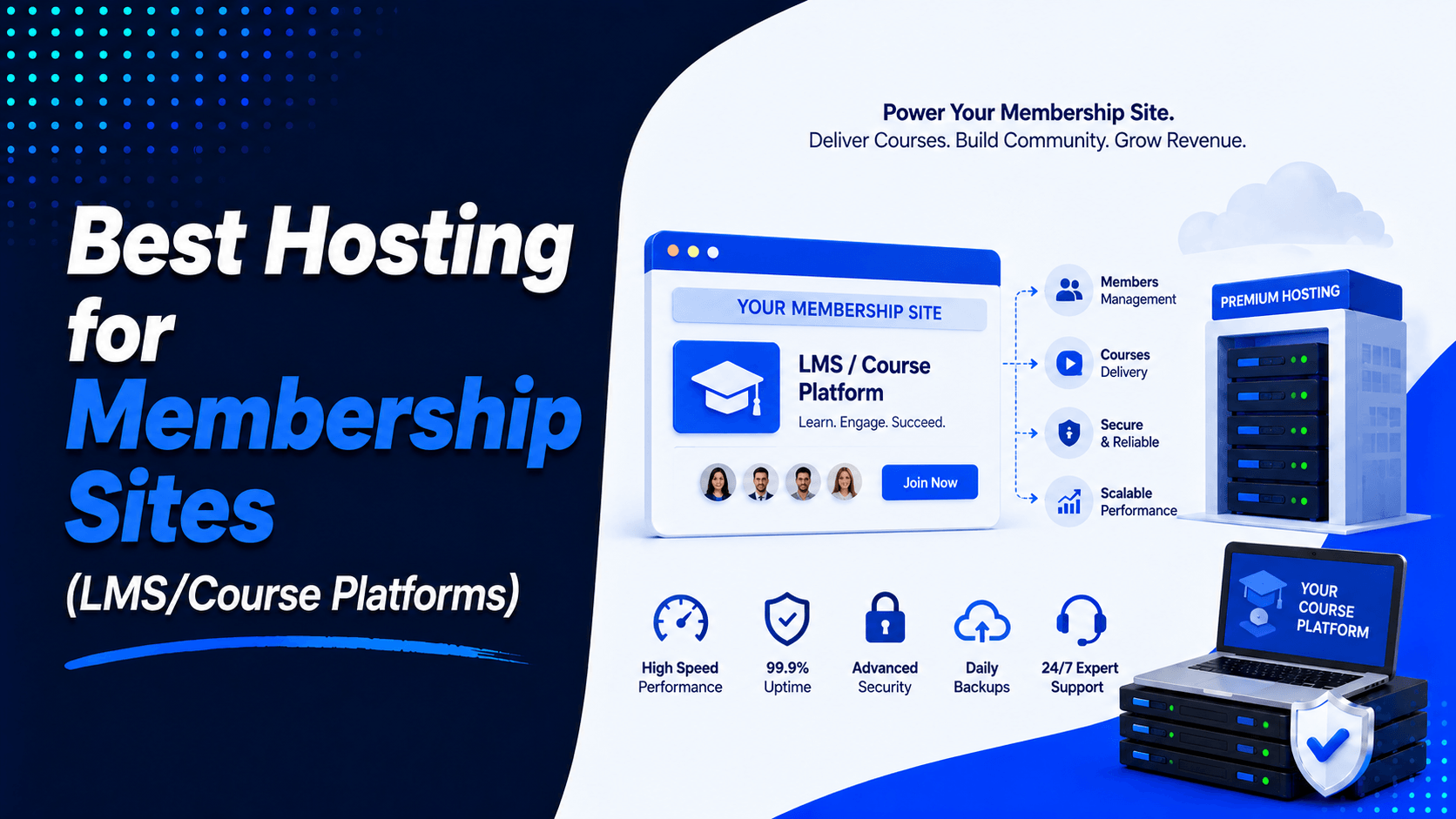
Running a successful membership site or LMS website takes more than great content. Your web hosting is just as important. It affects website speed and security. It impacts logins, payments, and course access. It shapes the overall member experience.
Poor hosting causes many problems. Login pages become slow. Checkouts fail. Course dashboards lag. Videos buffer constantly. These issues frustrate your members. Engagement drops. Retention suffers.
As your audience grows, your hosting needs change. You need a setup that handles more traffic. It must support many logged-in users. Database activity increases too. Choosing the best hosting for membership sites is a key business decision. It directly affects your website’s performance. It impacts your growth potential too.
What Is a Membership or LMS Website?
Both site types restrict access, but they are built for different goals.
Membership Website
A membership website gives paid users access to private content. It does not show everything to every visitor. That makes it different from a standard site. Users must create an account first. They also need an active subscription to unlock premium material.
Key characteristics:
- Paid access: Premium content is limited to registered members
- Recurring content: Posts, videos, tools, or downloads may be released over time
- Community features: Many sites include forums, member groups, or private discussions
LMS (Learning Management System)
An LMS platform is built to deliver and manage education. It organizes content into courses and tracks how students move through lessons.
Key features include:
- Student dashboards with course access and progress
- Structured lessons and learning paths
- Quizzes and assignments
- Progress tracking for students and administrators
- Certificates or proof of completion
In practice, many sites combine both models. A membership site may add courses. An LMS may add subscriptions and private communities. The main difference is focus. A membership site is built around access and retention. An online course platform is built around learning and progress.
Why Hosting Is Critical for Membership Sites
A normal content site is lighter. A WordPress membership site is more demanding because it runs many actions in real time.
User Login Performance
Every login request needs database processing. The system must verify each account. Slow servers cause delayed logins. Members may wait too long for dashboards to load. This creates a poor first impression.
Database-Heavy Tasks
Membership and LMS websites process a steady stream of requests such as:
- User accounts
- Lesson progress
- Quiz scores
- Access permissions
- Orders and subscription records
- Student activity
This is why fast hosting for LMS sites matters. A slow database affects almost every part of the user experience.
Video and Download Delivery
Many online course websites provide videos, PDFs, workbooks, presentations, and other downloadable resources. Reliable hosting helps users access these files quickly without unnecessary delays or buffering.
Concurrent Users
Traffic spikes happen. You might launch a new course. Or run a promotion. Webinars and live lessons also bring crowds. Your hosting must handle many users at once. It should not crash or slow down under pressure.
Payment Reliability
Membership sites rely on smooth payments. Users expect easy checkouts. They also need subscription renewals to work. Server issues can ruin this. Delays may cause failed payments. Abandoned orders and lost revenue often follow.
Member Data Security
These sites often store sensitive information like:
- Member accounts
- Billing details
- Order history
- Learning records
- Certificates
That is why secure hosting for membership sites is essential, not optional.
Features to Look for in LMS Hosting
Price is important. But it is not everything. The Best Hosting for Membership Sites also needs speed and security. It must be reliable. And it should give you room to grow.
- Fast SSD or NVMe Storage: Faster storage makes a big difference. It speeds up page loads. It also boosts database performance.
- Strong PHP Performance: Your hosting should run current PHP versions. PHP needs to be optimized for WordPress LMS plugins. This keeps everything running smoothly.
- Enough CPU and RAM: Many students log in at once. Your site needs adequate resources. The right CPU and RAM keep it stable during busy times.
- Smart Caching: Caching makes your site faster. But it must be smart caching. It should not break dashboards, carts, or member pages. Everything must work together.
- CDN Support: A CDN helps with speed. It delivers files faster to visitors. This is true no matter where they are located.
- Automatic Backups: Things can go wrong. Regular backups protect you. They save courses, settings, and customer data. You can restore everything if needed.
- Free SSL: SSL is essential. It secures logins and payments. It also builds trust with your visitors.
- Security Protection: LMS sites attract hackers. You need strong defenses. Look for malware scanning and firewalls. Attack prevention is also important.
- Staging Environment: Updates can break things. Test them first in a staging area. This keeps your live site safe from problems.
- Easy Scaling: Your membership will grow. Your hosting should grow with it. Look for easy ways to increase resources when needed.
- Reliable Support: Problems happen. Fast support helps you fix them. This is critical for login and payment issues. It also matters for performance problems.
Shared Hosting vs VPS vs Cloud Hosting for LMS
Shared Hosting
Shared hosting is the cheapest option and can work for small starter sites.
- Best for new projects: Useful for testing a course idea or launching a small membership site
- Lower cost: It keeps early expenses down
- Limited resources: Many sites share one server. Performance can drop during busy periods.
Shared hosting works at the beginning. But many dynamic membership sites outgrow it quickly.
VPS Hosting
A VPS hosting plan gives you more stable resources. It runs inside a virtual server environment.
- Better performance: CPU and RAM are more predictable
- More control: You can tune the setup more closely
- Good for growth: A smart step up for sites that have moved beyond basic traffic
Cloud Hosting
Cloud hosting is built for flexibility and scale.
- Scalable resources: Easier to grow as demand changes
- Stronger uptime: Cloud systems are built to reduce downtime risk
- Better for spikes: Useful for launches, promotions, and larger student groups
For many growing sites, cloud hosting for membership sites offers the best balance. It gives you performance and room to grow.
Best Hosting Providers for Membership Sites
SiteGround: Best for Small to Medium LMS Websites
SiteGround works well for small and medium WordPress membership sites. Its managed WordPress plans include free SSL. You also get daily backups and migration tools. WordPress support is included too. Promotional pricing starts at $2.99/month. This makes it a solid option for beginners. It also suits growing websites.
Cloudways: Best for Flexible Cloud Hosting and Scaling
Cloudways is great for users who want flexible managed cloud hosting. Plans start at $11/month. You can choose from DigitalOcean, AWS, Google Cloud, Linode, and Vultr. Features include caching and Redis. Cloudflare integration is also available. You get scaling and performance tools for growing LMS hosting needs.
Kinsta: Best for Premium Managed Hosting and Performance
Kinsta offers premium managed WordPress hosting. Plans start at $30/month. They include daily backups and staging. Enterprise-level security is part of the package. You also get 24/7 support and a global infrastructure. It is a strong choice for established LMS and course websites. They need reliable performance.
Rocket.net: Best for Speed-Focused Managed WordPress Hosting
Rocket.net focuses on speed and security. It offers easy-to-manage WordPress hosting. Its Starter plan is $30/month. Annual billing is available at $25/month. It suits membership site owners who prioritize speed. They also want to avoid complicated server management.
Hostinger: Best Budget-Friendly Option
Hostinger is a budget-friendly choice. It works for new WordPress membership sites. Its Premium WordPress plan starts at $2.99/month. It includes multiple websites and SSD storage. You also get CDN, backups, and a free domain for one year. 24/7 support is provided. It works well for beginners and smaller course websites.
Best Hosting Based on Website Size
The right hosting depends on your current size. Do not just think about future goals. Focus on where you are now.
New Course Website: Shared Hosting
Are you launching your first course? Shared hosting can still work. It is enough for a very small site. It is simple and affordable. It is also widely available.
What to look for:
- One-click WordPress setup
- Free SSL
- Enough storage for basic course content
- A clear upgrade path
Growing Membership Platform: Managed Cloud Hosting
Your member count rises. Performance needs rise too. More logins put pressure on your site. More database calls add strain. More content delivery also takes a toll. Basic plans start to struggle. That is where managed cloud hosting makes more sense.
What to look for:
- Dedicated resources
- Object caching such as Redis
- Easy scaling
- A staging site for safe updates
Large Online Academy: VPS or Dedicated Cloud Server
A larger academy needs stronger infrastructure. You may serve many active users. You might have large course libraries. Frequent live events also demand more. Move to a VPS or higher-end cloud server.
What to look for:
- SSD or NVMe storage
- Higher CPU and RAM
- CDN support for global delivery
- Fast expert support
Hosting Requirements for Popular LMS Plugins
Different plugins have different needs. Meeting those needs keeps your site stable. It also keeps your site fast.
LearnDash
LearnDash hosting needs specific requirements. You need WordPress 6.6 or higher. PHP 7.4 or higher is required. MySQL 5.6+ or MariaDB 10.1+ works. HTTPS support is a must. PHP memory should be at least 128MB. LearnDash does not support WordPress multisite. For growing courses, more powerful hosting is recommended.
Tutor LMS
Tutor LMS hosting should support PHP 7.4 or higher. MySQL 5.7+ or MariaDB 10.1+ is required. WordPress 5.8 or higher works. It also needs modules like mod_rewrite, cURL, and fsockopen. Larger sites benefit from faster storage. Better database performance also helps.
LifterLMS
LifterLMS hosting recommends stronger versions. WordPress 6.7 is recommended. PHP 8.3 is recommended. MySQL 8.0+ or MariaDB 10.6+ is recommended. Nginx or Apache with mod_rewrite works well. Active learning sites need more resources. They need more than basic websites. Many logged-in students increase the load. LifterLMS recommends hosting of at least $30/month. This is for higher-traffic sites.
MemberPress
MemberPress hosting should support PHP 7.4 or higher. MySQL 8.0 or higher is required. WordPress 6.0 or higher is also required. Proper caching is important. Aggressive page caching can cause problems. Object caching can also interfere. Varnish caching can break membership features. Exclude dynamic membership pages from caching when necessary.
Speed Optimization Tips for LMS Websites
Even the best hosting for LMS websites works better when the site is optimized well.
- Compress images before upload
- Use lazy loading for heavy media
- Add object caching when supported
- Connect a CDN
- Clean old database records
- Keep PHP updated
- Remove plugins you do not need
These small steps can improve load time and reduce server stress.
Security Tips for Membership Websites
Membership businesses handle sensitive data. They store user accounts and payment details. Security should be built in from the start.
- Use HTTPS with SSL
- Turn on two-factor login for admins
- Use strong passwords
- Schedule daily backups
- Add a firewall or WAF
- Limit failed login attempts
- Monitor for malware and suspicious activity
Strong security protects both your members and your brand.
Common Hosting Mistakes to Avoid
Many site owners choose hosting based only on the lowest price. That often causes problems later.
- Buying the cheapest plan without checking performance
- Ignoring future growth
- Skipping backup planning
- Choosing hosts with weak support
- Staying too long on overloaded shared hosting
- Running outdated PHP versions
Avoiding these mistakes can save both money and downtime.
Cost of Hosting an LMS Website
| Website Size | Recommended Hosting | Estimated Monthly Cost |
|---|---|---|
| Beginner (new course, few students) | Shared Hosting | $3 – $10 |
| Growing (steady traffic, several courses) | Managed VPS / Cloud | $20 – $60 |
| Medium Business (active academy, higher traffic) | Cloud Hosting | $40 – $120 |
| Large Academy (enterprise, many users) | Dedicated Cloud | $100 – $500+ |
These ranges are general planning numbers. Real pricing depends on resources, support level, and traffic pattern.
Frequently Asked Questions (FAQ)
Is shared hosting enough for LearnDash?
Yes, for a small new site with low traffic. But once your student count rises, VPS hosting or cloud hosting is better. They offer more speed and stability.
Which hosting is best for MemberPress?
A fast managed WordPress hosting plan is usually best. A quality cloud host also works well. MemberPress sites need smooth logins. They also need reliable checkouts. Careful cache rules are important too.
How much RAM does an LMS website need?
A small site can start with 2GB to 4GB RAM. Larger sites need more. More active students mean more RAM required.
Can I host course videos on my own web hosting?
You can, but it is not always ideal. Large video libraries perform better on dedicated video platforms. Storage platforms also work well. This reduces load on your main server.
Do I need managed WordPress hosting?
Not always. But it offers many benefits. You get help with backups and updates. Security and staging are also included. Managed WordPress hosting saves time. It also reduces risk.
Which hosting is best for WooCommerce plus LMS?
A stronger cloud hosting setup is usually best. A premium managed WordPress host also works well. Both WooCommerce and LMS plugins add load. They put extra strain on the database.
How many users can shared hosting handle?
There is no fixed number. It depends on the host and site setup. Optimization level also matters. Shared hosting works for small sites. Larger membership businesses should plan to upgrade early.
Should I use a CDN for online courses?
Yes, a CDN helps a lot. It loads static assets faster for students in different regions. It can also lower the load on your server.
Conclusion
Choosing the best hosting for membership sites is important. Hosting affects your website’s speed. It also affects security and reliability. And it impacts your ability to grow.
Good hosting helps members log in quickly. They access lessons without problems. Quizzes run smoothly. Payments go through without delays. Your business gets a stronger foundation as your audience grows.
Choose a plan that meets your current needs. But make sure it can scale later. Look for SSD or NVMe storage. Modern PHP support is essential. Get enough CPU and RAM. Automatic backups protect your data. Smart caching boosts performance. CDN support helps with global reach. Strong security keeps everything safe.
Ready to improve your membership site? Compare the hosting options above. Choose a reliable plan that fits your budget. Think about your traffic and future growth.

Leave a Comment