
What Are the Best YouTube Alternatives in 2026?
The best YouTube alternatives in 2026 depend on your goals. Rumble suits independent creators. Vimeo works well for professionals. Twitch and Kick focus on live streaming. TikTok and Instagram Reels are ideal for short videos. Wistia and Brightcove are strong for business video hosting.
Best Overall YouTube Alternatives (2026)
Ranked by audience size, monetization potential, and creator ecosystem data.
| Rank | Platform | Best For | Key Data |
|---|---|---|---|
| 1 | TikTok | Short-form & viral discovery | 2B+ MAU — fastest-growing video platform |
| 2 | Instagram Reels | Short-form + social ecosystem | ~2B Reels users monthly, 3B IG MAU |
| 3 | Facebook Video | Social-first video + community | 3.07B MAU — largest social video audience |
| 4 | Twitch | Live streaming & community | 4.36B hours watched (Q1 2026) — live leader |
| 5 | LinkedIn Video | B2B authority & lead generation | 1B+ members, 81% of marketers use it for video |
| 6 | BiliBili | Asian entertainment & fandom | 371M MAU, 113 min daily usage per user |
| 7 | Vimeo | Professional & business video | 260M+ registered users, 1.7M paid subscribers |
| 8 | Dailymotion | International distribution | 400M+ monthly users, 5B+ video streams/month |
| 9 | Kick | Creator-friendly live streaming | 50M+ users, 95/5 revenue split — best for streamers |
| 10 | Rumble | Independent & alternative content | 56M MAU, 8% QoQ growth — strong creator monetization |
Best YouTube Alternatives by Creator Type (2026)
Find the right platform based on who you are and what you create.
| Creator Type | Best Platform | Runner-Up | Why |
|---|---|---|---|
| Gamer / Live Streamer | Twitch | Kick | Twitch = biggest live audience. Kick = 95/5 revenue split. |
| Music Artist | VEVO | TikTok | VEVO = premium distribution via labels. TikTok = viral music discovery. |
| Photographer / Visual Artist | Flickr Video | Instagram Reels | Flickr = portfolio-first community. Reels = visual reach. |
| Filmmaker / Videographer | Vimeo | Dailymotion | Vimeo = pro presentation. Dailymotion = international reach. |
| Educator / Documentary Creator | Nebula | Internet Archive | Nebula = premium ad-free. Archive = preservation. |
| B2B Creator / Consultant | LinkedIn Video | Wistia | LinkedIn = authority + leads. Wistia = lead-gen tools. |
| Business / SaaS Marketer | Wistia | Vimeo | Wistia = conversion analytics. Vimeo = brand control. |
| Enterprise / Media Company | Brightcove | Dailymotion | Brightcove = enterprise infra. Dailymotion = publisher distribution. |
| Short-Form Creator | TikTok | Instagram Reels | TikTok = best discovery. Reels = social ecosystem. |
| Influencer / Lifestyle Creator | Instagram Reels | Facebook Video | Reels = brand deals + DMs. Facebook = community reach. |
| Commentary / Independent Creator | Rumble | Odysee | Rumble = monetization. Odysee = free speech + crypto. |
| Privacy-Focused Creator | PeerTube | Odysee | PeerTube = federated + open-source. Odysee = blockchain ownership. |
| Crypto / Web3 Creator | Odysee | DTube | Odysee = LBRY rewards. DTube = blockchain-native. |
| Anime / Asian Culture Creator | BiliBili | YouTube | BiliBili = danmaku + fandom culture. Unmatched in Asia. |
| Long-Form / General Creator | Dailymotion | Veoh | Dailymotion = international ad revenue. Veoh = simple backup. |
| Talk Show / Podcast Host | Twitch | Facebook Video | Twitch = live chat culture. Facebook = social distribution. |
| Course Creator / Coach | Wistia | Nebula | Wistia = lead capture + analytics. Nebula = premium audience. |
| Creative / DIY Creator | Instagram Reels | TikTok | Reels = saves + shares. TikTok = viral reach. |
| News / Media Publisher | Dailymotion | Brightcove | Dailymotion = global syndication. Brightcove = enterprise OTT. |
| Archivist / Researcher | Internet Archive | PeerTube | Archive = permanent preservation. PeerTube = decentralized host. |
Quick Comparison of the Best YouTube Alternatives
Choosing a YouTube alternative depends on your priorities—monetization potential, audience size, or professional features. Here’s a side-by-side comparison of eight leading platforms.
| Platform | Best For | Audience Size | Monetization Model | Pricing | Key Strength |
|---|---|---|---|---|---|
| TikTok | Short-form & viral discovery | 2B+ MAU | Creator Rewards, gifts, brand deals | Free | Fastest discovery engine |
| Twitch | Live streaming & gaming | 240M+ MAU | Subs, Bits, ads, sponsorships | Free | Live community leader |
| Instagram Reels | Short-form + social growth | ~2B Reels users | Brand deals, bonuses, gifts | Free | Deep social integration |
| Facebook Video | Community-driven creators | 3.07B MAU | Content Monetization, Stars, ads | Free | Largest social audience |
| Vimeo | Professionals & businesses | 260M+ users | OTT subscriptions, rentals, sales | Free + paid plans | Ad-free pro hosting |
| Dailymotion | International distribution | 400M+ monthly | Ad revenue (region-based) | Free | Global publisher reach |
| Rumble | Independent creators | 56M MAU | Ads, tips, Creator Program | Free | Creator-friendly monetization |
| Kick | Live streamers | 50M+ users | 95/5 sub & KICKs split | Free | Best revenue share |
20 Best YouTube Alternatives in 2026
1. TikTok: Where Strangers Find You First
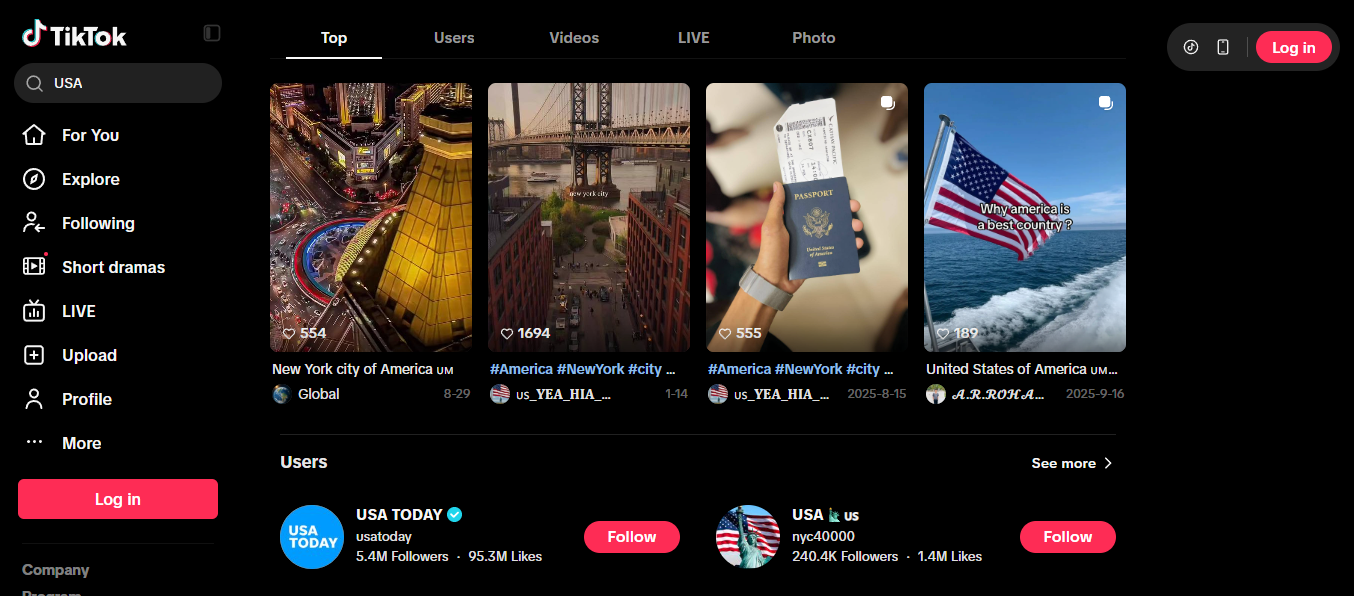
The short version: TikTok is the best YouTube alternative if you make short videos and want to get discovered fast. You don’t need followers to get views. You just need a hook that works in the first few seconds.
Quick verdict: Great for short-form creators, trend-riders, and anyone who wants new eyes on their work. Not a good fit if your content needs 20 minutes to make its point.
What makes TikTok different?
On YouTube, you build an audience slowly. People find you through search, suggested videos, and subscriptions, and it can take years. TikTok flips that. Its For You feed shows your video to a small test group first, and if they watch it, rewatch it, or react, it gets pushed to more people. Your follower count matters a lot less than whether the video grabs attention.
So a brand-new account can get a huge hit, and a big account can post something that goes nowhere. That’s the exciting part and the stressful part. Every video starts almost fresh, so you’re only as good as your last hook.
Who is it best for?
- Creators who can tell a story, teach a tip, or land a joke in under a minute
- People who jump on trends, sounds, and formats early
- How-to and tutorial creators with quick, useful tips
- Reviewers and product creators who can show something visually in seconds
- Brands targeting younger, mobile-first audiences
- Long-form creators who want a “front door” that sends people to their YouTube channel
If your video needs a slow build, TikTok will feel tight. If you can boil it down to a hook, a payoff, and a call to action, it’s one of the fastest ways to get seen.
Key features
| Feature | What it does |
|---|---|
| For You feed | Recommends videos by interest, not by who you follow |
| Short-form video | Vertical, mobile-first clips |
| Built-in editor | Filters, captions, effects, and trimming inside the app |
| Music and sounds | A huge library of trending audio |
| TikTok LIVE | Live streaming with gifts and real-time comments |
| Creator tools | Several ways to earn (see below) |
How you can make money
TikTok has a few income paths, but which ones you can use depends heavily on your country.
- Creator Rewards Program: pays eligible creators for qualifying videos. It replaced the old Creator Fund.
- LIVE gifts: viewers send virtual gifts during streams, which convert to earnings.
- Subscriptions: fans pay monthly for perks.
- Brand deals: for most established creators, this is the biggest earner.
- TikTok Shop: affiliate commissions and product sales inside the app.
One thing to keep in mind: some countries have full access to these programs and others have very little or none. Check your own region’s requirements before you count on TikTok as income.
Pros and cons
| What’s good | What’s not |
|---|---|
| Strong discovery, even with zero followers | Built mainly for short videos |
| Easy to start, with editing built in | Trends move fast and you have to keep up |
| Big, varied global audience | Monetization depends on your country |
| Great for testing ideas quickly | Reach can swing up and down unpredictably |
| Good funnel to your other platforms | Not ideal for deep, evergreen content |
What does it cost?
Nothing to post or watch. TikTok earns from ads, TikTok Shop, and in-app purchases, not from creators.
The bottom line
TikTok isn’t trying to replace YouTube. Think of it as the place where new people meet you. If you can hook people fast without losing your voice, it can grow you quickly. If your best work is long and detailed, use TikTok to tease it and send viewers to YouTube for the full thing.
Quick questions
Can TikTok replace YouTube?
For most creators, no. TikTok is built around short clips and discovery, while YouTube is better for search and longer videos. Most people use both.
Is TikTok only for dancing and trends?
Not at all. You’ll find tutorials, education, reviews, and business content there too. Trends are just the loudest part.
How fast can a video take off?
It can happen within a day, because every video gets tested on new viewers. But it’s not guaranteed, and plenty of videos stall.
2. Instagram Reels: Short Videos for People Who Already Live on Instagram
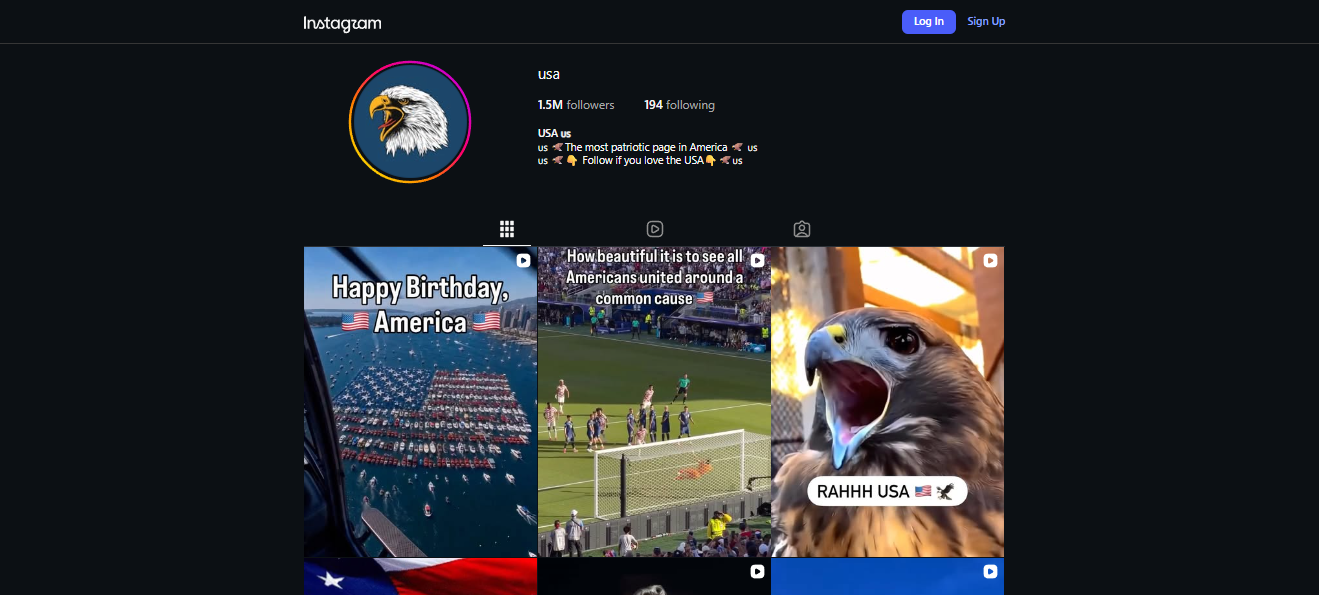
The short version: Reels is Instagram’s short-video feature. Its biggest strength is that it sits next to everything else you do on Instagram: your profile, Stories, DMs, and shop links. If you already have followers there, Reels gives you a way to reach new people without starting over somewhere else.
Quick verdict: A good fit for influencers, lifestyle, fashion, and beauty creators, and small businesses. If you’re starting from zero and only care about reaching strangers, TikTok is usually the easier place to start.
What makes Reels different?
TikTok is a video app. Instagram is a social app that also has video. That changes how Reels works for you.
When someone finds your Reel, they don’t just watch it and scroll on. They can tap through to your profile, send the Reel to a friend in DMs, check out your Stories, or open a product link. Your video becomes the first step in a longer relationship instead of a one-off view.
So if TikTok is great at getting you seen, Reels is great at keeping the people who saw you. That matters a lot if you sell something, take client work, or just want to chat with your followers.
Who is it best for?
- Influencers and personal brands who already have an Instagram following
- Lifestyle, fashion, beauty, food, and travel creators, since the platform is very visual
- Small shops and service businesses that want video to lead people to a link or a DM
- Creators who post the same short video on TikTok, YouTube Shorts, and Reels
- People who build their audience through Stories and direct messages
If you have no Instagram presence at all, expect a slower start. You’ll need to build the profile and the videos at the same time.
Key features
| Feature | What it does |
|---|---|
| Reels feed | Shows your video to people who don’t follow you yet |
| Video length | Longer than it used to be, up to a few minutes |
| Editing tools | Trending audio, effects, captions, and trimming inside the app |
| Stories sharing | Lets you push a Reel to your existing followers |
| DM sharing | Viewers can send your Reel to friends privately |
| Shopping tags | Tag products so viewers can go straight to a purchase |
| Branded content tools | Built-in labels and partnership features for sponsored posts |
How you can make money
For most creators, the money on Instagram comes from brands paying you directly, not from Instagram itself.
- Brand deals: sponsored Reels and partnerships. This is the main income for most creators.
- Affiliate links and shopping: earn commission when people buy products you tag or recommend.
- Subscriptions: followers pay monthly for extra content.
- Gifts: viewers can send gifts on Reels in some countries.
- Bonus programs: Instagram has run payment programs for Reels in the past, but they’ve often been invite-only or limited to certain regions.
Worth knowing: platform payouts change often and depend on where you live. Don’t build your income plan around them until you’ve confirmed they’re open to you. Brand deals are the safer bet.
Pros and cons
| What’s good | What’s not |
|---|---|
| Reels, Stories, DMs, and shopping all connect | Reach can jump around from post to post |
| Natural fit for influencer and brand work | Works best if you already have followers |
| Easy to reuse videos from TikTok or Shorts | Payout programs aren’t reliable or open to everyone |
| Followers can message you directly | Not built for long, in-depth videos |
| Built-in tools for sponsored posts | Success depends on Instagram’s algorithm |
What does it cost?
It’s free to post and watch. Instagram earns its money from ads and shopping features.
The bottom line
Reels is the best choice when you want your short videos to feed into a community you can actually talk to. If you already have an Instagram audience, it’s a natural next step. If you’re starting from nothing, you could begin on TikTok for faster reach, then bring those clips over to Reels.
Quick questions
Can Reels replace YouTube?
Not really. Reels is for short, social content. YouTube is still better for longer videos and for people searching for answers.
Do Reels reach people who don’t follow me?
Yes, Reels are shown to people based on their interests, not just who follows you. How far a Reel travels still varies a lot.
Do I need a business or creator account?
A creator or professional account gives you insights and some monetization tools.
3. Facebook Video: Where Your Audience Is Already Hanging Out
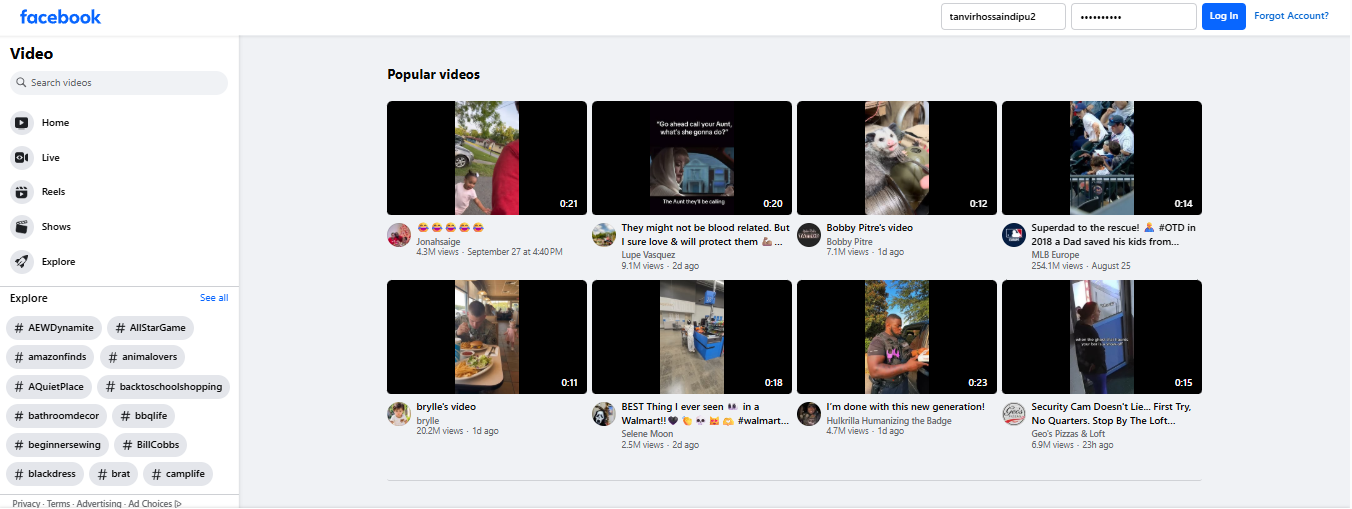
The short version: Facebook isn’t a video site that happens to have social features. It’s a social network where video is one of many things people do. Pages, Groups, Live, Reels, and Messenger all sit in the same place, so your videos reach people who are already there chatting and scrolling.
Quick verdict: A strong pick for community builders, local businesses, and anyone with an existing Facebook Page or Group. If you’re starting from scratch and want strangers to find you through search, it’s a tougher road.
What makes Facebook Video different?
People go to YouTube to watch something specific. People go to Facebook to catch up with friends, check on a group, or see what’s happening locally. Your video shows up in the middle of all that.
The big advantage is what happens around the video. You can post it to your Page, share it into a Group where members actually discuss it, go Live for your followers, and cut a short version for Reels. The conversation doesn’t just sit in a comment box under the video, it can keep going in a Group long after.
That makes Facebook less about being discovered and more about being talked about by people who already know you.
Who is it best for?
- Creators and brands that already have a Facebook Page with followers
- Community builders running Groups around a topic, hobby, or place
- Live streamers who want an audience that’s already on the platform
- Local businesses, shops, and personal brands with a real-world community
- Creators posting the same videos across several social platforms
If you’re starting from zero, you’ll probably grow faster on TikTok first and then bring people over. Facebook rewards the audience you already have.
Key features
| Feature | What it does |
|---|---|
| Video posts | Upload longer and shorter videos to your Page or profile |
| Facebook Live | Stream to followers, Groups, or your Page |
| Reels | Short vertical videos with their own feed |
| Groups | Private or public communities where videos spark discussion |
| Pages | Professional profiles for creators, brands, and public figures |
| Stars | Viewers send virtual tips during videos and lives |
| Content Monetization | Meta’s program for eligible Reels and longer videos |
How you can make money
Facebook has tried to bring creator payments under one program, but eligibility depends on your region, your Page, and the type of content.
- Content Monetization program: pays eligible creators for qualifying videos and Reels.
- Stars: viewers tip you during lives and videos.
- Subscriptions: fans pay monthly for extra content on your Page.
- Brand deals: sponsored videos and partnerships, which you negotiate yourself.
- Reels bonuses: Meta has run these before, usually invite-only or short-term.
Worth knowing: payout access differs a lot from country to country. Check your own region before planning income around it.
Pros and cons
| What’s good | What’s not |
|---|---|
| Huge built-in audience | Reach can rise and fall without warning |
| Many formats in one place | Monetization rules vary by region |
| Groups make real discussion possible | Very crowded, lots of competition |
| Live streaming with tipping | Weaker search discovery than YouTube |
| Easy to share across Feed, Reels, and Stories | Works best if you already have followers |
What does it cost?
Free to post and watch. Facebook makes its money from ads, not from creators.
The bottom line
Facebook Video works best when you treat it as a community tool, not a discovery engine. If people already follow you there, or you want to build a Group around your content, it can be one of the most useful places to share video. If you want search traffic and deep long-form content, YouTube is still the better home.
Quick questions
Can Facebook replace YouTube?
For most creators, no. Facebook is better at community and sharing, YouTube is better at search and a long-lasting video library.
Does Facebook pay for Reels views?
Sometimes, in certain regions and for eligible accounts. Rules and amounts change, so check the current terms for your country.
Do I need a Page to earn money?
Usually you need a Page or a professional-mode profile that meets the program’s rules.
4. Twitch: Built for People Who Show Up Live
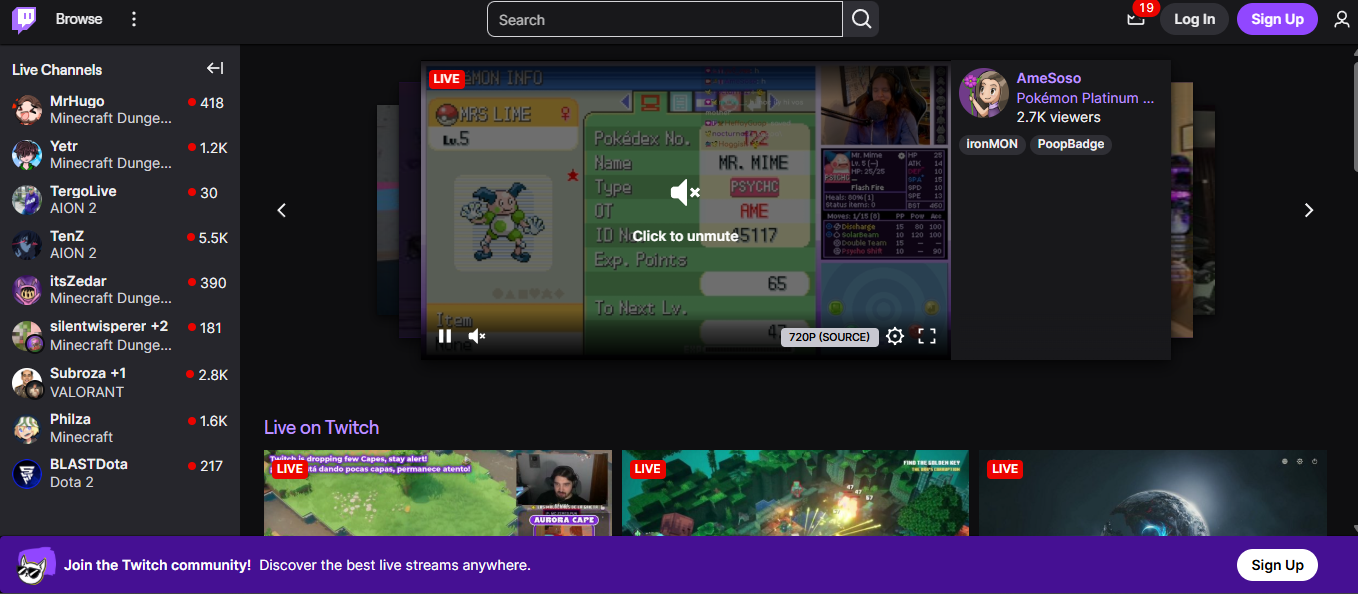
The short version: Twitch is a live streaming platform. The whole experience is about being there in the moment, with a chat running beside the video and a streamer reacting in real time. Most people know it for gaming, but music, art, talk shows, and just-chatting streams all have a home there too.
Quick verdict: Great for live-first creators who can stream on a regular schedule. A rough fit if you prefer polished, pre-recorded videos or want people to find you through search.
What makes Twitch different?
On YouTube, a video sits there and keeps getting found for years. On Twitch, the stream is the event. People show up at a certain time, talk in chat, and become part of the show. Afterwards you can save the stream as a VOD, but the real energy is in the live moment.
That changes what matters. Fancy editing counts for less. Showing up counts for a lot more. Viewers come back because they like you and the regulars in your chat, and that kind of loyalty is hard to get from uploaded videos.
The tradeoff is discovery. New channels are hard to find, so most small streamers grow through consistency, clips, and promoting themselves on other platforms.
Who is it best for?
- Gamers and live streamers, which is the platform’s core crowd
- Musicians, artists, and DJs who perform or create live
- Podcasters and talk show hosts who want chat to join the conversation
- IRL and just-chatting streamers whose personality is the content
- Esports fans running tournaments, scrims, and watch parties
If you’d rather edit carefully and upload when it’s ready, YouTube will suit you better.
Key features
| Feature | What it does |
|---|---|
| Live streaming | Low-delay broadcasting so chat can react as things happen |
| Chat | Real-time chat with its own emotes and community culture |
| Subscriptions | Monthly viewer support at different tiers |
| Bits | Viewers buy a virtual currency to cheer during streams |
| Ads | Ad revenue for eligible channels |
| Categories | Browse streams by game or topic |
| Clips | Viewers capture short highlights that can spread on social media |
Clips deserve a mention. They’re a free way for your best moments to travel beyond Twitch and bring new viewers back.
How you can make money
You can’t earn from day one. You first have to reach Affiliate status, and later possibly Partner.
- Subscriptions: viewers pay monthly for perks like emotes, and you get a share. Tiers have historically been around $4.99, $9.99, and $24.99.
- Bits: viewers buy and cheer them, and you earn from each one.
- Ads: run ads during streams once you qualify.
- Sponsorships: brand deals you arrange yourself, often the biggest income for established streamers.
- Affiliate vs Partner: Affiliate is the entry level, and Partner offers more features and can offer better terms.
Worth knowing: the path to earning exists, but it takes steady streaming over time. Requirements usually involve things like follower count, stream frequency, and average viewers.
Pros and cons
| What’s good | What’s not |
|---|---|
| Very active live community | Mostly built for live content |
| Strong gaming audience | Very crowded |
| Real conversation with viewers | Hard for small channels to get noticed |
| Well-established creator tools | Weak search and VOD discovery |
| Subs, Bits, and ads in one place | Income depends on streaming regularly |
What does it cost?
Free to watch and to stream. Monetization opens up once you meet Affiliate or Partner requirements.
The bottom line
If you’re comfortable going live on a schedule and chatting with your viewers, Twitch can give you a community that’s hard to build anywhere else. If your strength is edited videos that people find through search, stay with YouTube, and maybe use Twitch for your most loyal fans.
Quick questions
Can Twitch replace YouTube?
For most creators, no. Twitch is for live streaming, YouTube is for searchable videos. Many creators use both.
Is Twitch only for gamers?
No. Gaming is the biggest category, but music, art, talk shows, and IRL streams are all common.
Why is it hard to get discovered on Twitch?
Because viewers mostly browse live streams rather than search. Smaller streamers usually grow through a regular schedule, clips, and promoting on other platforms.
5. LinkedIn Video: Video for People Who Want Clients, Not Views
The short version: LinkedIn is a professional network, so video there works differently. You’re not chasing millions of views. You’re trying to get your work in front of the right few: potential clients, employers, partners, and people in your industry.
Quick verdict: Good for consultants, founders, freelancers, B2B marketers, and job seekers. Not a good fit if your content is mostly entertainment or you want ad revenue.
What makes LinkedIn Video different?
On most platforms, a bigger view count is the goal. On LinkedIn, who watched often matters more than how many. A few thousand views from people in your industry can lead to a client inquiry, a speaking invite, or a job conversation. The same numbers on a general platform might lead to nothing.
People also use LinkedIn with a different mindset. They’re there for work: hiring, learning, finding partners, keeping up with their field. That makes viewers more patient with practical, expertise-driven content, and less interested in fast, flashy clips.
The tradeoff is range. The audience is narrower, and entertainment-style content tends to feel out of place.
Who is it best for?
- Consultants and coaches who want to build trust before a sales call
- Founders and executives growing a personal or company profile
- Freelancers and agency owners looking for inbound leads
- Sales and marketing professionals who want to warm up prospects
- Industry experts sharing analysis, case studies, and lessons learned
- Job seekers who want to show their skills, not just list them
If your content is purely for fun, you’ll likely get more out of another platform.
Key features
| Feature | What it does |
|---|---|
| Native video posts | Upload straight to the feed, no external link needed |
| Professional audience | Your viewers include people from your industry and target companies |
| Networking tools | Connect and message viewers who engage with your video |
| LinkedIn Live | Stream events, Q&As, and webinars to your network |
| Profile and Page visibility | Videos support your profile or company Page |
How you can make money
LinkedIn doesn’t pay you for views. Your income comes from what the video brings in, not from the platform.
- Clients and services: viewers hire you or your agency.
- Inbound leads: video helps people reach out before you’ve even pitched.
- Speaking and events: visibility can lead to paid invitations.
- Partnerships: companies and creators reach out to collaborate.
- Job opportunities: recruiters find you through your content.
Worth knowing: this is a slower, relationship-based way to earn. If you need direct payouts from views, LinkedIn won’t provide them.
Pros and cons
| What’s good | What’s not |
|---|---|
| Audience of professionals and decision-makers | Not suited to entertainment content |
| Strong for leads and personal branding | Smaller general video audience |
| Builds credibility in your field | No direct pay for views |
| Views can turn into real conversations | Needs a clear professional niche |
| Good for thought leadership | Reach depends on engagement, not just posting |
What does it cost?
Free to post and watch. LinkedIn earns from ads, premium subscriptions, and recruiting tools. Your real cost is time: results come from posting useful content regularly.
The bottom line
LinkedIn Video works best as a trust-builder. If your income comes from clients, a job, or business partnerships, a few well-made videos can open doors that a viral clip never would. If you want ad money or mass reach, look at YouTube or TikTok.
Quick questions
Can LinkedIn Video replace YouTube?
No. They do different jobs. LinkedIn is for professional credibility, and YouTube is for broad reach and searchable video.
Does LinkedIn pay for video views?
Not directly. Your earnings come from clients, leads, and opportunities that your content attracts.
What kind of videos work best?
Practical ones: industry insights, case studies, short tutorials, and honest takes on your field.
6. BiliBili: A Video Site Where the Audience Talks Over the Screen
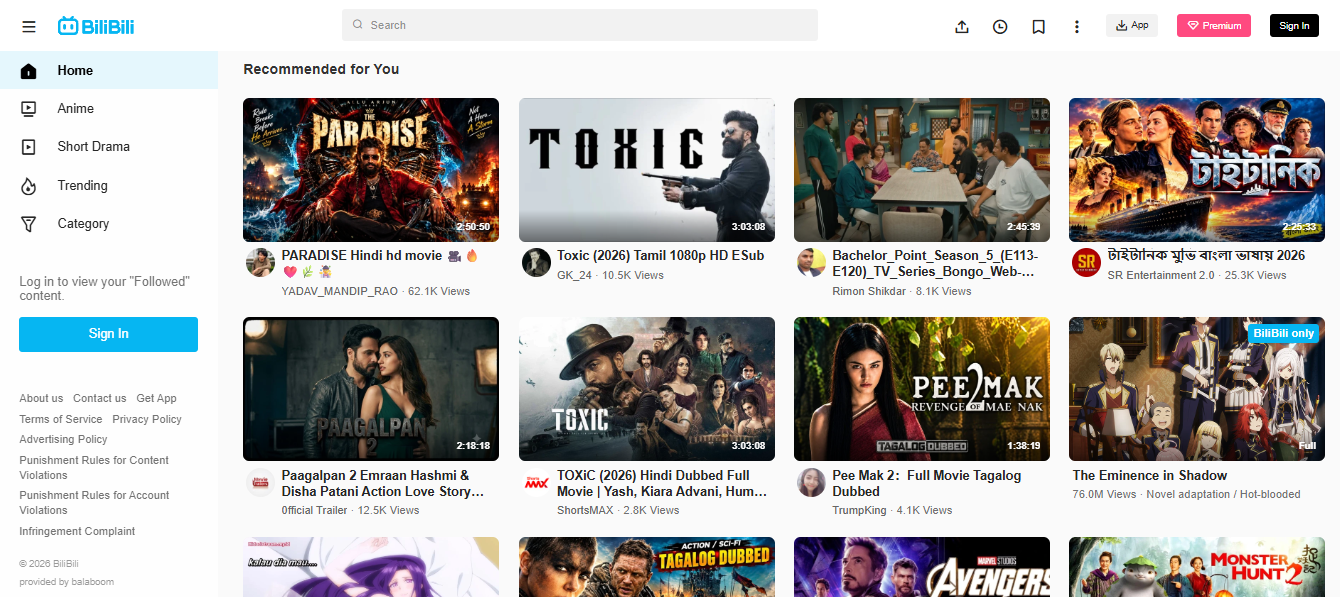
The short version: BiliBili is a Chinese video platform with a huge following among anime, gaming, and tech fans. Its most famous feature is danmaku: viewers’ comments scroll across the video while it plays, so watching feels like sitting in a room full of people reacting together.
Quick verdict: A great fit if your content speaks to Chinese-speaking or East Asian youth culture, especially anime, gaming, and tech. A hard fit if you don’t speak the language or your audience is mostly elsewhere.
What makes BiliBili different?
On YouTube, comments sit below the video. On BiliBili, many of them appear on the video, timed to the exact moment someone is reacting to. A funny scene, a plot twist, a clever edit: the jokes and reactions pile up right where they happen.
That changes how people watch. Videos feel less like something you consume alone and more like a shared event. Fans also build in-jokes and memes around videos, so the community often becomes part of the content itself.
The catch is that this culture is built around its own language and its own audience. You’ll get the most out of it if you understand both.
Who is it best for?
- Anime and manga creators making reviews, edits, and fan content
- Gaming creators, from gameplay and guides to esports commentary
- Tech creators covering gadgets, apps, and digital culture
- Vloggers and comedy creators aiming at Chinese-speaking viewers
- Creators who want to reach young audiences in East Asia
If your content isn’t aimed at that audience, or you can’t create in Chinese, expect a steep climb.
Key features
| Feature | What it does |
|---|---|
| Danmaku comments | Viewer comments scroll across the video in real time |
| Video uploads | Long-form, short-form, and episodic content |
| Live streaming | Live broadcasts with a lively chat culture |
| Anime and gaming sections | Large communities around these topics |
| Fan communities | Groups and spaces around creators and shows |
| Creator programs | Earning and partner programs for eligible creators |
How you can make money
Earning on BiliBili depends a lot on where you’re based and what kind of account you have.
- Creator incentive programs: rewards for eligible creators, often based on performance.
- Virtual gifts: viewers send gifts during live streams, which convert to earnings.
- Sponsorships: brand deals you arrange yourself.
- Fan support: memberships and direct contributions from followers.
Worth knowing: some programs are limited to creators in specific regions. If you’re outside China, confirm what you’re actually eligible for before planning around it.
Pros and cons
| What’s good | What’s not |
|---|---|
| Very active, engaged communities | Mainly reaches Chinese-speaking audiences |
| Strong in anime, gaming, and tech | Language is a real barrier |
| Interactive, social way of watching | Culture takes time to learn |
| Loyal fans in its niches | Monetization varies by location |
| Good place to reach a market Western platforms reach less | Signing up and getting approved can be harder for international creators |
What does it cost?
Free to watch and to post. Monetization programs have their own eligibility rules. For international creators, the bigger cost is time spent learning the language and community.
The bottom line
BiliBili is worth it if you already create for this audience, or you’re ready to invest in learning it. Treat it as an add-on to your main platform, not a replacement. If you’re aiming at Western audiences, your effort will go further elsewhere.
Quick questions
Can BiliBili replace YouTube?
For most creators, no. It’s a regional platform that works best as a supplement if you want to reach Asian audiences.
Is it only for anime and gaming?
No. Those are the biggest areas, but tech, vlogs, education, and general entertainment are there too.
Can international creators join?
Yes, but it’s harder. Language, cultural norms, and account approval can all be obstacles.
7. Vimeo: A Cleaner Home for Video You Want to Present Well
The short version: Vimeo is a video hosting platform for people who care about how their video looks and who gets to see it. There are no recommended-video rabbit holes and no ads on your content. You get a clean player, privacy controls, and tools to share work with clients or put it on your own website.
Quick verdict: A strong pick for filmmakers, agencies, and businesses. Not the place to go if your main goal is getting discovered by strangers.
What makes Vimeo different?
YouTube is built to keep people watching more YouTube. Vimeo is built to put your video first. You decide how the player looks, where the video can be embedded, who can watch it, and whether it needs a password.
That makes it useful when presentation matters. A filmmaker’s portfolio, a client review link, a training video for staff, or a product video on a company site all work better when nothing else is competing for attention.
The tradeoff is reach. Vimeo isn’t where people go to browse for something new, so you’ll usually bring your own audience.
Who is it best for?
- Filmmakers and agencies who want a distraction-free portfolio
- Businesses hosting training, internal, or client-facing videos
- Brands that want to embed video without outside recommendations or ads
- Creators who want to sell videos, rentals, or subscriptions directly
- Teams that need to review and comment on videos together
If you’re after viral reach and cold-audience discovery, YouTube is still the better tool.
Key features
| Feature | What it does |
|---|---|
| Ad-free hosting | Your video plays without third-party ads |
| Custom player | Match colors, logo, and controls to your brand |
| Privacy controls | Password protection, domain restrictions, embed controls |
| Team review tools | Time-coded comments and feedback on videos |
| Analytics | Viewer behavior and engagement data |
| OTT tools | Build a branded streaming service with subscriptions or rentals |
Worth highlighting: the custom player. With the right plan, the video can feel like a native part of your own site rather than something borrowed from another platform.
How you can make money
Vimeo isn’t an ad-revenue platform. You earn by selling your content directly to viewers.
- Subscriptions: viewers pay a recurring fee for access to your library.
- Rentals and purchases: sell individual films, courses, or events.
- Branded streaming apps: with Vimeo OTT, you can run your own streaming service on web and devices.
Worth knowing: OTT has its own pricing, separate from normal Vimeo hosting plans, so price it out on its own if selling content is your goal.
Pros and cons
| What’s good | What’s not |
|---|---|
| Clean, ad-free presentation | Little built-in discovery |
| Strong privacy and access controls | Useful features need paid plans |
| Good business and team tools | Selling content costs extra |
| Customizable player | Not built for mass reach |
| High-quality playback | Costs can add up for bigger teams |
What does it cost?
There’s a free plan for basic hosting, but custom players, stronger privacy, and deeper analytics sit behind paid plans.
The bottom line
Vimeo works best as a place to show your work properly. If you’re a filmmaker, agency, or business that wants control over the viewing experience, it’s an easy choice. If you want strangers to find you, keep YouTube in the mix and use Vimeo for the polished version.
Quick questions
Can Vimeo replace YouTube?
For most people, no. Vimeo is better for presentation and control, YouTube for reach and discovery.
What is Vimeo OTT?
A service for building and selling your own streaming platform, with subscriptions, rentals, or purchases.
Is Vimeo more private than YouTube?
In many ways, yes. Password protection, domain-level privacy, and embed controls give you more say over who watches. YouTube has privacy options too, just fewer of them.
8. Dailymotion: A Second Shelf for Your Videos, Especially Outside the US
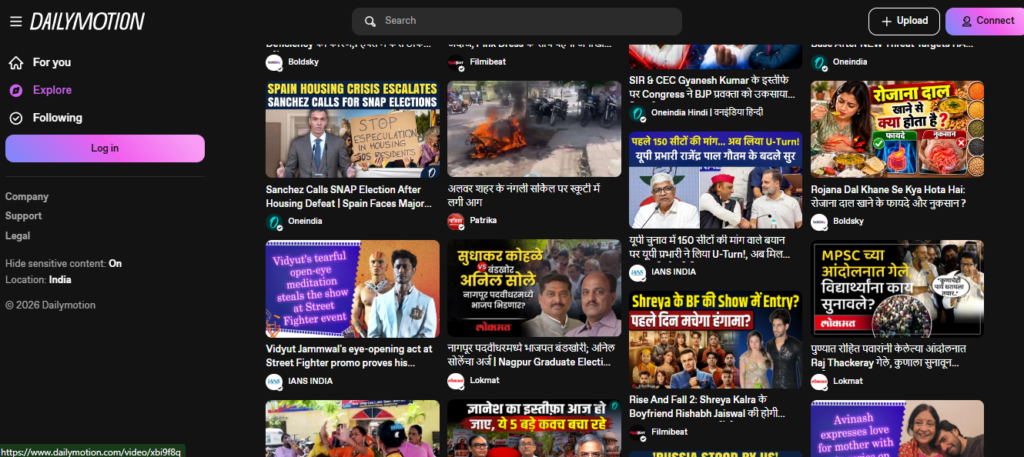
The short version: Dailymotion is one of the older video platforms, with a long history in Europe and some other markets. It works best as an extra place to publish, especially for publishers and media teams who want their videos seen by people who don’t spend all day on YouTube.
Quick verdict: Good as a secondary channel for publishers, media companies, and creators with broad-appeal content. Not the place to build a community from scratch.
What makes Dailymotion different?
Most platforms want you to build a following on them. Dailymotion is more useful when you already have videos and want them to reach more people. Think of it as extra distribution, not a new home base.
Its audience is spread across different countries, with a strong history in Europe. That makes it a handy add-on if your content works in several languages or regions, or if you want to reach viewers who simply don’t use YouTube much.
The tradeoff is energy. There’s less community buzz here than on newer or more niche platforms, so don’t expect a fast-growing fanbase to appear on its own.
Who is it best for?
- News outlets, magazines, and media companies that publish videos regularly
- Creators with broad-appeal content who want extra reach
- International creators looking beyond the YouTube audience
- Anyone who wants another place to earn ad revenue from existing videos
If you care most about comments, community, and viral growth, you’ll likely find it quiet.
Key features
| Feature | What it does |
|---|---|
| Video hosting | Upload and host videos on a well-established platform |
| Publisher tools | Features aimed at media companies and professional publishers |
| International reach | Viewers across several countries and languages |
| Advertising | Ads on videos, with revenue sharing for eligible partners |
| Creator profiles | A channel page where people can follow your videos |
How you can make money
Dailymotion’s earnings are ad-based, but access depends on your account and your country.
- Ad revenue share: ads run on your videos and eligible partners get a share.
- Publisher programs: media companies may get more advanced options and direct deals.
- Regional differences: payout rules and ad demand vary by country, so what works in one market may not in another.
Worth knowing: don’t assume monetization is open to everyone. Check the current requirements for your country and account type before you plan around it.
Pros and cons
| What’s good | What’s not |
|---|---|
| Well-established platform | Smaller creator community than YouTube |
| Ad revenue for eligible accounts | Monetization varies by region |
| Handy for syndicating existing videos | Not great for brand-new creators finding an audience |
| Free account options | Less community feel than niche platforms |
| Reach in markets beyond YouTube | Strength differs by content category |
What does it cost?
You can upload and host videos on a free account. Monetization and publisher features may need approval or a partnership.
The bottom line
Dailymotion is a sensible extra channel, not a replacement for YouTube. If you already publish videos regularly and want a little more reach and a bit more ad income, it’s worth adding. If you’re starting from zero and want to build a community, put your energy elsewhere first.
Quick questions
Can Dailymotion replace YouTube?
For most creators, no. It works best alongside YouTube as an extra place to publish.
Does Dailymotion pay creators?
Through ads, for eligible accounts, and the rules depend on your country and account type.
Is Dailymotion good for reaching international viewers?
It can be, particularly in Europe. Check which markets matter for your content before you commit.
9. Kick: A Live Streaming Platform Competing on the Revenue Split
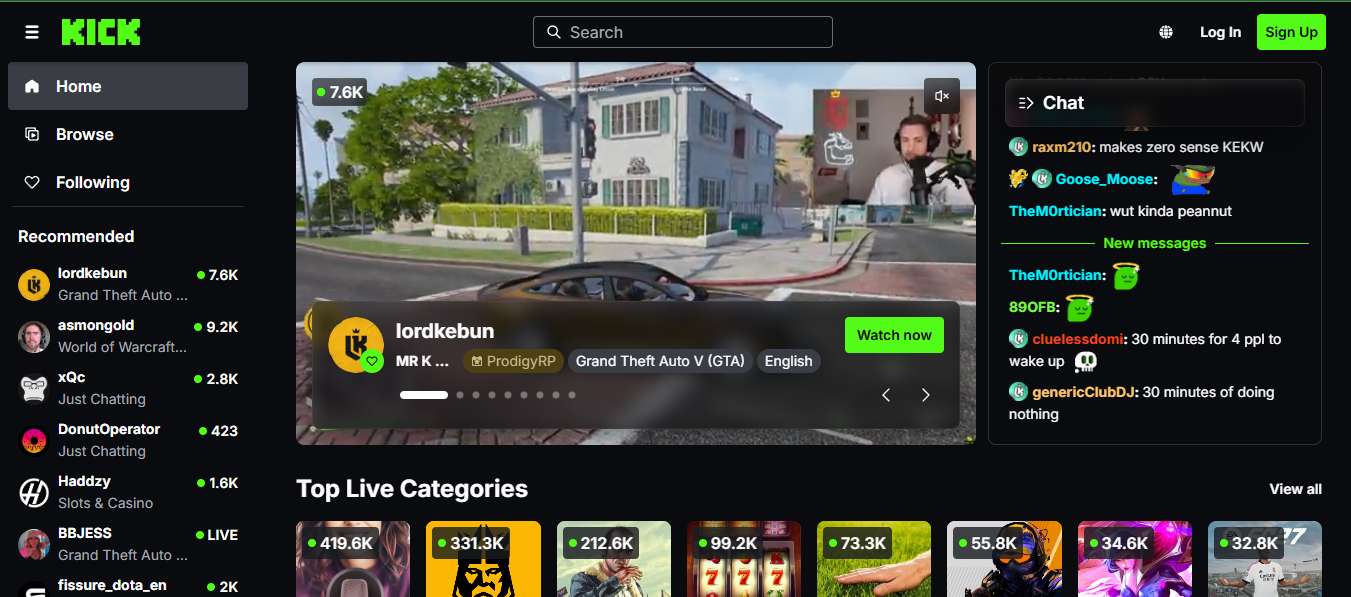
The short version: Kick is a live streaming platform that launched as a direct rival to Twitch. Its big pitch is money: it advertises a 95/5 split on subscriptions, which means streamers keep most of what their viewers pay. The rest looks a lot like Twitch: live streams, chat, gaming, and just-chatting content.
Quick verdict: Worth a look if you already stream and want a better cut, especially if you have an audience to bring along. A tough start if you’re brand new and need the platform to send you viewers.
What makes Kick different?
Most streaming platforms look similar on the surface. Kick stands out because of the numbers. A larger share of each subscription goes to the streamer, and that’s what has attracted some established creators away from other platforms.
But a better split only helps if people are watching. Kick’s audience is smaller than Twitch’s or YouTube’s, and discovery for new channels is harder. So the payout looks great on paper, but your total income still depends on how many viewers you can bring with you.
It’s also a younger platform. That can mean more room to grow and less competition, but also less certainty about how it will look in a few years.
Who is it best for?
- Streamers who already have an audience and want a better revenue share
- Creators who’ve had problems with Twitch’s policies or terms
- IRL and just-chatting streamers who rely on live interaction
- People who like trying newer platforms and don’t mind a smaller crowd
If you’re starting from zero, Kick works better as an extra place to stream than a first home.
Key features
| Feature | What it does |
|---|---|
| Live streaming | Low-delay broadcasting with live chat |
| Categories | Gaming is the focus, with other topics growing |
| Chat tools | Real-time chat with moderation features |
| Subscriptions | Monthly viewer support with a streamer-friendly split |
| KICKs | A virtual currency viewers use to tip during streams |
| Clips | Short highlights that help your content spread |
How you can make money
Kick’s pitch is simple: you keep more of what viewers pay.
- Subscriptions: advertised at a 95/5 split in the streamer’s favor.
- KICKs: viewers tip with this virtual currency.
- Sponsorships: brand deals you arrange yourself.
- Ads: Kick has leaned on subs and tips rather than ads.
- Eligibility: you need to meet the platform’s requirements before earnings unlock.
Worth knowing: the split is only one part of the picture. A smaller audience means a smaller pool, so a great percentage of a small number can still be small.
Pros and cons
| What’s good | What’s not |
|---|---|
| Very streamer-friendly revenue split | Smaller audience than Twitch or YouTube |
| Focused on live streaming | Fewer videos and a smaller library |
| Growing creator community | Earnings depend on meeting requirements |
| Appeals to streamers leaving other platforms | Newer, with less track record |
| Subs and tips come first | Harder for new channels to be discovered |
What does it cost?
Free to watch and to stream. Kick earns by taking its share of subscriptions and KICKs.
The bottom line
If you already stream and have viewers who’ll follow you, Kick is worth testing alongside your main platform. If you’re new, build an audience first on a bigger platform, then bring people over for the better payout.
Quick questions
Can Kick replace YouTube or Twitch?
For most creators, not yet. It’s for live streaming, so it competes with Twitch, not YouTube, and it’s still smaller.
How much does Kick take?
It advertises 5% of subscriptions and KICKs, so streamers keep 95%. Check the current terms before relying on that number.
Does Kick have ads?
It has mainly relied on subs and tips. Check whether that has changed.
10. Rumble: A Second Home for Independent Creators
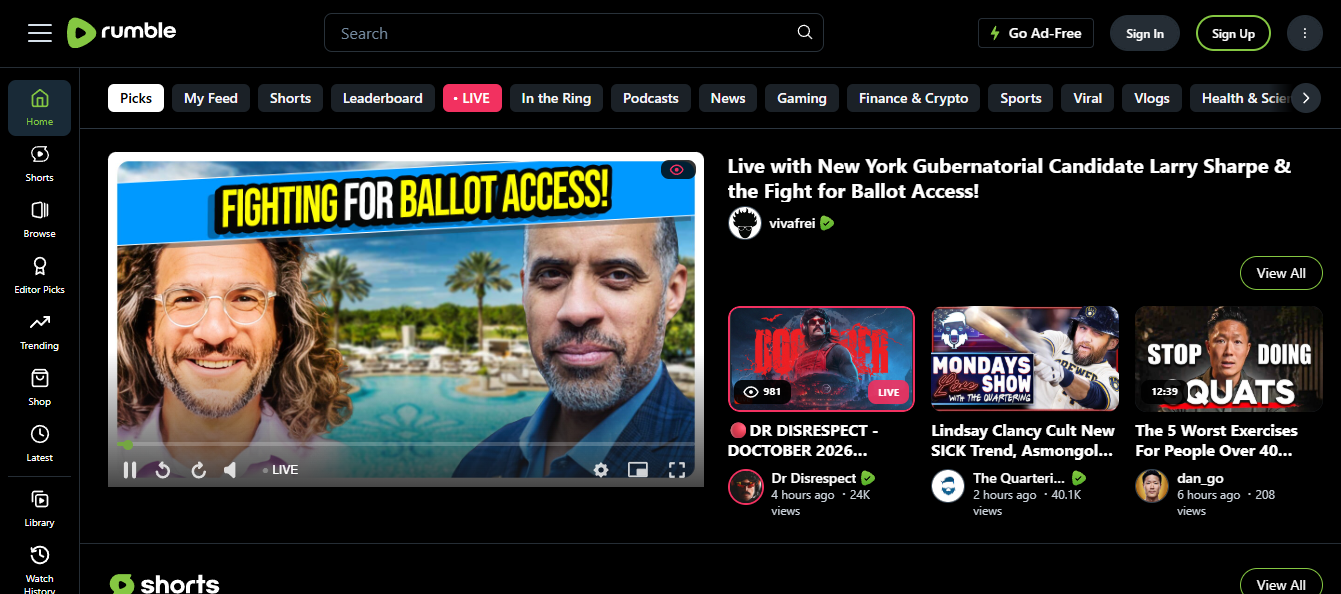
The short version: Rumble is a video platform that pitches itself to independent creators who want more say over their content. You can upload videos, go live, and use built-in studio tools. It’s smaller than YouTube, but it’s become a common second platform for commentary and independent channels.
Quick verdict: A reasonable add-on if you’re an independent creator who wants another place to publish and earn. Not the place to go if you need big, fast discovery.
What makes Rumble different?
Most big platforms are built around advertiser comfort: what’s “brand-safe,” what keeps people watching. Rumble positions itself differently, with fewer content restrictions and a focus on creator independence. That’s the main reason many commentary and opinion channels have set up there.
It’s also practical. You can upload long videos, stream live, and use free tools for recording and editing. The multi-platform streaming option lets you send one live stream to several places at once, which saves time if you’re already on a few platforms.
The tradeoff is reach. Rumble’s audience is smaller and has a different makeup from YouTube’s, and there’s less organic discovery. Think of it as a place where your existing fans can follow you, not where strangers will find you.
One more thing worth saying plainly: “fewer restrictions” cuts both ways. Looser rules can appeal to creators who’ve felt boxed in elsewhere, but some advertisers and viewers may avoid the platform for the same reason. Decide whether that fits your brand.
Who is it best for?
- Independent creators who value control over chasing viral hits
- Commentary and opinion channels that don’t fit neatly on mainstream platforms
- Creators who publish the same content in several places
- People who’d rather have a few smaller income streams than rely on one
If your plan depends on strangers discovering you, YouTube is still the stronger choice.
Key features
| Feature | What it does |
|---|---|
| Video hosting | Upload long-form videos without a monthly hosting fee |
| Live streaming | Broadcast directly from the platform |
| Rumble Studio | Free tools for recording, editing, and publishing |
| Multi-platform streaming | Send one stream to several destinations |
| Creator program | Earnings for eligible creators |
How you can make money
Rumble has several ways to earn, but none of them are automatic, and the terms have changed over time.
- Ad revenue: shared on eligible videos.
- Viewer tips: sent by your audience.
- Sponsorships: deals you negotiate yourself.
- Creator Program: has its own rules and requirements.
Worth knowing: earlier drafts of this article mixed two claims: that you can monetize from day one, and that the Creator Program has eligibility requirements. Those don’t fit together. Until you’ve confirmed Rumble’s current rules, say only that earning depends on meeting its requirements, and treat Rumble as a slow-building income stream rather than a quick one.
Pros and cons
| What’s good | What’s not |
|---|---|
| Several income options in one place | Smaller audience than YouTube |
| No monthly hosting fee to start | Audience makeup differs from YouTube’s |
| Free creator tools | Earning programs have requirements |
| Live streaming built in | Little organic discovery |
| Useful for publishing in many places | Not a full YouTube replacement |
| Fewer content restrictions | Some advertisers and viewers may avoid it |
What does it cost?
You can start without a monthly hosting fee. Some monetization programs and services have their own terms or revenue splits, so read them before you commit.
The bottom line
Rumble works best as a second stop, not a first one. If you’re an independent creator with an existing audience and you like having more control, it can add reach and a little extra income. If you want rapid growth from strangers, start with YouTube or TikTok and bring people over later.
Quick questions
Can Rumble replace YouTube?
For most creators, no. It works better alongside YouTube as an extra place to publish and earn.
Can I stream live on Rumble?
Yes. Live streaming is supported, including sending one stream to multiple platforms.
Does Rumble actually pay?
It can, for eligible creators, through ads, tips, and its Creator Program. How much depends on your audience and the current rules.
11. Wistia: Video That Lives on Your Website and Works for Your Business
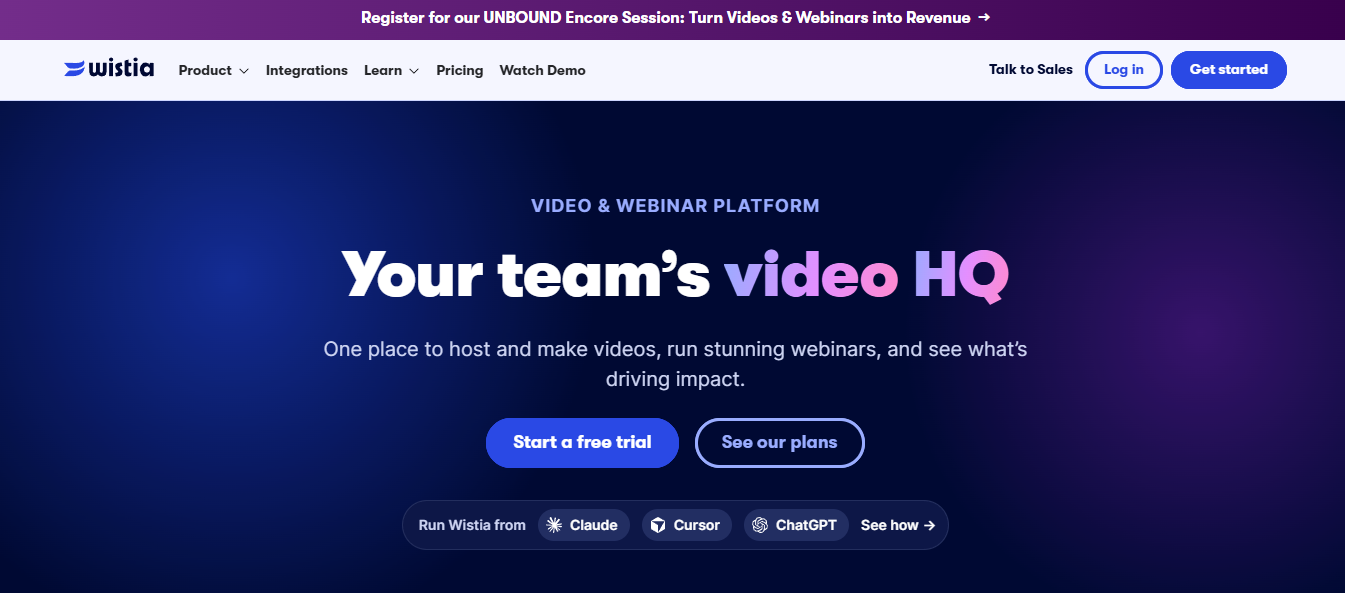
The short version: Wistia is a video hosting platform built for businesses. Instead of posting on someone else’s site, you put videos on your own website, landing pages, or emails, with your branding and your calls to action. Then you see who watched, how far they got, and what they did next.
Quick verdict: A strong fit for marketers, SaaS teams, agencies, and course creators who need video to bring in leads. Not for casual creators who want views and subscribers.
What makes Wistia different?
On YouTube, your video sits next to suggested videos, some of which may come from your competitors. On Wistia, the video sits on your page, with your design around it, and the viewer’s next step is the one you choose: book a demo, sign up, download something.
The other big difference is the data. Instead of just view counts, you can see things like how long people watched and where they dropped off. That helps you improve the video and connect it to real results, like leads or signups.
It’s a tool for a job, not a place to build an audience. People find your videos through your site, your emails, and your marketing, not by browsing Wistia.
Who is it best for?
- B2B marketers running demos, explainer videos, and lead campaigns
- SaaS companies adding video to landing pages and onboarding
- Agencies making video for client sites
- Sales teams sending personalized videos to prospects
- Course creators and consultants who want branded, controlled video delivery
If you just want to share videos and grow a following, a social platform will suit you better.
Key features
| Feature | What it does |
|---|---|
| Ad-free hosting | Videos play without third-party ads or competing suggestions |
| Custom player | Match colors, logo, and controls to your brand |
| Analytics | Watch time, drop-off points, and engagement data |
| Email capture | Collect emails inside the video player |
| Calls to action | Add buttons and links in or around the video |
| Video SEO | Tools to help video pages show up in search |
| Integrations | Connect to tools like HubSpot, Marketo, Mailchimp, and Salesforce |
Email capture inside the player is a handy one. You can ask for an email at a moment when viewers are already interested, instead of sending them to a separate form.
How you can make money
Wistia doesn’t pay you for views. The value comes from what your videos do for your business.
- Lead capture: collect emails and contact details through the player.
- Conversion tracking: see which videos lead to signups, demos, or sales.
- CRM and marketing tools: send video data into the systems you already use.
- Selling your own products: if you run courses or services, video on your own site can help you sell them.
Worth knowing: there are no ad payouts or creator funds here. You pay Wistia, and your return comes from the customers your videos help you win.
Pros and cons
| What’s good | What’s not |
|---|---|
| Detailed viewing data | Not built for mass discovery |
| Lead capture built into the player | Paid plans can get expensive as you grow |
| Brand-controlled presentation | Overkill for casual creators |
| Works with major marketing tools | No ad income |
| Good for video on your own site | Needs a marketing plan to show results |
What does it cost?
There’s a free plan that’s fine for testing. The features that matter most for marketing, like deeper analytics, branding, and lead capture, usually need a paid plan, and costs grow with your team and library.
The bottom line
Wistia is worth it if video is part of how your business wins customers. If you want to post for views, stay on a social platform. If you want to measure whether video actually leads to sales, Wistia is built for that.
Quick questions
Can Wistia replace YouTube?
Not for most people. Wistia is for business video on your own site. YouTube is for public reach and discovery.
Does Wistia pay creators?
No. It’s a paid tool for businesses, not an ad-revenue platform.
How is Wistia different from Vimeo?
Both host video professionally. Wistia leans harder into marketing, with lead capture and conversion tracking, while Vimeo leans toward presentation and selling content.
12. Nebula: A Paid, Ad-Free Home for Thoughtful Video
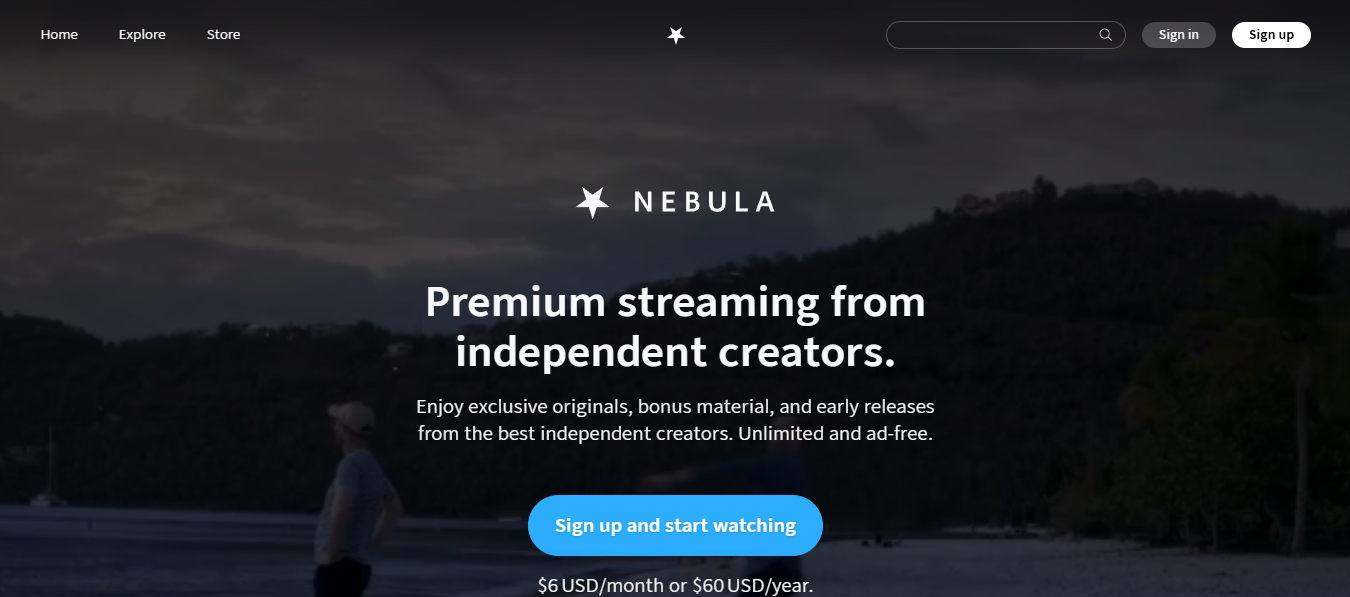
The short version: Nebula is a subscription streaming service for videos made by independent creators, mostly in education, science, documentaries, and culture. Viewers pay one fee, there are no ads, and the creators on the platform earn from that subscription pool rather than from ad impressions.
Quick verdict: Great for viewers who want deeper, ad-free content. For creators, it’s a good add-on if you’re already established with a loyal audience, but it isn’t open to everyone.
What makes Nebula different?
On YouTube, the whole system is shaped by ads and the algorithm. Titles, thumbnails, and even video length get tuned to keep people clicking. Nebula takes a different route: viewers pay up front, so creators have room to make longer, slower, more in-depth work without chasing every trend.
It also started from creators themselves. A group of established YouTubers launched it, working with CuriosityStream. That’s part of why it feels more like a creator-run club than a typical streaming service.
The catch is access. You can’t sign up and start uploading. Nebula works with a curated set of creators, and most of them already have large audiences elsewhere.
Who is it best for?
- Educational creators making video essays, explainers, and deep dives
- Documentary makers who want an ad-free presentation
- Science, tech, and culture channels with room to go long
- Established creators whose fans would follow them to a paid platform
- Viewers who’d rather pay for quality than sit through ads
If you’re just starting out and need to be discovered, Nebula won’t do that for you.
Key features
| Feature | What it does |
|---|---|
| Ad-free viewing | No ads or mid-roll interruptions |
| Creator-made originals | Series and videos made for Nebula |
| Exclusive content | Videos you can’t find on YouTube |
| Subscription access | One fee unlocks the whole library |
| Bundles and promos | Some creators and partners offer deals |
How you can make money
Nebula doesn’t use ads. Money comes from viewers’ subscriptions, and participating creators earn a share of that.
- Subscription revenue share: creators earn based on how their content performs.
- Exclusive content: publishing something only on Nebula can bring in new paying members.
- Your own audience: many creators promote their Nebula videos from their YouTube channels to sign up fans.
Worth knowing: this is a partner-based system, so you can’t just decide to earn here. It makes the most sense for creators who already have an audience that trusts them.
Pros and cons
| What’s good | What’s not |
|---|---|
| Fully ad-free | Much smaller audience than YouTube |
| Strong educational and documentary focus | Viewers must pay to watch |
| Creator-aligned approach | Curated, not open to everyone |
| Viewers who are willing to pay | Hard to be discovered as a new creator |
| Room for in-depth, longer work | Not a fit for every content type |
What does it cost?
For viewers, it’s a paid subscription, billed monthly or yearly. There’s no free ad-supported tier for the full library.
The bottom line
Nebula works best as a bonus for established creators and a treat for viewers who want ad-free depth. It won’t help you grow from nothing, but if you already have fans who care about your work, it can be a nice way to give them something extra and earn from it.
Quick questions
Can Nebula replace YouTube?
For most creators, no. It’s a premium add-on for established creators, not a place to build an audience from scratch.
Who owns Nebula?
It was started by a group of creators with CuriosityStream.
Can anyone upload to Nebula?
No. It works with a limited roster of creators rather than open uploads.
13. VEVO: A Music Video Network, Not a Place to Sign Up and Upload
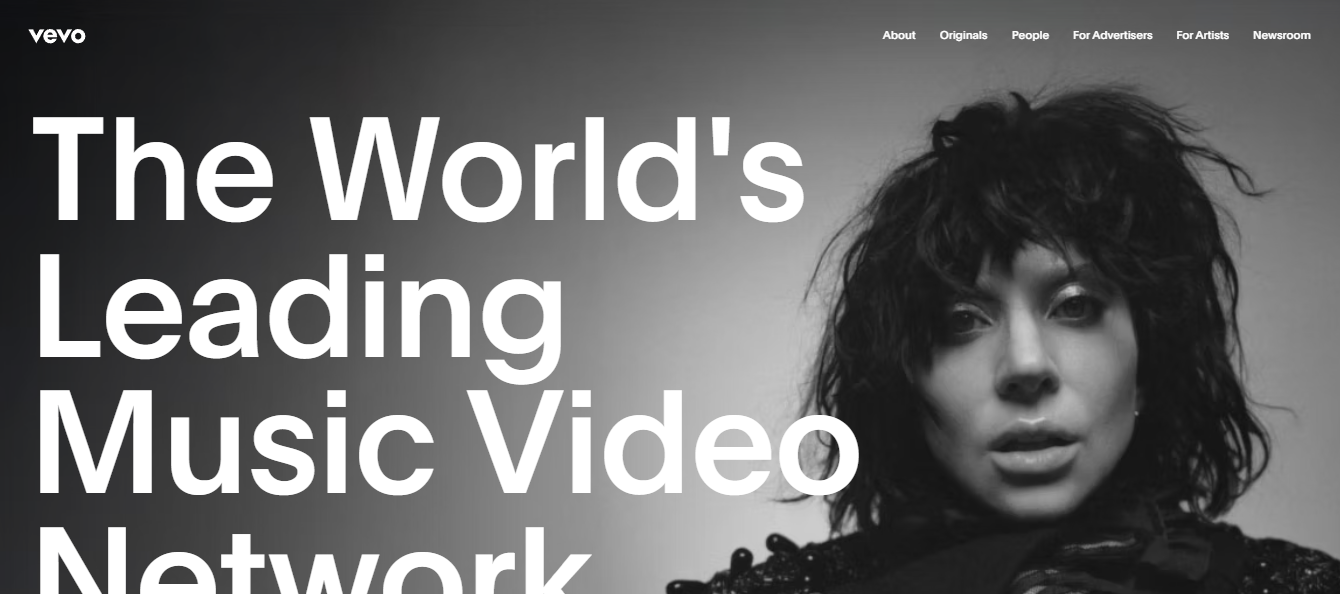
The short version: VEVO is a music video service tied to the major labels. Official music videos from signed and distributed artists are published on VEVO channels, and they show up on YouTube, smart TV apps, and partner platforms. Most artists don’t deal with VEVO directly. Their label or distributor handles it.
Quick verdict: Relevant if you’re a label, a distributor, or an artist with official releases and industry backing. Not relevant if you’re a general creator looking for a YouTube alternative.
What makes VEVO different?
Almost every other platform in this list is somewhere you can create an account and start posting. VEVO isn’t. It works through partnerships, mainly with labels and distributors, and it publishes official music content.
It’s also not really separate from YouTube. A large part of VEVO’s audience watches VEVO channels on YouTube. So think of it less as a rival and more as a music-focused distribution layer that sits alongside YouTube and other services.
That’s why this entry is a bit of an odd fit for a “YouTube alternatives” list. It’s worth knowing about if you’re in music, but most readers won’t be able to use it directly.
Who is it best for?
- Record labels managing artists and catalogs
- Artists with official releases and a label or distributor behind them
- Music video producers working with established artists
- Distributors and aggregators who offer VEVO delivery as a service
If you’re an independent artist, the usual route is through a distributor that offers VEVO delivery, and not every distributor does.
Key features
| Feature | What it does |
|---|---|
| Music video distribution | Publishes official music videos across several platforms |
| Artist channels | Branded channels for official artist content |
| Curated catalog | Music content from official sources |
| Connected TV apps | Reaches viewers on smart TVs and streaming devices |
| YouTube presence | VEVO channels appear on YouTube |
How you can make money
VEVO earnings run through deals and revenue sharing, not a sign-up creator program.
- Ad revenue: videos earn from ads on YouTube and on VEVO’s own apps.
- Revenue splits: income is shared between VEVO, the label or distributor, and the artist, according to their contracts.
- Brand deals: established artists can arrange sponsorships separately.
Worth knowing: your actual earnings depend on your contract with your label or distributor, not on VEVO itself. Read those terms carefully.
Pros and cons
| What’s good | What’s not |
|---|---|
| Well-known name in music videos | Only for music |
| Professional distribution to several platforms | Usually needs a label or distributor |
| TV reach beyond phones and computers | Little control for independent artists |
| Credibility for official releases | Not open to general creators |
| Revenue sharing through established deals | Earnings depend on your contract |
What does it cost?
You don’t sign up or pay VEVO directly. Access comes through a label, distributor, or aggregator, and any fees depend on that partner.
The bottom line
VEVO is useful for artists and labels with official releases. If you’re a general creator, skip it, and look at platforms you can actually join. If you’re a musician, a distributor that includes VEVO delivery is the realistic way in. Pair it with TikTok or Instagram Reels for discovery.
Quick questions
Can VEVO replace YouTube?
No. VEVO’s videos are mostly watched on YouTube and other platforms, so it works alongside them.
Can independent artists join VEVO directly?
Generally not. Artists usually go through a label, distributor, or aggregator.
What content belongs on VEVO?
Official music videos and related music content, not general videos.
14. Brightcove: Video Infrastructure for Big Organizations
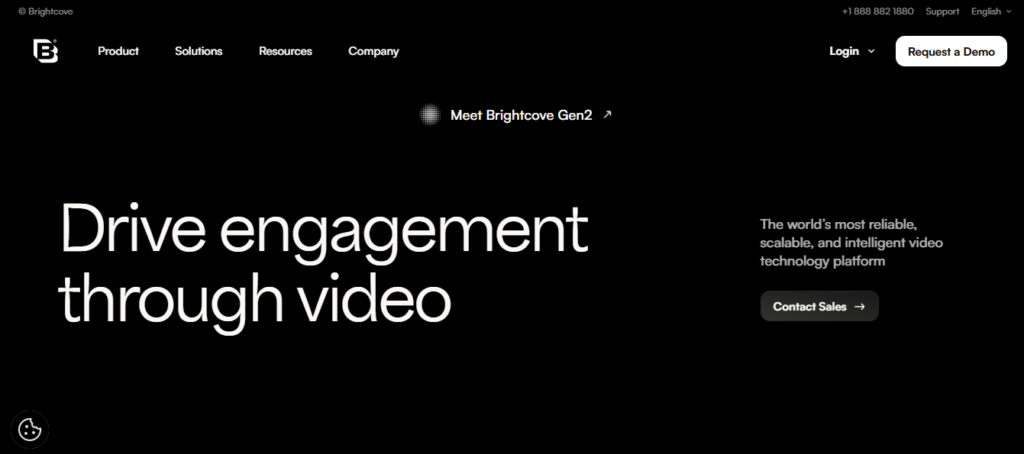
The short version: Brightcove is a video platform built for companies, media groups, and institutions that need video to work reliably at scale. It handles hosting, live streaming, security, analytics, and branded streaming apps. It’s a business tool you buy, not a place to build a following.
Quick verdict: A fit for enterprises, publishers, universities, and streaming businesses with a real budget and a technical team. Overkill for solo creators and small teams.
What makes Brightcove different?
Most platforms on this list are built for individual creators. Brightcove is built for organizations with specific demands: video that must stay online, content that must be locked down, and systems that must connect with the rest of the company’s software.
Think of a company streaming an all-hands event to thousands of employees, a university delivering lectures securely, or a media business running a paid streaming service. These cases need uptime, access controls, and detailed reporting more than they need an audience of strangers.
The tradeoff is cost and complexity. Setup usually involves sales conversations, contracts, and some technical work. It isn’t something you try over a weekend.
Who is it best for?
- Enterprises running internal comms, training, and customer-facing video
- Media and broadcast companies with streaming services
- Universities, healthcare, finance, and government groups that need strict security
- Subscription video businesses building branded apps
- Marketing teams managing large video libraries and campaigns
If you’re a solo creator, skip it and look at Vimeo, Wistia, or a social platform instead.
Key features
| Feature | What it does |
|---|---|
| Video hosting | Large-scale hosting with a global delivery network |
| Live streaming | Live events for big audiences |
| OTT tools | Branded streaming apps for web, mobile, and TV |
| Analytics | Viewing and engagement reporting |
| Content management | Organize and distribute large video libraries |
| Integrations | Connects with CRM, marketing, and learning tools |
| Security | Access controls, DRM, and single sign-on options |
How you can make money
Brightcove doesn’t pay creators. Organizations pay Brightcove and make their return from how they use video.
- Subscription streaming: run a paid, branded streaming service.
- Ad-supported video: deliver and manage ads at scale.
- Paid content: put premium video behind access controls.
- Business results: use video for sales, retention, training, or internal communication.
Worth knowing: think of Brightcove as a cost that supports your business goals, not as income for creators.
Pros and cons
| What’s good | What’s not |
|---|---|
| Built for reliability and scale | Expensive for small teams |
| Strong security and access control | Not made for casual creators |
| Detailed analytics | Onboarding takes effort |
| Works with business tools | No free creator plan |
| Good for streaming businesses | Needs technical and operational support |
What does it cost?
Pricing is typically business-level and quoted based on your needs: usage, features, and contract length. If you need exact numbers, you’ll likely have to contact their sales team.
The bottom line
Brightcove is the right kind of tool for organizations that depend on video and need it to be secure and dependable. If that’s you, it’s worth a conversation. If you’re a creator or a small business, it’s more than you need.
Quick questions
Can Brightcove replace YouTube?
Not for most people. It’s business infrastructure, not a public platform for finding viewers.
Does Brightcove pay creators?
No. Customers pay Brightcove for hosting, streaming, and related services.
Is there a free plan?
Brightcove is generally sold on business pricing rather than a free creator plan.
15. PeerTube: Video You Can Host Yourself
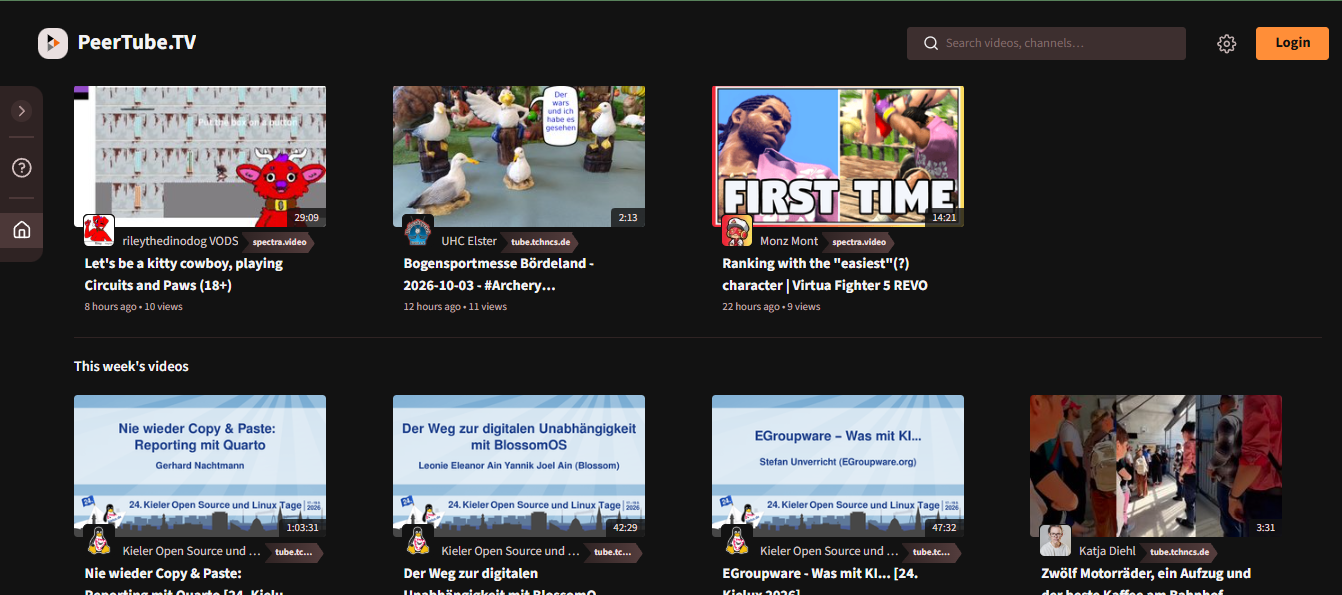
The short version: PeerTube is free, open-source software for running a video site. Anyone can set up their own “instance” (a server with its own rules, members, and videos), and instances can connect so people on one can watch and follow videos from another. No single company runs the whole network.
Quick verdict: Good for developers, communities, and organizations that want control over their hosting. Not for creators who want a built-in audience or a quick payout.
What makes PeerTube different?
On every other platform here, one company owns the service and sets the rules. With PeerTube, the software is open, and different people run different instances. Each one decides who can join, what content is allowed, and how it’s moderated.
Instances connect through a protocol called ActivityPub, the same one Mastodon uses. That means a video on one instance can be followed, watched, and commented on from others, and it can reach people across the wider Fediverse.
The upside is control and independence. The downside is that you do more of the work: choosing an instance or running your own, and building your audience yourself, because there’s no central recommendation engine pushing your videos.
Who is it best for?
- Developers and technical creators comfortable running a server
- Communities and open-source projects that want to host video on their own terms
- Universities, nonprofits, and organizations that need control over their data
- People already on Mastodon or the Fediverse
- Creators who want an alternative home outside a single company’s rules
If you want a simple sign-up and an audience that shows up, PeerTube will feel like a lot of work.
Key features
| Feature | What it does |
|---|---|
| Open-source software | Anyone can inspect, change, and run it |
| Federation | Instances connect and share content |
| Self-hosting | Run your own instance on your own server |
| Instance rules | Each instance sets its own moderation and culture |
| Peer-assisted delivery | Viewers can help share bandwidth for popular videos |
| No ad tracking | The software itself doesn’t run an ad-profiling system |
How you can make money
PeerTube has no built-in earning system. Whether you can earn depends on the instance, or on what you build yourself.
- Donations: some instances or creators link to donation pages.
- Memberships: some creators use outside tools for recurring support.
- Sponsorships: deals you negotiate yourself.
- No ad sharing: there’s no YouTube-style ad revenue program.
Worth knowing: if income matters, check how your chosen instance handles it, or plan to bring in money through your own channels (Patreon, a shop, a mailing list).
Pros and cons
| What’s good | What’s not |
|---|---|
| No single company in control | Harder for beginners |
| Open-source and transparent | Audience depends on your instance and your own promotion |
| Strong control over hosting and data | Little or no built-in monetization |
| No central point of shutdown | Much smaller than YouTube |
| Flexible for communities and institutions | Self-hosting needs technical skills |
What does it cost?
The software is free. Joining an existing instance is usually free, though some ask for donations. Running your own means paying for a server, bandwidth, storage, and your own time.
The bottom line
PeerTube is for people who care more about control than convenience. If you can run a server, or you’re part of a group that can, it gives you a home no company can easily take away. If you want growth and income without the setup, stick with a bigger platform.
Quick questions
Can PeerTube replace YouTube?
For most creators, no. It’s better for control and independence than for reach or income.
What does “federated” mean?
It means separate PeerTube servers can connect and share videos, so people on one can see content from another.
Is it hard to use?
Joining an instance is easy. Running your own takes technical knowledge and ongoing upkeep.
16. Odysee: The Decentralized YouTube Alternative for Crypto-Focused Creators
Direct Answer: Odysee is the best YouTube alternative for creators who prioritize ownership, decentralization, and crypto-powered monetization. Built on blockchain technology (LBRY), it gives creators full control over their content, bypasses centralized censorship, and offers alternative ways to earn — though it comes with a smaller audience and less predictable income.
What Makes Odysee Different?
YouTube rents you space. Odysee hands you the keys.
Most video platforms own your content, control your reach, and decide how you get paid. Odysee flips that completely. It’s built on decentralized blockchain technology, meaning your videos aren’t stored on a single corporate server that can be taken down or demonetized overnight.
Instead, content lives across a distributed network. No single company can ban you, throttle your reach, or change the rules on a whim. That’s not just a feature — it’s a completely different philosophy about what a video platform should be.
If YouTube is a shopping mall where you rent a store, Odysee is a piece of land you actually own.
Who Is Odysee Best For?
Odysee rewards creators who care more about freedom and ownership than mass appeal:
- Crypto-focused creators who want to earn in tokens and integrate with Web3 ecosystems
- Decentralization enthusiasts who believe in censorship-resistant platforms
- Independent voices who’ve been demonetized or deplatformed elsewhere
- Community builders who want direct, unfiltered relationships with their audience
If your entire strategy depends on viral discovery and massive cold audiences, Odysee will feel small. If your strategy depends on ownership, independence, and alternative monetization, Odysee is one of the few platforms actually built for that.
Key Features at a Glance
| Feature | What It Actually Does |
| Video Publishing | Upload videos to a decentralized network — no single point of failure |
| Creator-Focused Distribution | Content spread across a distributed network rather than one server |
| Decentralized Technology | Built on the LBRY protocol (blockchain), meaning no central owner controls your content |
| Community Features | Followers, comments, and direct engagement without algorithmic filtering |
| Alternative Monetization | Earn through platform support, community methods, and crypto-based systems |
The decentralized technology is the real standout. It’s not a marketing buzzword — it means no single entity can remove your content or change your monetization terms overnight.
How Does Odysee Monetization Work?
Answer-first: Odysee creators can earn through platform support programs and community-driven methods, but the exact terms depend on the current program and rules. Monetization is less predictable than YouTube’s ad model.
Here’s how the ecosystem works:
- Platform Support — Odysee’s own programs designed to reward creators
- Community Methods — Tips, support, and engagement-driven rewards from your audience
- Crypto-Based Earnings — Tied to the LBRY token and Web3 ecosystem
- Program Rules — Eligibility and payout structures can change based on platform updates
Honest catch: Monetization on Odysee can be less predictable than YouTube. Crypto markets fluctuate, program rules evolve, and payouts aren’t as standardized. Treat it as an alternative income stream — not a guaranteed paycheck.
Odysee Pros and Cons
| What Works Well | Where It Falls Short |
| True alternative to centralized platforms | Smaller overall audience than YouTube |
| Strong creator ownership focus | Less mainstream discovery |
| Community-oriented culture | Monetization can be less predictable |
| Great for decentralization enthusiasts | Crypto dependency may limit mainstream appeal |
| Censorship-resistant content hosting | Steeper learning curve for non-crypto users |
What Does Odysee Cost?
Direct answer: Odysee is free to use for publishing and viewing. However, monetization depends on platform programs, community support, and the current rules — which can change. There’s no monthly hosting fee, but the trade-off is a less predictable revenue model.
Read the fine print on any monetization program before assuming consistent income.
Who Should Actually Use Odysee?
Odysee makes sense if you’re a decentralized-content enthusiast, crypto-focused creator, or someone who’s been burned by centralized platforms.
It’s not a YouTube killer, and it doesn’t try to be. It’s a freedom-first alternative: a place where you own your content, your audience isn’t filtered by an algorithm, and monetization isn’t controlled by a single corporation.
The bottom line: If you want massive reach and predictable ad revenue, stick with YouTube. If you want ownership, decentralization, and a community that believes in the same values, Odysee is one of the few platforms actually walking the walk.
Common Questions, Straight Answers
Can Odysee replace YouTube?
For most creators, no. Odysee works best as an alternative or supplement, especially for crypto and decentralization-focused audiences.
Is Odysee really decentralized?
Yes. Odysee is built on the LBRY protocol, a blockchain-based network that distributes content across many nodes instead of one central server.
How do creators make money on Odysee?
Through platform support programs, community methods, and crypto-based earnings. The exact terms depend on current program rules.
Is Odysee free to use?
Yes, publishing and viewing are free. Monetization depends on platform programs and community support.
Who is Odysee best for?
Odysee is best for decentralized-content enthusiasts, crypto-focused creators, and independent voices looking for a censorship-resistant platform.
17. Internet Archive: A Place for Video That Should Stick Around
The short version: The Internet Archive is a nonprofit digital library. Besides books, audio, and the Wayback Machine, it hosts a large collection of video, from old films and lectures to public-domain footage. It’s built to keep things available for the long term, not to help you grow an audience or earn money.
Quick verdict: A great fit for archivists, educators, researchers, and anyone sharing public-domain or openly licensed video. Not a fit if you want views, subscribers, or income.
What makes the Internet Archive different?
Every other platform here has some way of ranking, recommending, or paying for content. The Archive doesn’t. Its goal is simply to keep material accessible, even after the platform that first hosted it changes or disappears.
That makes it useful for a different job: backing up work that matters, sharing research and lectures, or preserving rare footage. People usually find items through search, collections, and links from elsewhere, not through a feed.
One thing to remember is rights. You should only upload material you own, have permission to share, or that is in the public domain or openly licensed. The Archive has faced legal challenges over copyright in recent years, so read its current policies first.
Who is it best for?
- Archivists and historians preserving video for the future
- Schools, universities, and researchers sharing lectures and study material
- Creators releasing work under public-domain or Creative Commons terms
- Documentary makers saving older or rare footage
- Nonprofits and cultural groups documenting their work
If your goal is growth or revenue, put your energy elsewhere and use the Archive as a backup.
Key features
| Feature | What it does |
|---|---|
| Free access | Anyone can watch, with no paywall or ads |
| Video collections | Historical, educational, and public-domain video |
| Uploading | Contribute content for long-term storage |
| Metadata and collections | Add titles, descriptions, and tags so items can be found |
| Wayback Machine | Saved snapshots of websites over time |
How you can make money
You can’t. The Archive has no ads, no creator fund, and no subscriptions. It runs on donations and grants.
- Direct earnings: none.
- Indirect value: credibility, public access, and a permanent record of your work.
- Related benefits: your archived work can support your reputation, research, or cause.
Worth knowing: if you upload hoping to earn, you’ll be disappointed. Treat it as a long-term backup and public resource, not a revenue channel.
Pros and cons
| What’s good | What’s not |
|---|---|
| Free to watch and upload | No way to earn |
| Mission built around long-term access | Little discovery or promotion |
| Rich historical and educational material | Not meant to replace YouTube |
| Nonprofit and ad-free | Upload process is closer to archiving than posting |
| Good as a backup for important work | Rights and licensing need care |
What does it cost?
Free to use and to upload. It’s funded by donations, grants, and partnerships. If you want to support it, you can donate, but access doesn’t depend on that.
The bottom line
Use the Internet Archive when permanence matters more than reach. It’s a good home for public-interest, educational, and historical video, and a smart extra backup for work you can’t afford to lose. If you need growth or income, pair it with a platform that offers both.
Quick questions
Can the Internet Archive replace YouTube?
No. It’s an archive, not a platform for audiences or earnings.
Does it pay creators?
No. It has no ads, creator fund, or payouts.
What kind of video belongs there?
Historical, educational, public-domain, and openly licensed material, plus work you have the rights to share.
18. DTube: A Blockchain Video Site That’s Mostly for Experimenters
The short version: DTube is a video platform built on blockchain technology. The idea is that videos aren’t stored on one company’s servers, and creators can earn crypto-based rewards instead of ad money. It’s a small, technical corner of the video world, and it’s best treated as an experiment.
Quick verdict: Interesting if you’re already comfortable with crypto wallets and tokens. A poor choice if you want a steady audience or predictable income.
What makes DTube different?
Most platforms keep your videos on their own servers and decide how you get paid. DTube was designed around a different idea: store and organize videos using decentralized tools, and let the community decide what gets noticed through votes and tips.
Rewards work differently too. Instead of ad revenue or a subscription split, creators can receive tokens from the network. Their real-world value moves with the crypto market, so the same video could earn very different amounts depending on timing.
The honest caveat is activity. Newer, more established platforms have taken most of the attention, and a quiet platform means fewer viewers to find you. Check how active it is today before putting any real effort in.
Who is it best for?
- Crypto-savvy creators who already use wallets and tokens
- People curious about decentralized publishing
- Early adopters happy to test something unfinished
- Creators who want a backup home that isn’t run by one company
If you want simple setup and an audience that shows up, look elsewhere.
Key features
| Feature | What it does |
|---|---|
| Decentralized storage | Videos are spread across a network, not one company’s servers |
| Blockchain accounts | Your identity and rewards are tied to a crypto account |
| Community voting | Viewers’ votes and tips help surface content |
| Token rewards | Creators may earn tokens based on engagement |
| Open publishing | Anyone can post without a central gatekeeper |
How you can make money
Earnings here are tokens, not paychecks, and they swing with the market.
- Token rewards: based on votes and engagement.
- Tips: viewers can send support directly.
- Sponsorships: deals you arrange yourself, outside the platform.
- No ads: there’s no ad revenue program.
Worth knowing: don’t count on this as income. If you try it, treat any earnings as a bonus, and learn how to handle crypto safely first, including wallet security and local rules about converting tokens to cash.
Pros and cons
| What’s good | What’s not |
|---|---|
| No single company controls your content | Small, quiet audience |
| Different approach to rewards | Earnings swing with crypto prices |
| Open to experimentation | Steep learning curve |
| Community-driven discovery | Requires crypto knowledge |
| Can work as an extra backup | Uncertain activity and development |
What does it cost?
Viewing and publishing are free. The real cost is time: learning wallets, tokens, and how the platform works.
The bottom line
DTube is for curious people who like trying new tech. If you’re one of them, set it up as a side experiment alongside a bigger platform. If you need an audience or reliable income, it’s not the right tool.
Quick questions
Can DTube replace YouTube?
No. It’s a small experimental platform, not a mainstream alternative.
Is DTube really decentralized?
It’s designed to be, but how much depends on which parts of the system you look at.
Can I earn real money on it?
Possibly, in tokens, but the amounts are unpredictable and depend on the crypto market.
19. Flickr: A Photography Community That Also Takes Video
The short version: Flickr is a photo-sharing site that has been around for a long time, and it also supports video. Video isn’t the main event there. It’s a way for photographers to add motion, behind-the-scenes clips, or short films next to their still work.
Quick verdict: A decent fit for photographers and visual artists who want photos and video in one portfolio. Not a good fit if you’re a video-first creator or want to earn from views.
What makes Flickr different?
Most platforms here are built for video and add other things on the side. Flickr works the other way around. The community, the groups, and the culture are about photography, so a video there reaches people who already care about visual work.
That makes it good for context. A travel photographer can put a short clip of the trip beside the photos from it. A portrait photographer can share a behind-the-scenes video in the same album as the final shots. Everything sits in one place instead of being split across a photo site and a video site.
The tradeoff is that video gets less attention and fewer tools than on dedicated platforms. Treat it as a supporting piece of your portfolio, not the star.
Who is it best for?
- Photographers who want to add short clips or behind-the-scenes footage to a portfolio
- Visual artists mixing stills and motion in one project
- Travel and nature creators sharing photos and short video together
- Photography teachers posting technique videos and gear talk
- People who like community feedback through groups and critiques
If you make video full-time and want an audience and income, a video-first platform will serve you better.
Key features
| Feature | What it does |
|---|---|
| Photo and video sharing | Keep both in the same place |
| Albums and collections | Group photos and videos into a single portfolio |
| Groups | Join photography communities and get feedback |
| Tags | Help people find your work by topic |
| Stats | Viewing insights on paid plans |
The albums are the useful part. Being able to mix photos and video in one portfolio is something many bigger platforms don’t make easy, though it’s worth checking how well it works today.
How you can make money
Flickr doesn’t pay you for video. There’s no ad share and no creator fund.
- Client work: a strong portfolio can bring in photography or video jobs.
- Licensing: your images and clips may attract buyers, depending on how you handle rights.
- Brand visibility: the exposure supports your name and your other income.
Worth knowing: think of Flickr as a showcase. If you want direct income from video, use YouTube, TikTok, or a membership site like Patreon alongside it.
Pros and cons
| What’s good | What’s not |
|---|---|
| Established photography community | Video is secondary |
| Photos and video in one portfolio | No direct video income |
| Feedback through groups | Smaller video audience |
| Tags help people find your work | Little promotion for video |
| Looks credible for portfolio use | Not built for video-first creators |
What does it cost?
There’s a free plan with limits and a paid Pro plan with more storage and features. Neither pays you for video.
The bottom line
Flickr makes sense when your photography is the main thing and video is a nice extra. If that’s you, it’s a credible spot for a combined portfolio. If video is your main work, use it as a side showcase at most.
Quick questions
Can Flickr replace YouTube?
No. It’s built around photos, and video is a smaller feature.
Does Flickr pay for videos?
No. Any income comes from the jobs and licensing your portfolio helps you win.
What video works best there?
Short clips that go with your photos: behind-the-scenes, travel moments, and short visual pieces.
20. Veoh: An Old-School Video Site (Check Before You Bother)
Note for you, not for publishing: Veoh is one of the oldest video sites, and I’m not confident it’s still running in a form worth recommending. Before you keep this section, open veoh.com and check whether you can still upload, watch, and sign up. If it’s dormant or offline, delete this entry. The version below is written assuming it still works.
The short version: Veoh is a general video-sharing site from the early days of online video. It stayed simple: upload videos, browse by category, watch. There’s no heavy algorithm and no focus on short clips.
Quick verdict: At best, a low-effort backup spot for long videos. Not a place to grow an audience or earn money.
What makes Veoh different?
Veoh doesn’t try to be a social network or a discovery machine. It’s closer to a plain video shelf. You post, people can browse categories, and that’s about it.
That simplicity is the appeal, and also the limit. With few active users and little promotion, a video you upload may get very few views unless you send people there yourself.
So the honest use case is small: an extra copy of your longer videos in one more place, nothing more.
Who is it best for?
- Long-form creators who want an extra place to host videos
- People who want a backup copy of their library outside the big platforms
- Creators already publishing everywhere who don’t mind a little extra upkeep
If you want views, community, or income, put your time elsewhere.
Key features
| Feature | What it does |
|---|---|
| Video uploads | Open publishing for user videos |
| Categories | Browse videos by topic |
| Long videos | Not built around short clips |
How you can make money
Mostly, you can’t.
- Platform earnings: I couldn’t confirm any active creator payment program.
- Indirect value: an extra place where your videos can be found.
Worth knowing: if you’re after income, spend your effort on platforms with working monetization programs.
Pros and cons
| What’s good | What’s not |
|---|---|
| Simple to use | Very small audience |
| Fine for long videos | Little or no monetization |
| Another place for backups | Little promotion or discovery |
| Free to start | Unclear how active or well-maintained it is |
What does it cost?
Uploading and viewing have been free. The real cost is time spent maintaining one more account for very little return.
The bottom line
Veoh is a “maybe” at most. If it’s active and you like having backups in more places, it won’t hurt. If you’re short on time, skip it. An extra copy on a platform with a real audience, like YouTube, Vimeo, or Dailymotion, will do more for you.
Quick questions
Can Veoh replace YouTube?
No. It’s too small and too quiet for that.
Does Veoh pay creators?
I couldn’t confirm any active program. Check the site before assuming anything.
What Is the Best YouTube Alternative for Creators?
Answer-first: Rumble, Vimeo, and Odysee lead for creators who want flexibility, ownership, or a smaller loyal audience — depending on whether you prioritize monetization, presentation, or freedom.
| Platform | Best For | Monetization | Why It Wins |
|---|---|---|---|
| Rumble | Independent & alternative creators | 60/40 ad split (creator keeps 60%) | Minimal restrictions, monetization from day one |
| Vimeo | Filmmakers & professionals | OTT subs, rentals, sales | Ad-free hosting, customizable player, premium presentation |
| Odysee | Ownership-focused creators | LBRY Credits from tips & views | Blockchain-based, no central boss can delete content |
| Dailymotion | Media companies & publishers | Ad revenue (region-based) | European platform, professional content focus, looser policies |
| Nebula | Premium educational creators | Subscription revenue share | Ad-free, creator-owned, curated roster |
Best for: Creators who want flexibility, ownership, or a loyal niche audience instead of chasing viral reach.
What Is the Best YouTube Alternative for Gamers?
Answer-first: Twitch remains the gaming livestream leader, but Kick offers the best revenue split (95/5), and BiliBili dominates Asian gaming markets. Your choice depends on whether you want audience size, payouts, or regional dominance.
| Platform | Best For | Revenue Split | Why It Wins |
|---|---|---|---|
| Twitch | Live gaming & esports | 50/50 subs | Biggest live audience, strong chat culture, category discovery |
| Kick | Streamers wanting max payouts | 95/5 subs & KICKs | Creator keeps $4.75 of a $5 sub — best split in streaming |
| BiliBili | Asian gaming & anime | Region-based programs | Dominant in Asia, danmaku culture, fandom-driven |
| Rumble | Gaming commentary | 60/40 ad split | Alternative content, less restrictive policies |
| Facebook Gaming | Casual & social gamers | Stars, bonuses | Built-in social graph, easy discovery for existing audiences |
Best for: Live gameplay, esports, and building an interactive fanbase — not pre-recorded walkthroughs.
What Is the Best YouTube Alternative for Short-Form Creators?
Answer-first: TikTok is the undisputed leader for short-form discovery, with Instagram Reels as the strongest runner-up thanks to its deep social ecosystem.
| Platform | Best For | Key Data | Why It Wins |
|---|---|---|---|
| TikTok | Viral short-form discovery | 2B+ MAU | Most powerful recommendation algorithm in video |
| Instagram Reels | Influencers & lifestyle creators | ~2B Reels users | Stories, DMs, Shop integration — full social ecosystem |
| Facebook Reels | Community-driven short-form | 3.07B MAU | Massive social graph, Groups integration |
| YouTube Shorts | YouTube-native creators | 2B+ monthly users | Seamless funnel to long-form YouTube content |
Best for: Creators who can hook viewers in three seconds and ride trends without losing their voice.
What Is the Best YouTube Alternative for B2B & Professionals?
Answer-first: LinkedIn Video is the best platform for B2B authority and lead generation, while Wistia leads for video marketing and conversion inside a business website.
| Platform | Best For | Monetization | Why It Wins |
|---|---|---|---|
| LinkedIn Video | B2B authority & leads | Indirect (consulting, services) | 1B+ members, 81% of marketers use video here |
| Wistia | B2B video marketing | Lead-gen & conversion | In-player forms, CRM integrations, deep analytics |
| Vimeo | Corporate & brand video | OTT & subscriptions | Ad-free, branded players, privacy controls |
| Brightcove | Enterprise video infrastructure | OTT, advertising workflows | 5,000+ enterprise customers, DRM & security |
Best for: Consultants, founders, and marketers who measure success in leads and authority, not view counts.
What Is the Best YouTube Alternative for Educators & Documentarians?
Answer-first: Nebula is the best platform for premium educational content, while the Internet Archive leads for preservation and public access.
| Platform | Best For | Model | Why It Wins |
|---|---|---|---|
| Nebula | Educational & documentary creators | Subscription | Ad-free, creator-owned, premium audience |
| Internet Archive | Archiving & public education | Nonprofit | Permanent preservation, free public access |
| Vimeo | Course creators & coaches | Paid plans | Custom players, privacy, lead capture |
| PeerTube | Privacy-first educational hosting | Instance-based | Federated, open-source, no central control |
Best for: Creators who value depth, credibility, and long-term value over viral reach.
What Is the Best YouTube Alternative for Music Artists?
Answer-first: VEVO is the premium choice for official music video distribution, while TikTok and Instagram Reels are essential for music discovery and promotion.
| Platform | Best For | Distribution | Why It Wins |
|---|---|---|---|
| VEVO | Official music video distribution | YouTube + connected TV | Industry-standard brand, label partnerships |
| TikTok | Music discovery & trends | In-app feed | Drives streams, virality, and chart placements |
| Instagram Reels | Music promotion & fan engagement | Social ecosystem | Combines audio trends with social sharing |
| Dailymotion | International music reach | Global platform | Publisher-friendly distribution |
Best for: Artists who need credible distribution + viral promotion in one strategy.
What Is the Best YouTube Alternative for Privacy & Ownership?
Answer-first: PeerTube, Odysee, and DTube lead for creators who want decentralization, blockchain ownership, or censorship resistance.
| Platform | Best For | Technology | Why It Wins |
|---|---|---|---|
| PeerTube | Federated, open-source hosting | ActivityPub | No central owner, self-hostable, privacy-first |
| Odysee | Blockchain & crypto creators | LBRY protocol | Token rewards, censorship-resistant |
| DTube | Web3-native video | Blockchain | True content ownership, community-driven |
| Internet Archive | Public preservation | Nonprofit | Permanent, free, ad-free access |
Best for: Creators who prioritize ownership and freedom over mass discovery.
What Is the Best YouTube Alternative for Enterprises?
Answer-first: Brightcove leads for enterprise video infrastructure, while Vimeo and Wistia serve mid-market businesses needing professional hosting and marketing tools.
| Platform | Best For | Scale | Why It Wins |
|---|---|---|---|
| Brightcove | Enterprise video infrastructure | 5,000+ customers | DRM, SSO, OTT, global CDN, compliance-ready |
| Vimeo | Mid-market professional video | 260M+ users | Custom players, privacy, brand control |
| Wistia | B2B marketing teams | 425K+ businesses | Lead-gen, analytics, CRM integrations |
| Dailymotion | Media & publisher distribution | 400M+ monthly | International syndication, ad-based revenue |
Best for: Organizations that treat video as mission-critical infrastructure — not content marketing.
Quick Decision Table by Use Case
| Your Use Case | Best Platform | Runner-Up |
|---|---|---|
| Independent / alternative creator | Rumble | Odysee |
| Filmmaker / professional | Vimeo | Dailymotion |
| Gamer / live streamer | Twitch | Kick |
| Short-form / viral creator | TikTok | Instagram Reels |
| B2B / consultant | LinkedIn Video | Wistia |
| Educator / documentarian | Nebula | Internet Archive |
| Music artist | VEVO | TikTok |
| Privacy-first creator | PeerTube | Odysee |
| Enterprise / media company | Brightcove | Vimeo |
| Anime / Asian culture | BiliBili | — |
| Photographer / visual artist | Flickr Video | Instagram Reels |
| Long-form / general creator | Dailymotion | Veoh |
Common Questions, Straight Answers
What is the best YouTube alternative overall?
There’s no single answer — TikTok leads for discovery, Twitch for live streaming, Vimeo for professionals, and Rumble for independent creators.
Which platform pays creators the most?
Kick offers the highest subscription split (95/5), while Rumble provides 60/40 ad revenue from day one.
What is the best YouTube alternative for gamers?
Twitch for audience size, Kick for revenue share, and BiliBili for Asian markets.
What is the best YouTube alternative for businesses?
LinkedIn Video for B2B authority, Wistia for marketing conversion, and Brightcove for enterprise infrastructure.
Which platform is best for creators who want ownership?
PeerTube, Odysee, and DTube — all built on decentralized or blockchain technology.
YouTube Alternatives vs YouTube: Which Is Better?
The right platform depends on your priorities. YouTube remains unmatched for reach and discovery, while alternatives offer advantages in privacy, control, and monetization flexibility. Here’s how they compare across the factors that matter most.
| Factor | YouTube | Top Alternatives |
| Audience Size | 2.7 billion+ monthly active users | Vimeo: ~300M; Twitch: gaming-focused; Rumble: growing political/independent base |
| Monetization | Ad revenue share (55% for long-form); Shorts fund; memberships | Vimeo: sell/rent videos, OTT; Twitch: subs, Bits, ads; Rumble: watch-time-based creator program |
| Content Discovery | Massive search + recommendation engine; world’s 2nd largest search engine | Vimeo: minimal native discovery; Twitch: category/live-focused; decentralized platforms: community-driven, smaller reach |
| Creator Control | Limited—public, unlisted, or private; algorithm controls recommendations | Vimeo: password protection, domain-level privacy, no forced recommendations; PeerTube: full control over presentation and hosting |
| Video Quality | Compressed for storage; quality can vary | Vimeo: higher bitrates, sharper detail; 4K support with paid plans |
| Ads | Ad-supported (free tier); Premium removes ads at ~$12.99/mo | Vimeo: completely ad-free; PeerTube: no ads; Rumble: lighter ad load |
| Content Policies | Strict Community Guidelines; automated + human review; demonetization for violations | Vimeo: professional/brand-safe focus; Rumble: more permissive; PeerTube: community-moderated, minimal central control |
How to Choose the Best YouTube Alternative
Choosing the right platform becomes easier when you define your main objective first.
Consider Your Content Type
Each platform fits a different kind of content. Gaming and live-streaming creators often prefer platforms built for real-time chat. Educators, businesses, and pros may want strong hosting and presentation tools instead.
Consider Your Target Audience
Go where your viewers already are. A small platform still works well if its audience matches your niche. The closer the match, the more likely people will engage.
Consider Your Monetization Goals
Think about how you plan to generate revenue. Depending on the platform, options may include:
- Advertising
- Subscriptions
- Viewer tips
- Sponsorships
- Affiliate marketing
- Product sales
- Online courses
- Paid video access
Live vs. Recorded Video
Do you care most about live interaction? Then look at Twitch or Kick. Do you need clean, recorded videos for work or business? Then Vimeo, Wistia, or Brightcove may fit better.
Business vs. Personal Use
Individual creators often focus on audience growth, engagement, and monetization. Businesses may care more about privacy, branding, analytics, lead generation, integrations, and secure video hosting.
Consider Privacy Requirements
Privacy and control can shape your choice too. Want more control over hosting? Or prefer decentralized infrastructure? Then PeerTube and similar platforms are worth a look.
Can You Make Money on YouTube Alternatives?
Yes. The Best YouTube Alternatives in 2026 offer different ways to earn. It depends on the platform you pick. Creators can make money from ads. They can also earn from subscriptions and tips. Sponsorships help too. So do affiliate marketing and memberships. Paid content is another option. You can also use videos to sell courses. You can promote digital products and merchandise. Software and consulting services work as well. This gives creators many ways to build income. You are not stuck with ads alone.
Can You Upload the Same Video to Multiple Platforms?
Yes. Cross-platform publishing helps a lot. It is one of the best ways to avoid relying on one video platform.
A creator can post a long video on YouTube. They can share a short version on TikTok. An edited clip can go on Instagram Reels. A professional cut can go on LinkedIn. A live talk can happen on Twitch or Kick.
Cross-Platform Publishing
Start with one main piece of content. Then make versions for each platform. For example, post a full video on YouTube. Share a short clip on TikTok. Put a Reel on Instagram. Add a professional version on LinkedIn.
Repurposing Content
One long-form video can be turned into multiple pieces of content, including:
- Short-form videos
- Instagram Reels
- TikTok clips
- Blog posts
- LinkedIn posts
- Instagram Stories
- Podcast clips
Copyright Considerations
Make sure you own the rights to your video. This includes music, images, and footage. Check each platform’s rules too. Review their licensing and content policies before you share the same material.
Benefits of Multi-Platform Distribution
- Reach more potential viewers
- Reduce dependence on one platform
- Create additional monetization opportunities
- Increase brand visibility
- Test content across different audiences
- Extend the lifespan of existing content
Frequently Asked Questions
What is the best YouTube alternative in 2026?
Rumble is a strong overall pick for independent creators. Vimeo works better for professional video hosting. Twitch is stronger for gaming and live streams. TikTok is ideal for short videos. The right choice depends on your audience and goals.
What is the best free alternative to YouTube?
Rumble, Dailymotion, PeerTube, TikTok, and Facebook let you post videos without a monthly hosting fee. But their tools and monetization rules differ. Check each one before you commit.
What is the best YouTube alternative for creators?
Rumble is a strong choice for independent creators. It combines video publishing, live streaming, and monetization. Vimeo and Dailymotion are also worth a look for different creator needs.
What is the best YouTube alternative for gamers?
Twitch and Kick are among the strongest choices for gaming-focused live streams. BiliBili can also be valuable for creators targeting Asian gaming audiences.
What is the best YouTube alternative for businesses?
Wistia, Vimeo, and Brightcove suit businesses well. They offer professional hosting, analytics, branding, and video-management tools.
Is Vimeo better than YouTube?
Vimeo can be better for professional hosting, privacy, branding, and controlled video experiences. YouTube is generally stronger for audience discovery, search traffic, and mass-market reach.
Is Rumble a good YouTube alternative?
Yes. Rumble helps independent creators reach more viewers and earn more money. You can also use it alongside YouTube. It does not have to replace it.
Is Twitch better than YouTube for gaming?
Twitch is better for live gaming and real-time chat with fans. YouTube is stronger for searchable long videos and Shorts. Pick based on your content style.
Is Kick better than Twitch for creators?
Kick can appeal to creators because of its advertised revenue split. But Twitch has a larger, more established live-streaming ecosystem. The better pick depends on your audience, content, and monetization plan.
What is the best YouTube alternative for live streaming?
Twitch and Kick are strong dedicated live-streaming choices. Facebook and TikTok also work well if you already have fans on those social platforms.
What is the best YouTube alternative without ads?
Nebula offers an ad-free subscription for viewers. PeerTube is also built as an ad-free decentralized platform. But the experience can depend on the individual instance.
Can you make money on YouTube alternatives?
Yes. Platforms offer different ways to earn. These include ads, subscriptions, tips, sponsorships, affiliate marketing, paid content, merch, and courses.
Can I upload YouTube videos to other platforms?
Yes, if you own the rights to the video and its parts. Reusing your own original videos can boost your reach. It also cuts your reliance on one platform.
Final Verdict: Which YouTube Alternative Should You Choose?
Direct Answer: There is no single “best” YouTube alternative — but there is a best one for you. If you want viral discovery, choose TikTok. If you want the highest creator payouts, choose Kick. If you want professional presentation, choose Vimeo. If you want B2B authority, choose LinkedIn Video. If you want ownership, choose PeerTube or Odysee. Match the platform to your goal — not to the hype.
The Honest Truth About YouTube Alternatives
Here’s what most listicles won’t tell you: no platform replaces YouTube entirely. YouTube is the only place where discovery, monetization, community, and long-form hosting all live under one roof. Every alternative on this list wins at one thing — not everything.
That’s not a weakness. That’s strategy.
The smartest creators don’t abandon YouTube. They stack platforms: one for discovery, one for depth, one for revenue. The question isn’t “which platform replaces YouTube?” — it’s “which platform fills the gap YouTube can’t?”
Think of it this way: YouTube is your home base. These 20 platforms are your outposts — each one built for a specific mission.
The 30-Second Decision Guide
Answer-first: Match your primary goal to the platform built for it.
| Your #1 Goal | Choose This | Why |
|---|---|---|
| Go viral fast | TikTok | Unmatched discovery algorithm — zero followers needed |
| Earn the most per subscriber | Kick | 95/5 revenue split — best in live streaming |
| Build a professional portfolio | Vimeo | Ad-free, brandable, privacy-focused hosting |
| Generate B2B leads | LinkedIn Video | 1B+ decision-makers, zero ad dependency |
| Reach Asian audiences | BiliBili | 371M MAU, danmaku culture, fandom-driven |
| Own your content forever | PeerTube / Odysee | Decentralized — no central boss can delete you |
| Monetize from day one | Rumble | 60/40 ad split, no subscriber threshold |
| Convert viewers into customers | Wistia | In-player lead forms, CRM integrations |
| Preserve content permanently | Internet Archive | Nonprofit, free, built for the long haul |
Which Platform Fits Your Creator Identity?
Answer-first: Your creator type determines your platform — not the other way around.
If You’re a Discovery Creator → TikTok or Instagram Reels
You make short-form content designed to hook fast and spread. Your goal is reach, trends, and top-of-funnel awareness.
Your stack: TikTok (discovery) + Reels (social depth) + YouTube (long-form funnel)
If You’re a Live Creator → Twitch or Kick
You thrive on real-time interaction, chat culture, and consistent streaming schedules.
Your stack: Twitch (audience) + Kick (payouts) + YouTube (VOD archive)
If You’re a Professional Creator → Vimeo or Wistia
You make polished, brand-controlled video for clients, businesses, or premium audiences.
Your stack: Vimeo (portfolio) + Wistia (conversion) + LinkedIn (authority)
If You’re an Ownership Creator → PeerTube or Odysee
You believe content shouldn’t depend on a single corporation’s permission.
Your stack: PeerTube (federated hosting) + Odysee (crypto rewards) + Internet Archive (preservation)
If You’re a Niche Creator → BiliBili, Nebula, or Flickr Video
You serve a specific audience deeply — anime fans, learners, photographers — rather than mass markets.
Your stack: Your niche platform (depth) + TikTok (awareness) + YouTube (scale)
The Winner by Category (Data-Backed)
Answer-first: Based on audience size, monetization, creator tools, and long-term viability — here’s who wins each category.
| Category | Winner | Score | Why |
|---|---|---|---|
| Discovery & Reach | TikTok | 9.8/10 | 2B+ MAU, most powerful algorithm in video |
| Creator Payouts | Kick | 9.5/10 | 95/5 split — highest in live streaming |
| Live Community | Twitch | 9.3/10 | 4.36B hours watched (Q1 2026) |
| Professional Hosting | Vimeo | 9.0/10 | Ad-free, brandable, privacy-first |
| B2B Authority | LinkedIn Video | 8.8/10 | 1B+ members, 81% marketer adoption |
| Social Video | Facebook Video | 8.7/10 | 3.07B MAU, Groups + Reels + Live |
| Asian Markets | BiliBili | 8.5/10 | 371M MAU, unmatched fandom culture |
| Lead Generation | Wistia | 8.3/10 | In-player forms + CRM integrations |
| Premium Education | Nebula | 8.0/10 | Ad-free, creator-owned, curated |
| Decentralization | PeerTube | 7.8/10 | Federated, open-source, self-hostable |
| Blockchain Ownership | Odysee | 7.5/10 | LBRY rewards, censorship-resistant |
| Music Distribution | VEVO | 7.3/10 | Label-backed, connected TV reach |
| Enterprise Video | Brightcove | 7.0/10 | DRM, SSO, OTT, compliance-ready |
| Preservation | Internet Archive | 6.5/10 | Nonprofit, permanent, free access |
The One-Line Verdicts
Answer-first: Every platform in one sentence — so you can decide in seconds.
-
TikTok → Best for going viral without a follower base
-
Instagram Reels → Best for influencers inside a social ecosystem
-
Facebook Video → Best for reaching an existing social audience
-
Twitch → Best for live community and gaming culture
-
LinkedIn Video → Best for B2B authority and qualified leads
-
BiliBili → Best for Asian entertainment and fandom niches
-
Vimeo → Best for professional, ad-free presentation
-
Dailymotion → Best for international publisher distribution
-
Kick → Best for streamers who want maximum revenue share
-
Rumble → Best for independent creators wanting day-one monetization
-
Wistia → Best for B2B video marketing and conversion
-
Nebula → Best for premium, ad-free educational content
-
VEVO → Best for official music video distribution
-
Brightcove → Best for enterprise video infrastructure
-
PeerTube → Best for privacy-first, federated hosting
-
Odysee → Best for blockchain-based creator ownership
-
Internet Archive → Best for permanent preservation and public access
-
DTube → Best for Web3-native video publishing
-
Flickr Video → Best for photographers blending stills and motion
-
Veoh → Best for low-effort long-form backup hosting
The Final Recommendation
Answer-first: Don’t choose one platform. Choose two — one for discovery, one for depth.
| If You Want… | Your Stack Should Be… |
|---|---|
| Maximum growth | TikTok + YouTube |
| Maximum income | Kick + Patreon |
| Maximum credibility | Vimeo + LinkedIn |
| Maximum ownership | PeerTube + Odysee |
| Maximum niche depth | BiliBili or Nebula + YouTube |
| Maximum B2B leads | LinkedIn Video + Wistia |
| Maximum preservation | Internet Archive + PeerTube |
The bottom line: YouTube isn’t going anywhere — and neither should you. But the creators who win in 2026 aren’t loyal to one platform. They’re strategic across many. Pick the platform that fills your gap, stack it with one more, and build a presence that no single algorithm can take away.
Common Questions, Straight Answers
What is the single best YouTube alternative?
There isn’t one. TikTok wins for discovery, Kick for payouts, Twitch for live, Vimeo for professionals, and PeerTube for ownership. The best choice depends on your goal.
Which platform should a beginner creator start with?
Start with TikTok or Instagram Reels for discovery, then add YouTube for long-form depth as you grow.
Which platform pays creators the most?
Kick offers the highest subscription split (95/5), while Rumble provides 60/40 ad revenue from day one with no subscriber threshold.
Can I use multiple YouTube alternatives at once?
Yes — and most successful creators do. A typical stack is one discovery platform (TikTok) plus one depth platform (YouTube, Vimeo, or Nebula).
Which alternative is best for long-term ownership?
PeerTube and Odysee. Both are decentralized, meaning no single company controls your content.

Leave a Comment