
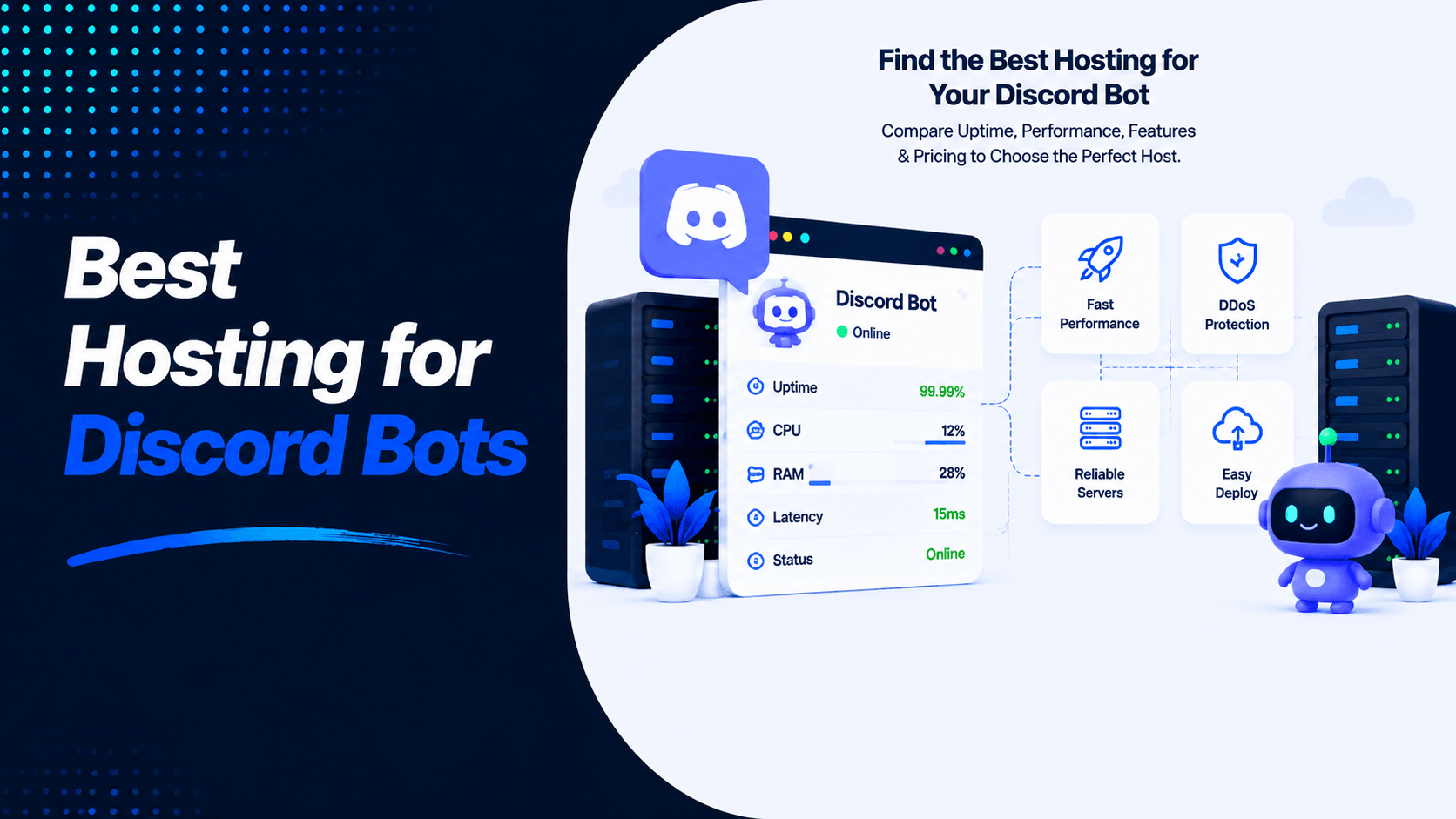
Discord bots help with moderation, music, AI chat, automation, and community management. Good hosting keeps your bot online all the time. It also ensures fast and stable performance.
The right hosting prevents downtime and crashes. It stops slow commands and memory problems. A good provider offers strong uptime and enough resources. Security and easy deployment matter too.
This guide covers the Best hosting for Discord bots. We look at free options and compare VPS with shared hosting. We explain server requirements and hosting for Node.js and Python. We also cover deployment steps and security tips.
What Is Discord Bot Hosting?
Discord bot hosting means running your bot on a server. This server stays online all the time. Your bot handles moderation, music, AI, and automation. It does all this without using your personal computer.
Your bot may stop without reliable hosting. This happens when your PC shuts down. It also happens when your PC sleeps or loses internet. Good hosting provides better uptime. It gives you stability and performance for your community.
When it comes to hosting, you have two main paths:
- Self-Hosting: You run the bot on your own hardware. This could be a home PC or a VPS. You get full control over everything. But you handle maintenance yourself. Security is your responsibility too. You must keep the server online. Tools like PM2 help keep the bot running.
- Cloud Hosting:You rent a server from a provider. Railway and VPS providers offer this service. The provider handles physical hardware and uptime. You manage your bot’s software instead. Many providers offer one-click deployments. Platforms like Tencent Cloud Lighthouse pre-configure environments. This makes setup much simpler.
What to Look for in Discord Bot Hosting
When you choose Best hosting for Discord bots, focus on performance and reliability. Security and scalability also matter. Here are the key features to consider.
- 24/7 Uptime: Your bot must stay online. It needs to respond to commands and interactions. Pick a provider with a strong uptime guarantee. Look for reliable infrastructure too.
- Fast CPU Performance: A powerful CPU helps your bot handle commands quickly. This matters most for music bots and real-time events. Bots serving many users also need fast CPUs.
- Sufficient RAM: RAM affects how smoothly your bot runs. Simple bots work with 1–2 GB of RAM. Multiple bots need more memory. Resource-intensive apps require additional RAM too.
- SSD/NVMe Storage: SSD or NVMe storage gives faster file access. Database access becomes quicker as well. This helps improve overall bot performance and response times.
- DDoS Protection: Built-in DDoS protection guards your bot and server. It blocks malicious traffic that could cause downtime. This prevents service interruptions.
- Easy Deployment: Look for simple deployment options. One-click setups save time. GitHub-based deployments also help. Easy configuration reduces technical complexity.
- GitHub Integration: GitHub integration makes code management easier. Updates deploy automatically when you push changes. This keeps your bot current.
- Automatic Restart: Automatic restart features fix crashes quickly. They restart your bot after unexpected errors. This maintains consistent uptime without manual work.
- Scalability: Choose hosting that lets you upgrade resources. You may need more CPU, RAM, or storage later. Good hosting grows with your bot and user base.
- Affordable Pricing: Compare hosting costs carefully. Look at included resources and uptime guarantees. Check upgrade options too. Pick a plan that fits your budget now. Leave room for future growth.
Best Hosting Providers for Discord Bots
Your choice of hosting depends on your skills and budget. It also depends on how complex your bot is. Here are the top providers for 2026.
Hostinger VPS
Best for growing bots
Hostinger offers affordable VPS hosting. Plans start at €5.49 per month. You get SSD storage and a dedicated IP. DDoS protection comes included too. Their VPS plans upgrade easily. This makes them great for bots that need to grow.
Pros:
- Beginner-friendly hPanel control panel
- Multiple data center locations reduce latency
- SSH and FTP access included
- 24/7 support available
Cons:
- VPS requires some technical knowledge
- Higher-tier features cost more
Pricing: Starts at €5.49/month
DigitalOcean
Best for developers
DigitalOcean works well for Discord bot hosting. Their App Platform supports automatic deployment from GitHub. Many developers deploy bots using Flask for health checks. Environment variables work smoothly too.
Pros:
- Simple, predictable pricing
- Excellent documentation and tutorials
- App Platform handles scaling
- Docker support
Cons:
- Requires technical expertise
- No free tier for production use
Pricing: Droplets start at $4/month; App Platform from $5/month
Vultr
High-performance cloud servers
Vultr offers high-performance cloud servers ideal for Dockerized Discord bots. They provide one-click Docker application deployment.
Pros:
- Fast SSD servers
- Global data center locations
- Docker-ready
- Hourly billing
Cons:
- Less beginner-friendly
- No managed app platform
Pricing: Starts at $2.50/month for cloud compute
Linode (Akamai)
Reliable Linux hosting
Linode is used by developers for hosting Discord bots with reliable Linux infrastructure.
Pros:
- Reliable, stable infrastructure
- Good for Python and Node.js bots
- Competitive pricing
Cons:
- Requires Linux administration skills
- No free tier
Pricing: Starts at $5/month
Railway
Easy deployment from GitHub
Railway supports deploying Discord bots easily. One-click templates speed up setup. Automatic builds come from GitHub repos. It works great for AI-powered bots using LLM APIs.
Pros:
- One-click deployment
- GitHub integration
- Supports Postgres for conversation memory
- Free tier available
Cons:
- Free tier has usage limits
- CPU-based platform
Pricing: Free tier available; paid plans start at $5/month
Render
Beginner-friendly cloud platform
Render works well for Discord bots. They offer a free tier for small bots. Deployments happen automatically from GitHub.
Pros:
- Free tier for small bots
- Simple deployment process
- Health checks included
Cons:
- Free tier has limitations
- May require plan upgrades for production
Pricing: Free tier available; paid from $7/month
Fly.io
Global deployment
Fly.io offers global deployment for Discord bots with Docker support.
Pros:
- Global edge deployment
- Docker container support
- Good for scalable bots
Cons:
- Configuration can be complex
- Requires Docker knowledge
Pricing: Free tier includes 1 shared VM; paid plans scale
Oracle Cloud Free Tier
Free VPS hosting
Oracle Cloud offers a generous free tier with an ARM-based VM (1 OCPU, 6 GB RAM) perfect for Discord bots.
Pros:
- True free tier with decent resources
- Good for learning and testing
- ARM architecture offers good performance per dollar
Cons:
- Requires credit card verification
- Complex setup for beginners
Pricing: Always free with limited resources; pay-as-you-go for additional usage
Best Free Hosting for Discord Bots
- Oracle Cloud Free Tier: This is one of the best free options. It offers an Always Free VPS with full root access. This makes it suitable for hosting Discord bots around the clock.
- Railway Free Plan: This plan provides easy GitHub deployment. It also offers automatic builds. It works great for small bots. However, free usage is limited. It may not support larger projects.
- Render Free Plan: This is a beginner-friendly platform. It includes GitHub integration and simple deployment. It works best for lightweight Discord bots with limited resource needs.
- GitHub Actions: This tool works well for scheduled tasks and automation. But it is not designed to keep a Discord bot running continuously.
- Replit: This platform is ideal for learning and testing. You can develop Discord bots right in your browser. However, the free plan is not recommended for reliable 24/7 production hosting.
VPS vs Shared Hosting for Discord Bots
When you host Discord bots, you face a choice. Should you use shared hosting or a VPS? The answer comes down to one question. Do you need reliability and control? Or are you just testing?
| Feature | VPS | Shared Hosting |
| 24/7 Uptime | ✅ Always-on, reliable | ❌ Limited, prone to interruptions |
| Full Control | ✅ Root access, custom stack | ❌ Restricted configuration |
| Performance | High, dedicated resources | Low, shared resources |
| Root Access | Yes | No |
| Best Choice | ✅ For production bots | ❌ Not recommended |
Minimum Server Requirements
Choosing the right server resources depends on your bot’s size. A small bot in a few servers has different needs. A large bot processing thousands of commands needs much more.
Small Bot (Under 100 Servers)
A lightweight bot uses slash commands occasionally. It may still be in development. A setup with 1 vCPU and 1 GB RAM works well. This handles basic command responses without issues. Moderate API calls run smoothly too.
Medium Bot (100–1,000 Servers)
Your bot needs more power as it grows. Command queues and database connections increase. A 2 vCPU setup with 2–4 GB RAM gives a performance boost. This helps if your bot uses databases. It also helps if it plays audio.
Large Bot (1,000+ Servers)
Popular bots handle many concurrent commands. They may stream music or use heavy APIs. Invest in 4+ vCPU and 8 GB RAM or more. This setup ensures consistent uptime. Response times stay fast during peak hours.
Always monitor your bot’s resource usage. Scale up before you hit bottlenecks. This keeps your bot running smoothly.
Node.js vs Python Discord Bot Hosting
Hosting Requirements for Node.js Bots
Node.js bots use the discord.js library. They typically need 100–300 MB of memory. These bots run on JavaScript’s V8 engine. Your project needs a package.json file. This file lists all dependencies. It also defines a start script entry point. Hosting platforms install dependencies automatically. They run npm install during deployment.
Hosting Requirements for Python Bots
Performance Comparison
| Feature | Node.js | Python |
| Speed | Excellent | Very Good |
| Memory Usage | Lower | Moderate |
| Async Support | Excellent | Excellent |
| AI Libraries | Good | Excellent |
| Beginner Friendly | Good | Excellent |
How to Host a Discord Bot (Step-by-Step)
- Choose a Hosting Provider: Pick a VPS or cloud platform that fits your budget and bot size. Popular choices include Hostinger VPS, DigitalOcean, Vultr, and Railway.
- Create a VPS or Cloud Instance: Deploy a Linux server such as Ubuntu 24.04 LTS. Connect to it using SSH to begin setup.
- Install Node.js or Python: Install the required runtime for your bot’s language. Also install Git and other necessary packages.
- Upload Your Bot Files: Clone your project from GitHub. Or upload your bot files using Git, SCP, or an FTP client.
- Configure Environment Variables:Store sensitive information like your Discord bot token safely. Use environment variables or a .env file. Never hardcode tokens in your code.
- Install Dependencies: Run your package manager to install libraries. Use npm install for Node.js. Use pip install -r requirements.txt for Python.
- Start the Bot with PM2 or systemd: Use a process manager to keep your bot running. PM2 works well for Node.js. systemd works for Linux in general.
- Enable Auto-Restart: Configure automatic restarts for your bot. This starts it again after crashes. It also works after server reboots. No manual intervention needed.
- Monitor Logs: Check application logs regularly. Watch CPU, RAM, and disk usage. This helps identify errors and troubleshoot issues. It ensures stable performance.
Common Discord Bot Hosting Problems
Here are the most common hosting problems you will encounter.
Bot Goes Offline: Some free hosting platforms pause applications after inactivity. Choose a provider that supports persistent background processes. This keeps your bot running continuously.
High Memory Usage and CPU Spikes: Complex commands can increase resource usage. Databases and media processing also use more resources. Inefficient code causes crashes too. Choose hosting with sufficient CPU and RAM. Look for automatic restart features as well.
Discord Rate Limits: Discord limits how often bots make API requests. Exceeding these limits causes 429 Too Many Requests errors. Use cooldowns to manage requests. Implement request queues for better control. Use API calls efficiently to avoid unnecessary requests.
Permission Errors: Incorrect OAuth2 scopes cause connection problems. Disabled intents can block access to features. Make sure necessary permissions are configured. Check that privileged intents are properly set up.
Token Security: Never expose your bot token in source code. Keep it out of public repositories. Store it using environment variables. Use secure secrets management instead. If the token leaks, regenerate it right away.
Security Best Practices
Cost Comparison
Choosing the Best hosting for Discord bots depends on several factors. Your budget matters most. Here is how the top providers compare.
| Provider | Starting Price | Free Plan | Best For |
| Hostinger VPS | $5-10/month | ❌ | Beginners |
| DigitalOcean | $4-6/month | ❌ | Developers |
| Vultr | $3-5/month | ❌ | Performance |
| Linode | $5/month | ❌ | Reliability |
| Railway | Pay-as-you-go | ✅ (Limited) | Easy deployment |
| Render | Pay-as-you-go | ✅ (Limited) | Small bots |
| Oracle Cloud | Free | ✅ (Always Free) | Budget users |
FAQs
What is the best hosting for Discord bots?
Hostinger VPS is an excellent choice for most users. It offers a good balance of affordability and performance. It also scales well as you grow. Developers may prefer DigitalOcean or Vultr. Beginners looking for simplicity can consider Railway or Render.
Can I host a Discord bot for free?
Yes, you can. Oracle Cloud Free Tier offers one of the best free VPS options. Railway and Render also provide limited free plans. These work well for small projects.
Is shared hosting good for Discord bots?
No, it is not. Shared hosting generally does not support continuously running background processes. This makes it unsuitable for most Discord bots.
How much RAM does a Discord bot need?
-
Small bots need 1 GB
-
Medium bots need 2–4 GB
-
Large bots need 8 GB or more
Can I host multiple bots on one VPS?
Yes, you can. As long as your VPS has enough CPU and RAM, you can run multiple Discord bots. Use separate processes or containers to manage them.
Do Discord bots need 24/7 hosting?
Yes, they do. Continuous hosting keeps your bot connected to Discord. It ensures your bot is available whenever users need it.
Is VPS better than cloud hosting for Discord bots?
A VPS offers dedicated resources and full control. Cloud platforms often provide easier scaling and managed infrastructure. The better choice depends on your technical experience. It also depends on your project requirements.
Which hosting is best for Python Discord bots?
Hostinger VPS, DigitalOcean, Linode, and Oracle Cloud are excellent options. They provide full Linux environments. They support Python frameworks with ease.
Conclusion
Picking the best hosting for Discord bots comes down to size. It also depends on features, tech needs, and budget. VPS providers give you more control. Platforms like Railway, Render, and Fly.io make deployment easier.
As your bot grows, pick hosting with enough CPU and RAM. Look for SSD or NVMe storage. Strong security matters too. Auto restarts help. Scalability supports future growth.
Ready to host your Discord bot? Choose reliable hosting today. Give your bot the speed and uptime it needs. Contact our team for expert hosting guidance and setup support.

Leave a Comment