
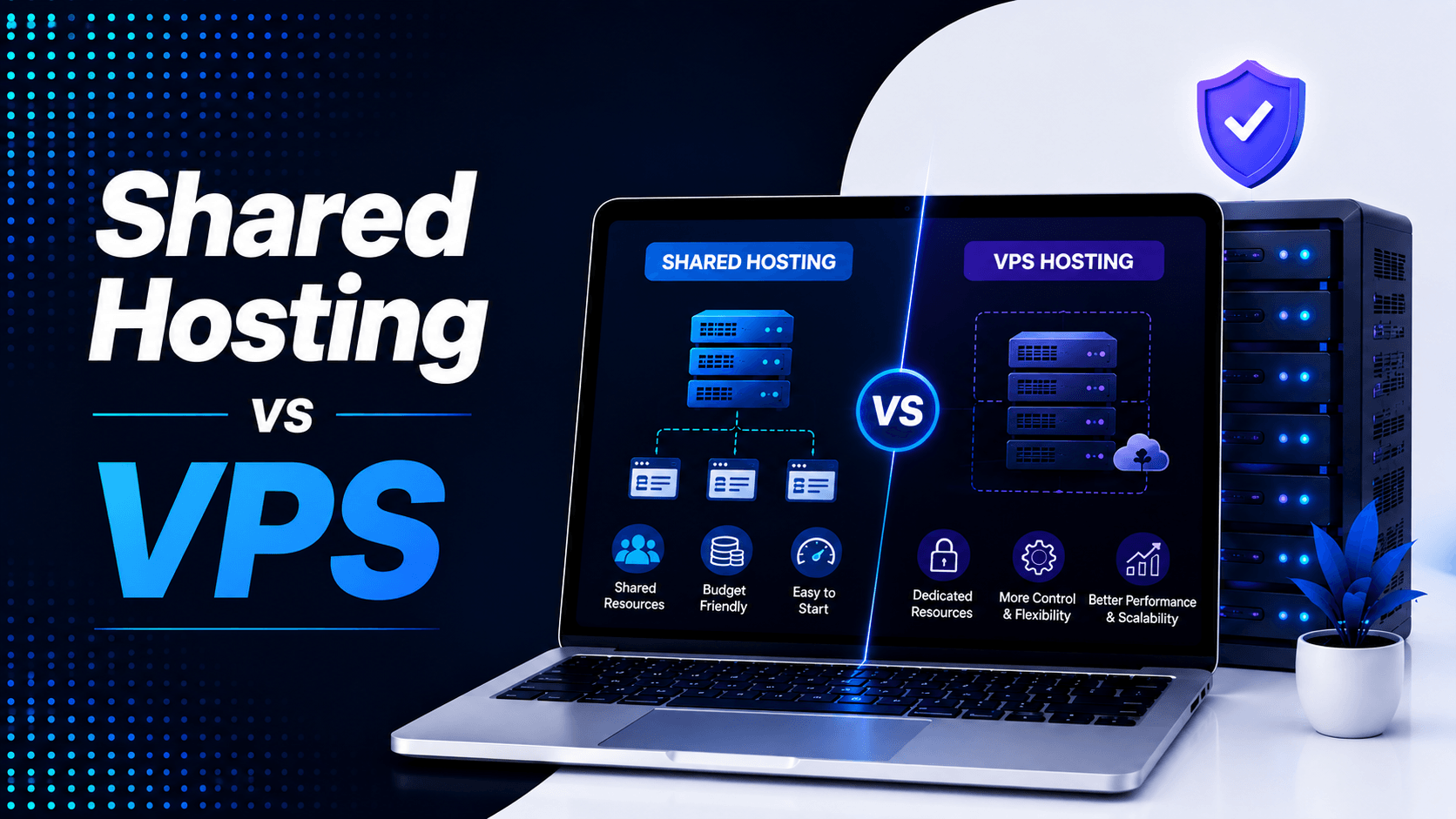
Choosing the right web hosting is important. It affects your website’s speed and security. It also impacts uptime and user experience. The wrong plan can cause slow performance. It may lead to extra costs. You might also face technical problems.
Shared Hosting is affordable and beginner-friendly. It works well for small websites with limited traffic. VPS Hosting gives you dedicated resources. It offers better performance and more control. This makes it a stronger choice for growing websites.
In this guide, we will compare Shared Hosting vs VPS. We will look at performance, pricing, and scalability. We will also examine security and ease of use. This comparison will help you choose the best option. You can find the right fit for your website and budget.
What Is Shared Hosting?
Shared hosting is affordable and beginner-friendly. Multiple websites share the same server’s CPU, RAM, storage, and bandwidth. Think of it like living in an apartment building. You share common resources with your neighbours.
How Shared Hosting Works
When you purchase a shared hosting plan:
- The hosting provider manages the entire server.
- You receive an easy-to-use control panel such as cPanel.
- Software updates, server maintenance, and security are handled by the hosting company.
- No server administration or Linux knowledge is required.
This lets beginners focus on building their website. You do not have to worry about managing server infrastructure.
Benefits of Shared Hosting
- Low monthly cost
- Quick and simple setup
- Beginner-friendly interface
- Fully managed by the hosting provider
- Ideal for blogs, portfolios, and small business websites
Limitations of Shared Hosting
- Limited CPU and RAM resources
- Performance can be affected by neighboring websites
- Limited server customization
- No root access or advanced server control
What Is VPS Hosting?
VPS stands for Virtual Private Server. It is a step above shared hosting. You get dedicated CPU, RAM, and storage allocations. Other websites cannot use your resources. You also have much greater control over server settings. Most VPS plans include root access. This lets you make advanced changes.
How VPS Hosting Works
With VPS hosting:
- You receive dedicated CPU, RAM, and storage allocations.
- Other websites cannot consume your allocated resources.
- You have much greater control over server settings.
- Most VPS plans include root access.
- Server management often requires technical knowledge unless you purchase a managed VPS.
Benefits of VPS Hosting
- Better performance: Your site loads faster because you have guaranteed resources.
- More resources: Higher CPU, RAM, and storage capacities support growing websites.
- Root/server access: Install custom software, configure security, and fine-tune server settings.
- Better scalability: Easily upgrade resources as your traffic grows.
- More customization: Tailor the server environment to your specific needs.
Limitations of VPS Hosting
- Higher cost: VPS plans typically cost $20-100 monthly, significantly more than shared hosting.
- Requires technical skills: You need to manage server security, updates, and troubleshooting—or pay for managed VPS.
- Server management responsibility: You are responsible for server uptime, security patches, and backups.
Shared Hosting vs VPS: Key Differences
Choosing between Shared Hosting vs VPS depends on your budget. It also depends on your performance needs.
| Feature | Shared Hosting | VPS Hosting |
| Price | Low ($3–15/month) | Higher ($20–100/month) |
| Performance | Basic (affected by neighbours) | Better (dedicated resources) |
| Resources | Shared (CPU, RAM, storage) | Dedicated (guaranteed allocation) |
| Control | Limited (shared environment) | Full (root access) |
| Scalability | Limited (upgrade to VPS required) | High (add resources without migrating) |
| Management | Easy (provider manages server) | Technical (requires some expertise) |
| Security | Good (basic isolation) | Better (stronger isolation) |
Cost Comparison
Pricing is one of the biggest deciding factors for beginners.
Shared Hosting Pricing
Shared hosting typically costs $2–$10 per month. This makes it ideal for users launching their first website.
Best suited for:
- Personal blogs
- Portfolio websites
- Small business websites
- Landing pages
- Startup websites
VPS Hosting Pricing
VPS hosting usually starts around $10–$60+ per month. The price depends on resources. It also depends on whether it is managed or unmanaged.
Best suited for:
- Growing businesses
- Web applications
- High-traffic websites
- Online stores
- Development environments
Does Paying More Always Mean Better?
Not necessarily.
Which One Is Better for Beginners?
Which is better (Shared Hosting vs VPS) The answer depends on your experience, website requirements, and future plans.
Choose Shared Hosting If You:
- Are launching your first website
- Have limited technical knowledge (or want to avoid server management)
- Need a simple WordPress website with one‑click installation
- Want affordable hosting with predictable pricing
- Are building a personal blog, portfolio, a small company website, or a simple landing page
Shared hosting is beginner-friendly and requires little technical management. Plans typically start at around $3–$10 per month.
Choose VPS Hosting If You:
- Expect your website to grow significantly in traffic and resource usage
- Need better speed and performance than shared hosting can provide
- Run custom applications that require specific software configurations
- Want more control over your server environment (root access, custom installations)
- Are building SaaS platforms, e‑commerce stores, large websites, or development projects
VPS hosting offers more control and performance but requires more technical knowledge. Plans commonly start around $20–$50 per month.
Shared Hosting vs VPS for WordPress
WordPress powers millions of websites worldwide, making hosting choice especially important.
Shared Hosting
Shared hosting is the most budget‑friendly way to get your WordPress site online. Multiple websites share the same server resources—CPU, RAM, and storage .
Best for:
- New blogs with low traffic
- Small business websites just starting out
- Portfolio sites and hobby projects
Advantages:
- Easy WordPress installation – Most providers offer one‑click setup
- Lower cost – Plans typically start at $3–$15/month
- No technical skills required – The hosting provider handles server maintenance
Limitations:
- Performance can be inconsistent. When a neighbouring site gets busy, yours slows down
- Security risks are higher because one compromised site can affect others
- You have limited control over server settings
VPS Hosting
VPS hosting uses virtualization to give you dedicated resources. You get them within a shared physical server. Your site gets guaranteed CPU and RAM. Neighbours cannot affect your performance.
Best for:
- WooCommerce stores handling transactions
- High‑traffic websites with steady or growing visitor numbers
- WordPress sites that have outgrown shared hosting
Advantages:
- Better performance – Faster loading times and more stability, even during traffic spikes
- More optimisation options – You can configure server settings, install custom software, and even choose your operating system
- Improved security – Each VPS is isolated, so neighbouring sites cannot affect yours
- Scalability – You can upgrade resources easily as your site grows
Limitations:
- Higher cost – Plans typically range from $20–$100/month
- Requires basic server knowledge unless you choose a managed VPS plan
Security Comparison
Website security is important with both hosting types. However, they handle security differently.
Shared Hosting Security
- Provider-managed security: The hosting provider manages firewalls. They also handle server updates and threat monitoring. This makes security easier for beginners.
- Shared environment: Multiple websites use the same server. This can create additional security risks if another account is compromised. Providers use account isolation to reduce these risks.
VPS Security
- Better isolation: Each VPS operates in an isolated environment. This reduces the risk of problems from other users.
- More control: You can manage firewalls, updates, and security settings yourself. However, this requires more technical knowledge and responsibility.
Performance Comparison
When choosing between Shared hosting vs VPS, performance is often the deciding factor. Here is how they compare.
Shared Hosting Performance
Shared hosting is ideal for low-traffic websites. These include personal blogs, small business sites, and portfolios. Multiple websites share the same server resources like CPU, memory, and bandwidth. This means performance can be inconsistent. During periods of high activity, other sites on the server can cause your pages to load slowly. They may even time out.
VPS Performance
Common Beginner Mistakes
Avoid these common hosting mistakes when starting your website.
Choosing VPS Too Early
Many beginners assume VPS is always the better option.
In reality, they often end up:
- Paying for resources you don’t use
- Managing unnecessary server complexity
- Spending more on hosting and maintenance
- Dealing with technical tasks you aren’t prepared for
Choosing Extremely Cheap Shared Hosting
Low-cost hosting can be attractive. However, extremely cheap plans may have important limitations. These include:
- Slow server performance
- Poor uptime
- Limited customer support
- Strict resource restrictions
- Fewer backup or security features
Instead of choosing the cheapest plan, look for a reputable provider. Choose one with reliable performance, good support, and transparent pricing.
Ignoring Future Growth
Do not choose hosting based only on your current traffic. Think about how your website may grow over the next year or two.
Choose a provider that allows easy upgrades. You should be able to move from shared hosting to VPS when you need more CPU, RAM, storage, or bandwidth. This lets you start affordably. It also does not limit your website’s future growth.
Migration: Can You Move From Shared Hosting to VPS?
Absolutely.
One of the biggest advantages of modern hosting providers is the ability to upgrade without rebuilding your website.
The migration process usually includes:
- Backing up website files and databases.
- Transferring website data to the VPS.
- Configuring server settings.
- Updating DNS records.
- Testing the website before going live.
Frequently Asked Questions (FAQ)
Is VPS faster than shared hosting?
Yes. VPS hosting provides dedicated resources. This results in faster loading times and better performance. It is especially helpful during periods of high traffic.
Is shared hosting enough for WordPress?
Yes. Shared hosting is more than sufficient for most new WordPress blogs. It also works well for portfolios and small business websites.
Can beginners use VPS hosting?
Yes, especially if they choose a managed VPS plan. However, beginners without technical experience usually find shared hosting much easier to manage.
How much traffic can shared hosting handle?
A quality shared hosting plan can comfortably support hundreds to several thousand monthly visitors. This depends on your website’s optimization, content, and hosting provider.
When should I upgrade from shared hosting to VPS?
Consider upgrading when:
- Website traffic grows consistently
- Performance begins to slow
- You require custom server configurations
- Your applications demand more resources
Is VPS hosting worth the extra cost?
Yes, if your website requires higher performance, scalability, dedicated resources, or advanced customization. Otherwise, shared hosting offers better value for most beginners.
Final Recommendation
Choose Shared Hosting If:
- You’re launching your first website.
- You have a limited budget.
- You want a simple, hassle-free hosting experience.
- You’re building a blog, portfolio, or small business website.
Upgrade to VPS Hosting If:
- Your website is growing rapidly.
- You need faster performance.
- You require more resources and scalability.
- You want greater server control.
Start with VPS Hosting If:
- You’re a developer.
- You’re launching a SaaS platform.
- You’re building an eCommerce store.
- You need custom server configurations from day one.

Leave a Comment