
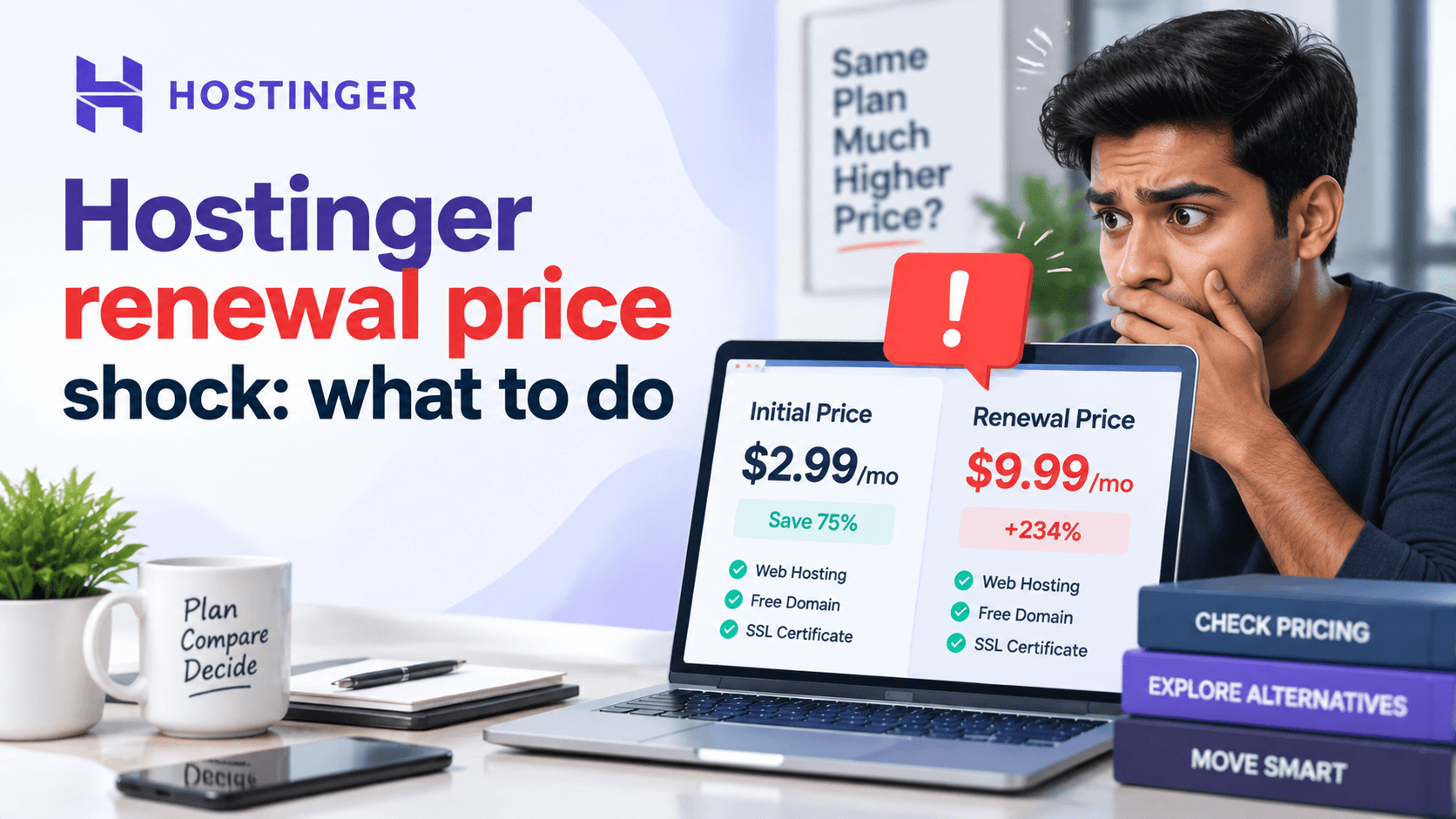
Many website owners pick Hostinger for its low introductory prices. These deals look great at first. But once your first term ends, the renewal cost jumps up. This is what we call Hostinger renewal price shock.
This sudden price change catches many new site owners off guard. They get used to paying the discounted rate. The higher price can strain a tight budget. Knowing how Hostinger sets renewal prices helps you plan ahead. It also helps you avoid surprise costs.
In this guide, we will show you why Hostinger renewal prices go up. We will also explain how to check your renewal cost. Plus, we will share practical tips to lower your long-term hosting expenses.
Why Does Hostinger Renewal Price Increase?
Hostinger offers low prices to bring in new customers. But these deals do not last forever. Like other hosting companies, Hostinger gives discounts only for the first billing period.
Intro Discount Explained
The low starting price helps people try the service without spending much. When the promotional period ends, the plan moves to its regular renewal rate. Many hosting providers use this same pricing method.
Before you buy a hosting plan, check both prices. Look at the introductory price and the renewal price. This shows your true long-term hosting costs.
Example of Price Changes
A typical pricing structure may look like this:
| Billing Period | Monthly Cost |
| Promotional Price | $2.99/month |
| Renewal Price | $8.99/month |
The introductory rate seems very cheap. But the total cost over several years grows much higher after renewal.
For example:
- First 24 months: $2.99/month
- Renewal after expiration: $8.99/month
The total cost over four years is much higher than the advertised price. Always calculate your hosting costs for 2 to 4 years. This gives you a more realistic budget.
How to Check Your Hostinger Renewal Price
Your hosting plan may be up for renewal soon. Check your billing details early. This helps you avoid surprise charges.
Login to Hostinger account
Go to hostinger.com and log in using your email and password. Use the Login button at the top right of the page.
Open billing/subscription section
From your dashboard, click Billing in the left-hand menu. This takes you to the Billing & Payments section. If you are using a mobile browser, tap the menu icon and select Billing.
Check renewal date
Look at your active hosting plan. The Renewal Date shows when your next payment is due. It is typically listed under your plan name with the next payment date displayed clearly.
Review renewal amount
The Renewal Price appears beside or below the renewal date. In 2026, entry-level shared plans will often renew at $10-15 per month . For Business and Cloud plans, renewal rates are higher. This price is what Hostinger will charge your card unless you take action.
Disable automatic renewal if needed
What To Do If Hostinger Renewal Is Too Expensive
A higher renewal price doesn’t always mean you need to switch providers. You have several options to reduce costs or get better value.
Option 1: Renew for a Longer Period
Longer renewal terms may offer a lower monthly cost. This beats renewing each year.
Benefits include:
- Lower monthly costs
- Price stability
- Fewer renewals
- Easier budgeting
Compare the total renewal cost, not just the monthly price. Also, start comparing options before your renewal date.
Option 2: Upgrade or Downgrade Your Plan
Check whether your current plan still matches your website’s needs.
Review your:
- Storage usage
- Monthly traffic
- CPU and RAM usage
- Email accounts
- Databases
- Number of websites
Downgrading can reduce costs. This works if you are not using your available resources. Upgrading may give better performance. This helps if your website has grown.
Option 3: Move Your Website to Another Host
Switching providers may be a good choice. This works if the renewal price is too high. Another host may also offer better value.
Before migrating:
- Back up your website and databases.
- Test the new hosting environment.
- Verify SSL and email settings.
- Check your website before changing DNS.
A planned migration can minimize downtime and help protect your SEO performance.
Option 4: Contact Hostinger Support
Before leaving, contact Hostinger support and ask about:
- Renewal promotions
- Loyalty offers
- Available discounts
- Billing options
- Renewal terms
Discounts are not guaranteed. But support can help clarify your options.
Compare price, features, performance, and migration costs. Then decide whether to renew or switch.
How to Reduce Hosting Costs Long-Term
Managing hosting expenses isn’t just about finding the cheapest plan. It’s about getting the best long-term value.
Smart Hosting Budget Tips
- Calculate 2–4 year costs: Introductory prices are often much lower than renewal rates. Look at the total cost over 2 to 4 years. This helps you pick the right plan. A longer subscription can also lower your average monthly cost.
- Avoid unnecessary add-ons: Do not pay for extras you do not use. Many services like SSL, backups, and domain privacy have free options. Skipping these add-ons saves you money every year.
- Keep domain and hosting separate: Think about buying your domain from a dedicated registrar. Use a different company for hosting. This gives you more freedom. You can switch hosts without moving your domain at the same time.
- Review hosting every year: Check your storage, traffic, CPU, and other resource usage once a year. You might find you can downgrade your plan. You could also negotiate a better price. Or you might discover a more suitable provider.
Should You Stay With Hostinger or Switch?
The right decision depends on your website’s performance, budget, and future growth.
Stay If:
- Website performance is good: Is your site loading fast? Does it handle traffic well? Are you happy with the uptime? If yes, staying may be simpler. Moving a site brings risks. You could face downtime. You might break elements. And your SEO could suffer.
- Support meets your needs: Has Hostinger’s support team been helpful when you need them? That has real value. Good support is hard to find. A cheaper host with poor support can cost you time and revenue.
- Renewal cost fits your budget: Can you still afford the renewal price? Even after the increase? Then paying it may be the simplest choice. Think about migration costs and your time. Consider potential downtime too. Sometimes paying a bit more is worth avoiding the stress.
Consider Switching If:
- Price no longer matches value: Does the renewal jump 200-300%? Do the features no longer justify the cost? Then it is time to compare others. Many hosts offer competitive rates. Some give you similar or better features.
- Website has outgrown the plan: Have you outgrown Hostinger’s shared hosting? Do you need more resources? Upgrading to VPS or cloud hosting elsewhere may cost less than renewing.
- You need more advanced features: Do you need features Hostinger does not have? For example, staging environments, Git integration, advanced caching, or specific PHP extensions? If so, switching may be necessary. Price is not the only factor.
Common Mistakes After Seeing a Renewal Price Increase
Hostinger renewal price shock? A higher renewal price can make you want to switch right away. But rushing the process creates bigger problems. Avoid these common mistakes:
- Canceling without a backup: Never cancel your old hosting first. Set up and test your new site fully. Keep a complete backup. Leave the old account active. Only cancel after you confirm the migration is done.
- Moving without testing the new server: A cheaper host is not always better. Test the new server with a staging site first. Check loading speed and uptime. Make sure your website works properly before you move it.
- Ignoring email migration: Does your email stay with your current provider? Set up email accounts on the new server first. Do this before changing your MX records. Otherwise, you could miss important messages.
- Forgetting DNS settings: Point your domain’s DNS records or nameservers to the new server. Allow time for DNS propagation. Verify your website works correctly. Then cancel the old account.
Migration Checklist Before Leaving Hostinger
Use this checklist before changing hosting providers:
✅ Backup all website files.
✅ Export your databases.
✅ Save important emails.
✅ Test your website on the new hosting account.
✅ Update DNS records.
✅ Monitor website performance after migration.
Taking these precautions reduces downtime and helps ensure a smooth transition.
Final Recommendation
Hostinger’s introductory pricing can offer great value. But renewal costs may be much higher. This can lead to a Hostinger renewal price shock: what to do situation. So check the renewal terms before you buy.
Before you purchase, compare both prices. Look at the introductory rate and the renewal rate. Then calculate the total cost over several years. This helps you avoid surprises.
Is your renewal too expensive? You have several choices. Renew for a longer period. Change your current plan. Contact support for a better offer. Or switch to a different provider.
Ready to make a smarter hosting decision the contact us right now? Compare your renewal cost with other options. Do this before your next billing date. Then choose a plan that fits your long-term budget.

Leave a Comment