
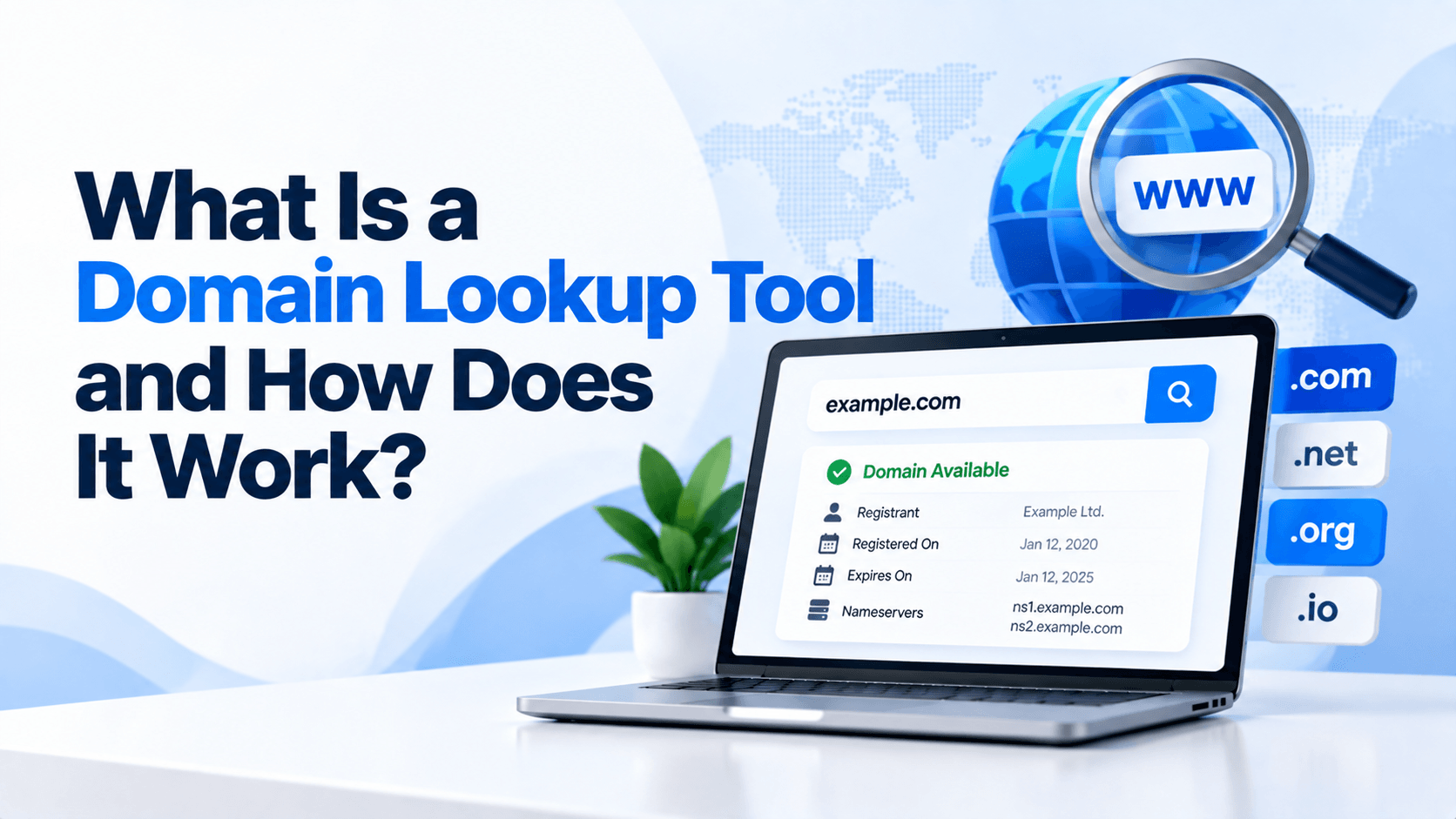
Every website has a unique domain name. Examples include google.com or example.org. Domains also have key details. These include registration dates, expiration dates, registrars, and DNS information.
What Is a Domain Lookup Tool? It is a service. It quickly shows publicly available domain information. All details appear in one place.
You might be buying a domain. You might manage a website. Or you could be checking a suspicious domain. A lookup tool makes research faster. It also makes research easier.
What Is a Domain Lookup Tool?
What Is a Domain Lookup Tool? It is an online service. It helps users find important information about a domain name. Instead of checking many sources, users can enter a domain. They can then view key details in one place. These include registration, DNS, and ownership-related data.
Results may vary by domain. They can show the registrar. They can show registration and expiration dates. They can show nameservers, domain status, and WHOIS data. This makes domain research simple. Even users without technical knowledge can do it.
Common uses include:
- Checking domain registration details
- Researching a website before doing business with it
- Monitoring important domain names
- Investigating competing websites
- Troubleshooting DNS and email problems
- Checking suspicious or unfamiliar domains
Information a Domain Lookup Tool Can Reveal
A domain lookup may provide several types of information, including:
- Domain registration details: Information associated with the domain’s registration.
- Registrar information: The company responsible for managing the domain registration.
- Registration and expiration dates: These are key dates. They show when the domain was registered. They also show when the current registration period ends.
- Nameservers: These servers manage DNS information for the domain.
- Domain status: These are registry statuses. They show if a domain is active, locked, pending, or has another status.
- WHOIS records: These are public registration details. They may be available. But privacy services and registry policies can limit what is shown.
How Does a Domain Lookup Tool Work?
What Is a Domain Lookup Tool? It works by gathering domain information. It pulls data from registries, registrars, and DNS servers. When you type in a domain name, the tool sends queries. These go to the right databases and systems.
The results may show registration details. These come from WHOIS or RDAP. The results may also include DNS records. These records show how the domain handles traffic, email, and other online services. This process takes complex technical data. It then presents it in a simple and clear format.
Step-by-Step Process
- Step 1: Enter a domain name. Type a domain like example.com into the tool. Then submit it.
- Step 2: The tool sends lookup requests. It finds the correct registry for the domain. It queries WHOIS or RDAP services. It may also find the domain’s nameservers. This helps gather DNS information.
- Step 3: Data is collected. The tool pulls registration details. It gathers DNS records. These include A, MX, NS, and TXT records. Sometimes it adds extra data. This may include domain age or blacklist status.
- Step 4: Results are displayed. The tool organizes the data. It creates an easy-to-read report. The report shows the registrar. It shows expiration dates. It lists nameservers and DNS records. It also shows domain status.
The whole process usually takes only a few seconds. This makes lookup tools very useful. They help with research and troubleshooting. They assist with website management. They also aid in security checks.
Key Features of a Domain Lookup Tool
A comprehensive lookup service can combine several useful features into one interface.
WHOIS Lookup
A WHOIS lookup provides registration details. These include the registrar and registration dates. It also shows domain status and other public data. But privacy services may hide personal details. Data policies can also limit what you see.
DNS Record Lookup
DNS records explain how a domain connects to different internet services. Common records include:
- A Records: Connect a domain to an IPv4 address.
- MX Records: Identify mail servers responsible for receiving email.
- CNAME Records: Point one domain or hostname to another hostname.
- TXT Records: Store text-based information, including certain verification and security records.
- NS Records: Identify the authoritative nameservers for the domain.
Domain Expiration Checker
This tool helps you track renewal dates. It reminds you when a domain will expire. Monitoring expiration dates lowers the risk of losing a domain. This is key for active businesses or websites.
Nameserver Lookup
Nameserver data shows the DNS servers for a domain. Checking nameservers helps identify DNS providers. It also helps solve problems with domain setup or configuration.
Why Use a Domain Lookup Tool?
Domain lookup tools act like digital detective kits. They uncover key details behind every website address. This helps you make better and safer choices online.
Verify Domain Ownership
- Confirm website legitimacy – Before you work with an unknown site, run a WHOIS lookup. It reveals who owns the domain. This helps you avoid scams. It also confirms you are dealing with a real business.
- Research competitors – Want to know about your rivals? These tools show when a domain was created. They reveal how long a business has been around. They can even show hosting details.
Troubleshoot Website Problems
- DNS configuration checks – Is your site slow or not loading? A lookup verifies your DNS records. It checks A, MX, and CNAME records. It ensures they are set up correctly.
- Email delivery issues – Check MX, SPF, and DMARC records. This helps find out why emails go to spam.
Monitor Domain Expiration
- Avoid website downtime – Track expiry dates. This stops your domain from lapsing. It keeps your site from going offline.
- Protect brand assets – Renew your valuable domains on time. This prevents cybersquatting. It keeps your brand safe.
Cybersecurity and Fraud Prevention
- Detect suspicious domains – Watch for red flags. Look for newly registered domains that copy trusted brands. Check for unusual registrar details.
- Investigate phishing websites – Use lookups to track suspicious sites. Find their hosting IP and nameservers. Trace their infrastructure.
Whether you own a website, work as an investigator, or are just curious, these tools offer transparency. They help you navigate the web safely. They also help you work more efficiently.
Who Can Benefit from Domain Lookup Tools?
Domain lookup tools are like a Swiss Army knife for the internet. They help anyone who needs to find the truth about a website. Here is a quick look at who gets the most value from them.
Website Owners
Website owners can check expiration dates and DNS settings. They can also view registration details. This helps prevent unexpected domain loss. It also keeps websites running without issues.
SEO Professionals
SEO pros use lookup tools to study competitors. They check domain age and technical data. This supports competitor research. It also helps with domain evaluation.
Digital Marketers
Marketers verify domains and research rivals. They check email DNS records like MX and SPF. These insights improve campaign planning. They also support better domain management.
Web Developers
Web developers use lookup tools to fix DNS problems. They confirm domains point to the right hosting servers. They also check if DNS changes have updated properly.
IT Administrators
IT teams monitor many domains at once. They review DNS records. They investigate connectivity or security issues. Lookup tools make routine tasks more efficient.
Cybersecurity Analysts
Cybersecurity experts use domain data to investigate threats. They look at suspicious websites and phishing domains. Registration and DNS records offer useful clues during probes.
Common Types of Domain Lookup Results
Understanding these results helps you verify ownership, check availability, investigate potential purchases, or troubleshoot website issues. Below are the most common types of data you will see in a domain lookup report.
| Data Type | Description | Why It Matters |
| Registrar | The company where the domain was registered (e.g., GoDaddy, Namecheap, Google Domains). | Identifies who manages the domain. Useful if you want to contact the owner or transfer a domain. |
| Registration Date | The date the domain was first registered (format: YYYY-MM-DD). | Helps determine domain age. Older domains sometimes have more SEO authority, but age alone is not a ranking factor. |
| Expiration Date | The date when the current registration period ends. | Critical for domain investors and buyers. An expired domain may become available for registration. |
| Nameservers | DNS servers that handle the domain’s traffic (e.g., ns1.hostingcompany.com). | Indicates which hosting provider is used. Changing nameservers points the domain to a different web host. |
| DNS Records | Includes A (IPv4 address), AAAA (IPv6), MX (mail exchange), TXT (verification/text), and CNAME (alias) records. | Essential for troubleshooting email delivery, website connectivity, and security settings (SPF, DKIM). |
| Domain Status | Current registry status codes (e.g., ok, clientTransferProhibited, redemptionPeriod). | Shows whether the domain is active, locked, pending transfer, or expired. Prevents accidental transfers or deletions. |
Limitations of Domain Lookup Tools
Domain lookup tools are useful. But they have some limits. Here are the main ones you should know.
- Privacy-protected WHOIS data: Since 2018, GDPR has changed things. Most registrant contact details are now hidden. This includes names, emails, and phone numbers. You often see privacy services instead of real owners.
- Incomplete public information: Public RDAP lookups show limited data. You can see domain status codes. You can see nameservers. You can see registration dates and expiration dates. You can see the registrar name. But anything beyond that needs special access.
- Registry restrictions: The move from WHOIS to RDAP created different access levels. Anonymous users see very little. Authorized parties, like law enforcement, see more. This means not everyone gets the same information.
- Data update delays: Registration data does not update right away. A domain might show as available in one system. But it could still be registered in another. WHOIS might show an expired date. But the domain could be in a grace period.
Knowing these limits helps you read results correctly. It also tells you when to try other ways to verify information.
Best Practices When Using a Domain Lookup Tool
Best Practices When Using a Domain Lookup Tool
For accurate and responsible research, follow these tips.
-
Verify information from multiple sources: Check important domain details against other trusted sources. This helps ensure accuracy.
-
Monitor important domains regularly: Review key domains often. Check their registration, DNS, and ownership data. This is vital for business or website domains.
-
Track expiration dates: Keep a record of when domains expire. Set up reminders. Or turn on auto-renewal. This stops you from losing a domain by accident.
-
Use lookup data responsibly: Respect privacy and follow the law. Use public domain data for its intended purpose. Do not use it for spam, harassment, or other wrong activities.
Frequently Asked Questions (FAQ)
What is a domain lookup used for?
A domain lookup finds public details about a domain. It shows the registrar and registration dates. It also reveals status, nameservers, and DNS records. People use it for management, research, troubleshooting, and security.
Is a domain lookup tool free?
Many tools offer free basic searches. But advanced features may cost money. These include historical records, bulk lookups, monitoring, and detailed reports.
Can I find out who owns a domain?
Sometimes. If the data is public, a lookup may show the owner. But privacy services can hide personal details. Registry rules and data laws may also block this information.
How accurate is domain lookup information?
It depends on the source. It also depends on how often the data updates. Domain registration and DNS can change. Always check important details with trusted sources.
What is the difference between WHOIS lookup and DNS lookup?
WHOIS lookup deals with registration. It shows the registrar and dates. DNS lookup handles technical records. These records connect a domain to websites, email, and other services.
Can a domain lookup tool show hosting information?
It may offer clues about hosting. This comes from IP addresses, nameservers, and DNS. But it may not show the exact host. Websites often use CDNs, proxies, or third-party DNS. These can hide the true hosting provider.
Conclusion
What Is a Domain Lookup Tool? It is a simple and useful way to check public domain data. You can view registration and technical details. These include the registrar and dates. They also include nameservers, status, and DNS records. All this comes from one place.
These tools help many people. Website owners use them. SEO pros, marketers, and developers use them too. IT teams and cybersecurity experts also benefit. They support domain management and competitor research. They aid troubleshooting and expiration tracking. They also help with basic security checks.
Ready to research a domain? Use a reliable lookup tool today. Quickly check registration and DNS details. Understand how a domain is set up. Make better choices for your online assets.

Leave a Comment