
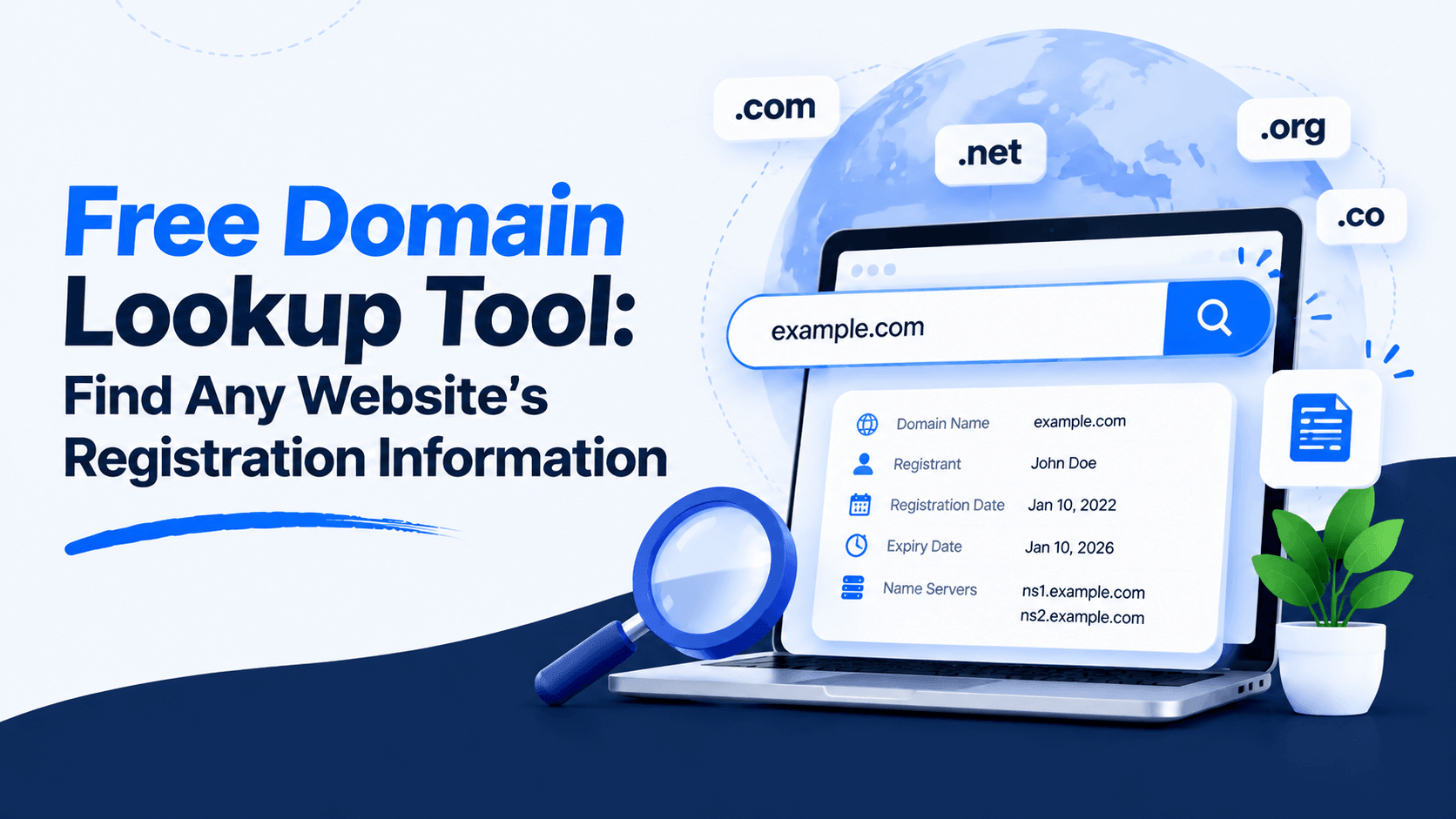
Every domain has a story. You can uncover it. A free domain lookup tool reveals who registered a domain. It also shows when it was created. And you can see when it expires.
These tools give you key details. They show the registrar, nameservers, and DNS records. You also get registration information.
Why use them? They help check if a website is real. They are great for researching competitors. You can track expiry dates too. And they help spot suspicious domains fast.
What Is a Domain Lookup Tool?
A domain lookup tool is an online service. It retrieves public registration information about a domain name. This includes ownership details. It shows registrar information too. You can see registration and expiration dates. Technical DNS data is also available. These tools help users research websites. They verify legitimacy. They also support informed domain-related decisions.
How it helps website owners and researchers:
- Website owners can verify their own domain details are accurate
- Researchers and marketers investigate competitors’ domains
- Developers debug DNS or hosting configurations
- Buyers check the credibility and age of a site before doing business
Domain lookup vs. domain search:
- Domain lookup fetches registration details. These are for domains already registered. It shows ownership info, expiry dates, and the registrar.
- Domain search checks if a domain is available. You use this when you want to register a new name.
What Information Can a Domain Lookup Reveal?
- Domain registration details – The registered domain name and unique registry ID
- Registrar information – The company that registered the domain (like GoDaddy or Namecheap)
- Registration and expiration dates – When the domain was created and when it expires
- Nameservers – The servers that connect the domain to its hosting (e.g., ns1.google.com)
- Domain status – Codes show if a domain is active, locked, or in dispute. One such code is clientTransferProhibited.
- WHOIS records – Public ownership details (when not hidden by privacy protection)
Why Use a Free Domain Lookup Tool?
A free domain lookup tool is like a digital detective for any website. Here are some practical reasons to use one:
Verify Website Legitimacy
- Check if a website is trustworthy: Before sharing personal info or clicking a suspicious link, do a WHOIS lookup. It reveals the domain’s registration details. This helps you spot potential red flags.
- Identify suspicious domains: Look up the registration date, expiry date, and registrar. A very new domain or hidden owner information can be a warning sign of a less reputable site.
Research Competitors
- Analyze competitor websites: Discover who registered a competitor’s domain. Find out when it was created. Also see when it expires. This provides insights into their business timeline and strategies.
- Discover registrar and DNS information: Find out which hosting provider they use. See what DNS services they rely on. This is useful for technical comparisons.
Monitor Domain Expiration Dates
- Avoid losing valuable domains: If you own a domain, use a lookup tool to see its expiry date. Set a reminder to renew it. This ensures you never lose your online address.
- Track competitor domains: Keep an eye on when a competitor’s domain expires. If they forget to renew it, you might have an opportunity. You could register it yourself. This works if it aligns with your brand strategy.
Troubleshoot DNS and Hosting Issues
- Verify DNS configurations: Check your DNS records like A, MX, and CNAME. Make sure they point correctly to your hosting provider. This is essential for your website to work. It also helps your email function properly.
- Diagnose website and email problems: Use DNS lookup tools to find misconfigurations. These issues might slow your website. They could also cause your emails to bounce back.
How to Use Our Free Domain Lookup Tool
Ever wondered who owns a website? Want to know when it was registered? Or when it expires? Our free domain lookup tool gives you instant access. You get key domain registration details. No sign-up is required. No hassle, just fast results.
Here is how to use it in three simple steps:
Step 1 – Enter a Domain Name
Start by typing any valid domain name into the search box. You can enter:
- Top-level domains like example.com or example.org
- Country-code domains like example.ca or example.uk
- New extensions like example.tech, example.store, or example.blog
Just type the domain (without the https:// or www), and you are ready to go.
Step 2 – Click the Lookup Button
Click the Lookup button. Then let our tool do the work. The process is instant. Our system queries the global WHOIS database in real time. It retrieves up-to-date registration information for the domain you entered.
Step 3 – Review Domain Information
Once the lookup is complete, you will see key registration details, including:
- Registrar – The company that registered the domain
- Registration & Expiry Dates – When the domain was registered and when it expires
- Name Servers – The DNS servers managing the domain
- Registrant & Contact Info – Owner details (if not privacy‑protected)
Domain Information You Can Find
A WHOIS lookup reveals valuable details about any domain name. Here is what you can discover:
Domain Registrar
The company that manages the domain registration . This tells you who to contact for account or transfer issues. Knowing your registrar is essential for managing domain renewals, transfers, and DNS settings .
Registration Date
Shows when the domain was first registered . Older domains are sometimes perceived as more trustworthy and may have SEO advantages. This date also helps you track domain age.
Expiration Date
The date the domain registration expires . Monitoring this date helps you renew on time and avoid losing your domain. It also reveals potential investment opportunities for expiring domains.
Nameservers
Specialized servers that connect your domain to hosting . They reveal which company hosts your website. Nameservers handle DNS queries and are critical for website accessibility .
Domain Status Codes
These are ICANN-defined status codes. They indicate what actions can be taken with a domain. They also show its current lifecycle phase.
- Active / OK – Domain is fully operational with no restrictions
- ClientTransfer Prohibited – Transfer to another registrar is locked for security
- Redemption Period – Domain expired but can still be restored for a fee (usually ~30 days)
- Pending Delete – The domain is scheduled for deletion and cannot be restored. It will soon be available for new registration.
Understanding WHOIS Records
Think of WHOIS as the internet’s public phonebook for domain names . Created in 1982, this system lets anyone look up who owns a domain and when it was registered . It reveals key details like:
- Registrant name and contact info
- Registration and expiry dates
- Registrar information
- Nameserver settings
WHOIS Privacy Protection
Ever tried looking up a domain and saw “REDACTED FOR PRIVACY”? That is because of GDPR. This stands for General Data Protection Regulation. It came into effect in May 2018. This law forced a major shift.
- Before 2018: Personal contact details were publicly visible by default
- After 2018: Personal data is hidden by default, replacing it with proxy information
Today, most registrars offer free WHOIS privacy protection. This shields your name, address, email, and phone number from public view. It protects you from spam. It also prevents identity theft and unwanted marketing calls.
Public vs Private WHOIS Data
So what remains visible even with privacy protection? Here’s the breakdown:
Still Publicly Visible:
- Domain registration and expiry dates
- Registrar name and contact
- Nameserver information
- Domain status codes
Hidden (Redacted/Protected):
- Registrant’s name (for individuals)
- Physical address
- Phone number
- Personal email address
Semi-Visible:
- Organization name (may appear for business registrants)
- Country/state (sometimes visible even with privacy)
For legitimate needs, the actual registrant data remains accessible. This includes trademark disputes or law enforcement. They use proper legal channels. But for everyday users, public WHOIS now offers limited information. This perfectly balances transparency with privacy protection.
Common Use Cases for Domain Lookup Tools
Domain lookup tools serve a wide range of professionals across different industries. Here are the most common use cases for these powerful utilities:
Website Owners
Verify your own domain’s registration details are correct. Track expiration dates to avoid losing your domain. Ensure your contact information is up to date. You can also check if hosting infrastructure changes are properly reflected in DNS records.
SEO Professionals
Research competitor domains to understand their registration history. Identify related domains. Uncover hosting infrastructure patterns. Domain age and registration details provide valuable context for competitive analysis.
Digital Marketers
Find contact emails associated with domains for outreach campaigns. Verify domain legitimacy before partnerships. Discover which technologies competitors’ websites use.
Web Developers
Troubleshoot DNS and hosting configurations. Verify SSL certificate details. Check nameserver records without leaving the browser. Domain lookup tools help developers quickly debug technical issues.
Cybersecurity Researchers
Cybersecurity researchers use domain lookup tools to investigate suspicious domains. They check registration history. They identify hosting providers. They map online infrastructure. These tools support OSINT investigations, phishing analysis, and threat hunting. They reveal useful technical details about potentially risky websites.
Domain Investors
Check domain availability. Evaluate potential purchases through historical registration data. Monitor portfolio expiration dates. Domain investors rely heavily on WHOIS data. They use it to assess domain value and ownership history.
Benefits of Checking Domain Registration Information
A domain lookup tool puts essential website intelligence at your fingertips. Here’s why you should use one:
- Verify Ownership Details: Confirm who owns a domain before entering partnerships. Use it before purchasing a premium domain. Also use it before handling ownership transfers.
- Identify Domain Age: Older domains often carry more authority and trust. Checking creation dates helps you evaluate a website’s credibility. It also helps you assess stability before engaging.
- Check Renewal Status: Monitor expiration dates to prevent accidental domain loss. Secure a domain before it drops. Or track when a valuable name becomes available for purchase.
- Analyze Competitors: Research competitors’ registration dates. Look at their registrar history. Check their hosting locations. This informs your SEO and business strategy.
- Improve Cybersecurity Research: Investigate suspicious domains by reviewing registration patterns. Check status codes and nameservers. This helps detect phishing or fraudulent websites.
- Troubleshoot Technical Issues: Quickly verify name server configurations. Check DNS settings. This is useful when diagnosing website accessibility problems. It also helps with email delivery failures.
Domain Lookup vs WHOIS Lookup: What’s the Difference?
A modern Domain Lookup is a full-spectrum digital intelligence dashboard. They might sound similar. But they serve very different purposes.
Here’s a quick breakdown of what each one does:
| Feature | Domain Lookup | WHOIS Lookup |
| Domain Details (availability, expiry) | ✅ | ✅ |
| DNS Records (A, MX, CNAME, TXT) | ✅ | ❌ |
| Nameservers | ✅ | Limited |
| Ownership Data (registrant, contact info) | Limited | ✅ |
| Technical Analysis (IP, hosting history) | ✅ | ❌ |
So, which one do you need?
- If you are doing technical SEO, debugging site issues, or analyzing a competitor’s stack, you need a Domain Lookup. The DNS, nameserver, and IP data are crucial. They help you understand how a site is built and hosted.
- If you need to know who owns a domain or when it expires, a WHOIS Lookup is your tool. Just be aware that due to privacy laws, the ownership data you see is often redacted.
Modern domain tools combine both. They give you a complete picture at a glance. For a truly professional analysis, choose a tool that goes beyond basic WHOIS. Look for one that includes technical details like DNS records and SSL certificates.
Limitations of Domain Lookup Tools
Domain lookup tools are valuable for research, but they come with significant limitations. Here are the key constraints you should be aware of:
Privacy-Protected Domains
GDPR enforcement began in 2018. Since then, registrars hide personal registrant data by default. Most lookups show “Redacted for privacy.” You won’t see actual owner names or contact details. Domain privacy services add more layers of protection. These services make it hard to find real domain owners.
Registry Restrictions
Different TLDs follow different rules. Generic TLDs like .com, .net, and .org now use RDAP. RDAP stands for Registration Data Access Protocol. It replaced WHOIS in January 2025. Country-code TLDs like .ca and .uk follow local privacy laws. They often give inconsistent or limited data. Some TLDs like .dz, .gp, and .mw time out during lookups. Others refuse connections completely.
Delayed Data Updates
WHOIS information does not update immediately. A domain may change ownership recently. It may expire or transfer to someone else. The data you see may not match the current status. Domain availability and WHOIS records are not synced. This can cause apparent conflicts. These conflicts are simply timing differences.
Country-Specific TLD Limitations
Each ccTLD registry operates independently with its own rules :
- European registries hide creation dates for GDPR compliance
- Some TLDs (.bo, .cf, .hm) refuse or restrict automated queries
- Others return data in non-English formats (Cyrillic, Japanese, etc.)
- Many ccTLDs provide only partial data. Only 31% of TLDs return complete registration information.
Tips for Getting Accurate Domain Information
Getting reliable domain data is easier with a few simple steps. Follow these practices for the best results.
- Double-check spelling: A single typo can give you wrong data. It might show info for a different domain. Always verify the domain name before you run a lookup.
- Use updated lookup tools: Older tools often return incomplete data. Modern services like ICANN Lookup and RDAP give more detailed information. They also structure the data better for you to read.
- Review DNS and WHOIS together: WHOIS provides ownership and registration details. DNS shows how the domain is configured. Checking both gives you a complete picture of the domain.
- Monitor important domains regularly: Set up watchlists for domains you care about. Schedule regular checks too. This helps you track expiration dates. You will also see ownership changes and any security flags.
Frequently Asked Questions
Is this domain lookup tool free?
Yes, our tool is completely free. There are no hidden charges. You don’t need to register.
Can I find out who owns a domain?
You can see the registrant name, organization, and contact details. However, many domains use WHOIS privacy protection. This masks the owner’s personal information. It shows proxy details instead.
How often is domain data updated?
Domain registration information updates in real time. It comes directly from registrars and registry operators. You always see the most current data available.
Can I check any domain extension?
Yes, you can look up registration details for almost any TLD. This includes .com, .net, and .org. It also covers country-code TLDs like .ca and .uk. Newer extensions like .tech and .store work too.
What is WHOIS privacy protection?
It is a service that protects your privacy. It replaces your personal contact details in the public WHOIS database. Your name, email, and phone are hidden. Proxy information shows instead. This helps you avoid spam, phishing, and identity theft.
Can I see when a domain expires?
Absolutely. Domain lookup results always show registration and expiration dates. You can track when a domain needs renewal.
Is domain lookup information accurate?
Yes, the data comes directly from ICANN-accredited registrars. It also comes from registry operators. However, privacy regulations like GDPR may hide some contact details. These details may be redacted or hidden.
Try Our Free Domain Lookup Tool Today
A Free Domain Lookup Tool helps you understand any website’s digital identity. You might research a competitor. You need instant access to registration details. And you shouldn’t have to jump through hoops.
Here’s what our tool offers:
Fast and easy domain analysis – Enter any domain name. Get detailed registration information in seconds. No technical expertise required.
Instant registration details – Access key WHOIS data. See the domain owner, creation date, and expiry date. Check registrar information and current status too.
WHOIS and DNS information – Go beyond registration. See DNS records that show how the domain is configured. This includes name servers and mail exchange (MX) records.
No registration required – Use the tool completely free. No sign-ups. No hidden fees. Just instant results.
Ready to investigate any domain? Click the tool and start your search now!
Conclusion
Domain lookup tools make it easy to access important domain information. You can see registration dates and expiration dates. You can check nameservers and available ownership details. This helps website owners, businesses, and researchers. They can make informed decisions with confidence.
These tools are also useful for many tasks. You can verify website legitimacy. You can monitor renewals and troubleshoot domain issues. You can research competitors and identify suspicious activity.
Using a Free Domain Lookup Tool regularly gives you clear benefits. You can better understand domain history. You can protect your brand effectively. You can manage important domain information with confidence.
Want to check a domain right now? Use our Free Domain Lookup Tool. Find vital domain details fast and make smarter calls about your site.

Leave a Comment